
Website redesign: protect useful URLs and content
Prepare a content and URL migration with an inventory, redirect map, updated metadata, release checks and post-launch observation.
ecomvision editorial team
2 min
Published
Updated
Key takeaways
- 01Identify valuable pages and their purpose before redesigning.
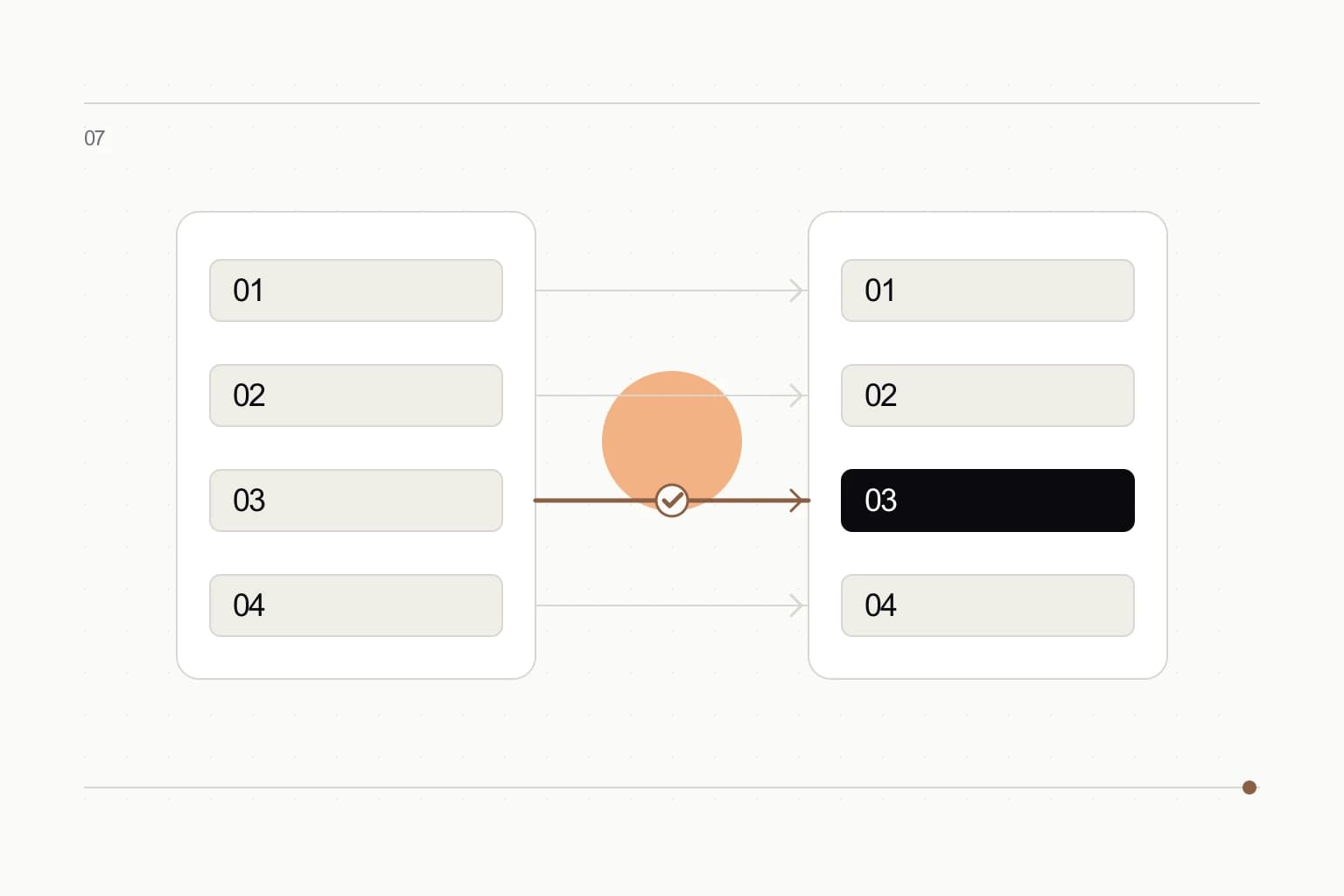
- 02Give every old URL an intentional migration outcome.
- 03A new interface does not replace continuity of useful content.
Record the starting point
Collect URLs from the sitemap, analytics, webmaster tools and CMS. Identify search traffic, links, enquiries and important content. One source may not contain the full inventory.
Keep the current metadata and key content for comparison, not as a requirement to preserve every old sentence.
Build a migration map
Choose whether each address stays, moves to an equivalent page, merges into a relevant page or disappears. Redirecting everything to the home page rarely meets visitor expectations.
Avoid redirect chains and update internal links to final destinations. Include language versions and historical campaign links.
Preserve meaning
A shorter page can lose the answers that made it useful. Map offers, details, examples and questions into the new structure. Remove content deliberately.
Do not replace accessible text with text embedded in artwork. Update metadata and structured data to match the visible material.
Check both sides of the move
Verify the new build and redirects before publication, then repeat checks publicly. Update the sitemap and request crawling.
Monitor exclusions, errors and search traffic by section. Diagnose changes against demand, comparable periods and content availability rather than judging the redesign on a single day.
- Old links lead to a relevant destination.
- New canonical links point to the intended new URLs.
- Internal navigation avoids redirect chains.
- The team can restore a working release.