

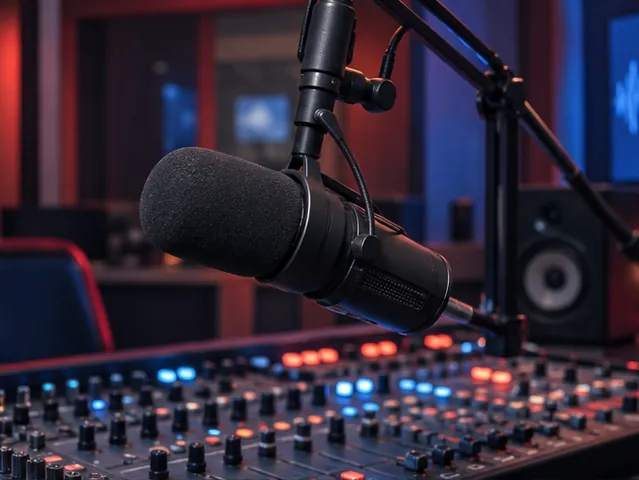
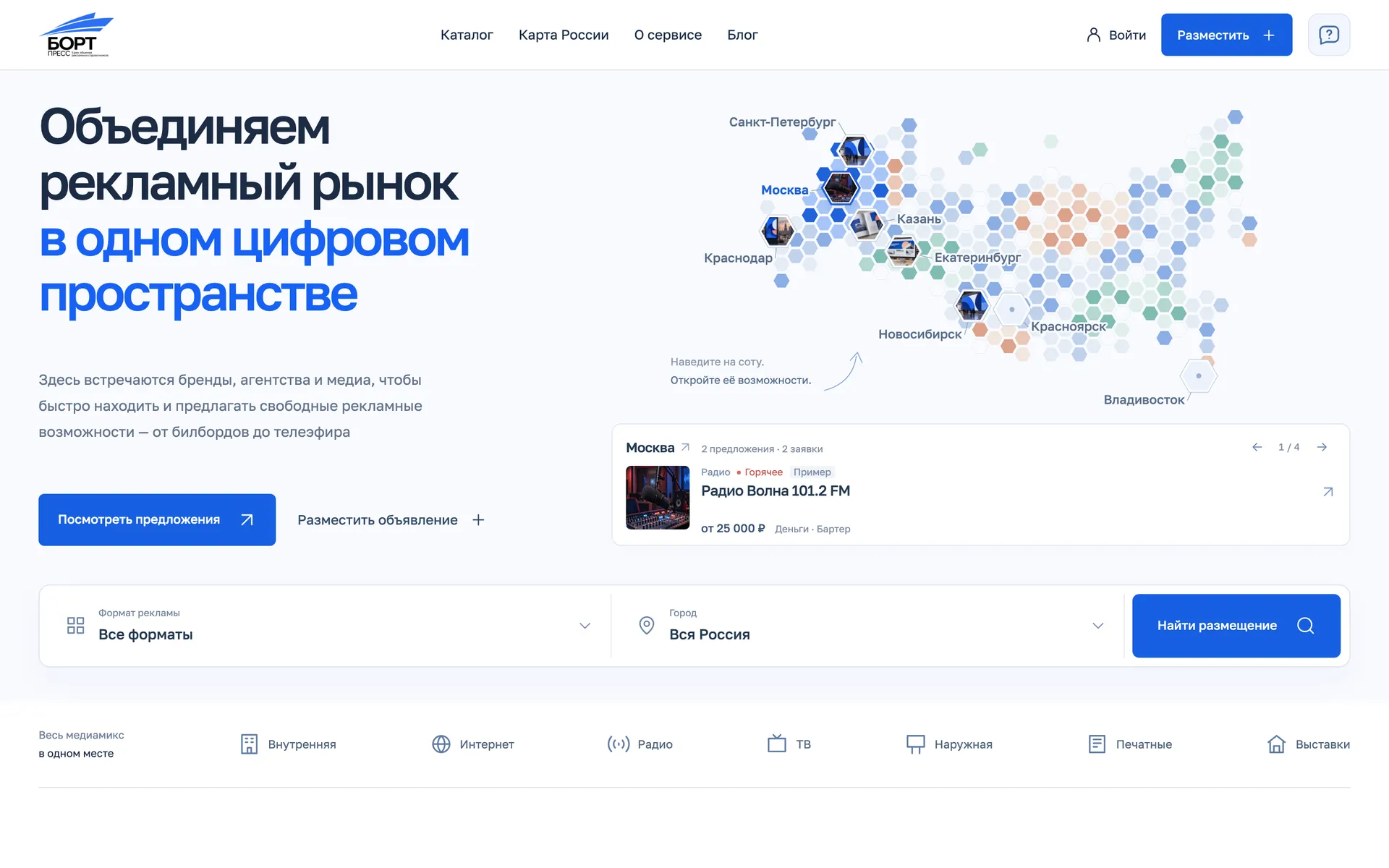
MoscowRadioSample
Radio Volna 101.2 FM
from 25,000 ₽ · Money · Barter
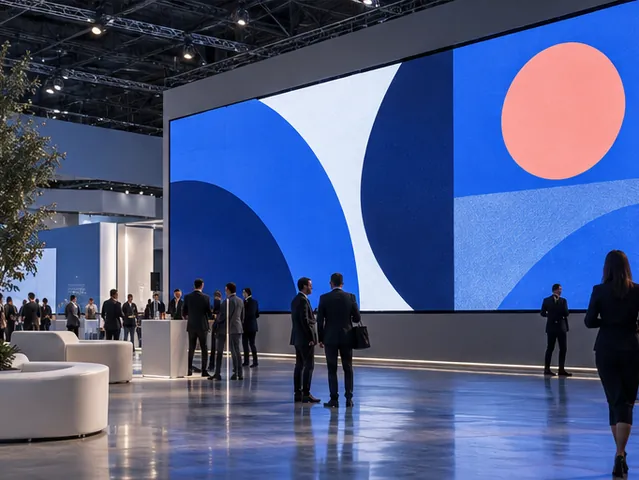
Saint PetersburgExhibitionsSample
Neva-Expo exhibition centre
from 75,000 ₽ · Money · Barter
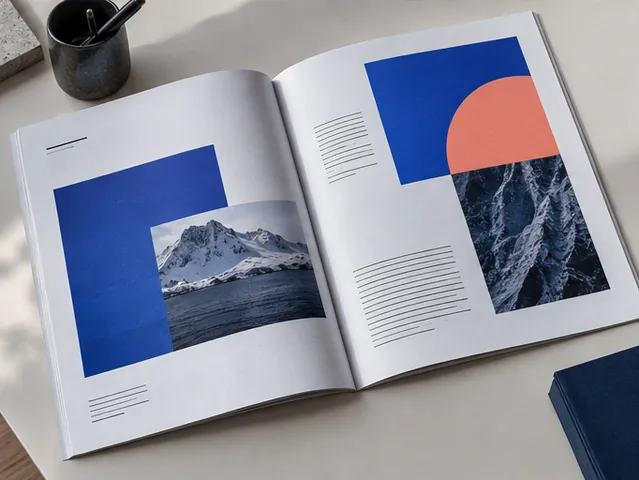
KazanPrintSample
Gorodskoy Kvartal magazine
from 15,000 ₽ · Money · Barter

YekaterinburgOnlineSample
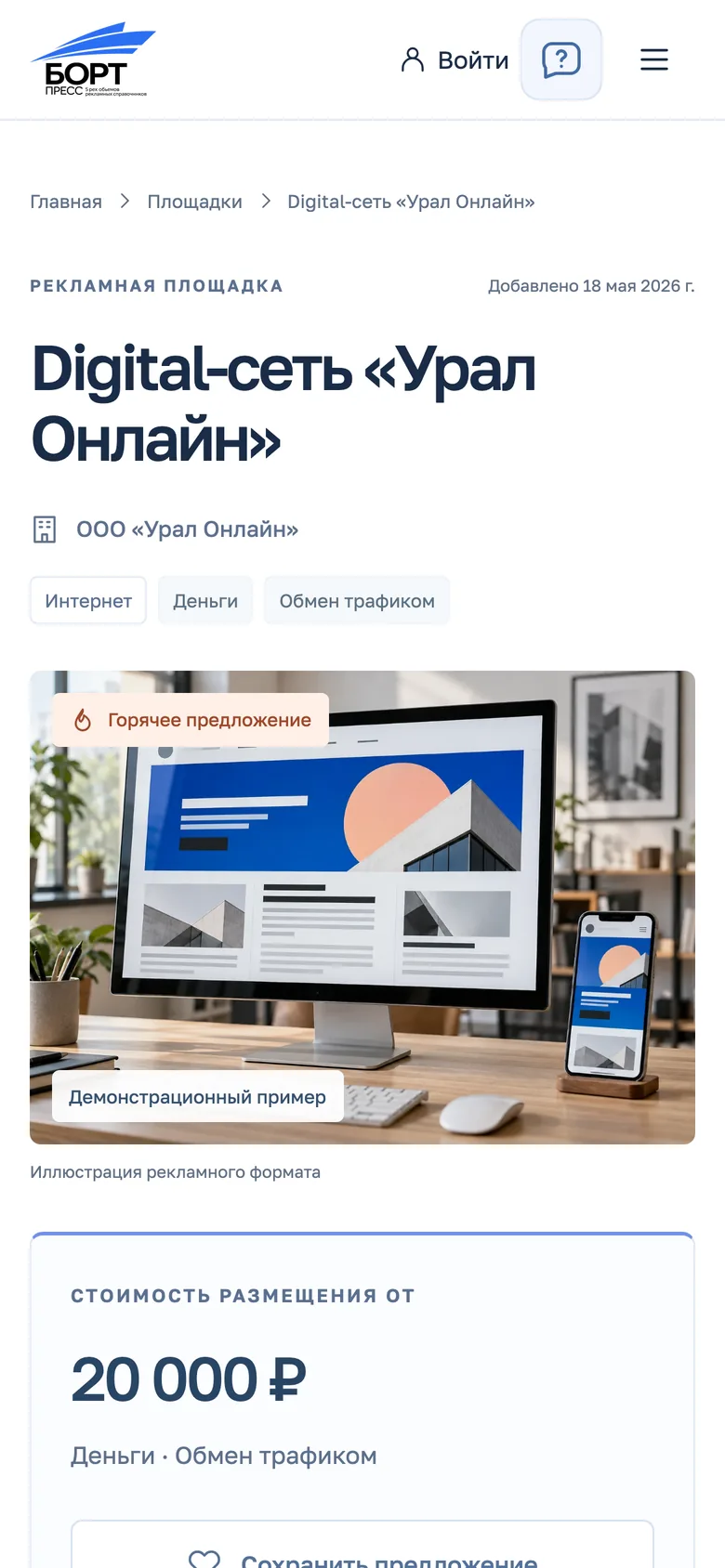
Ural Online digital network
from 20,000 ₽ · Money · Traffic exchange
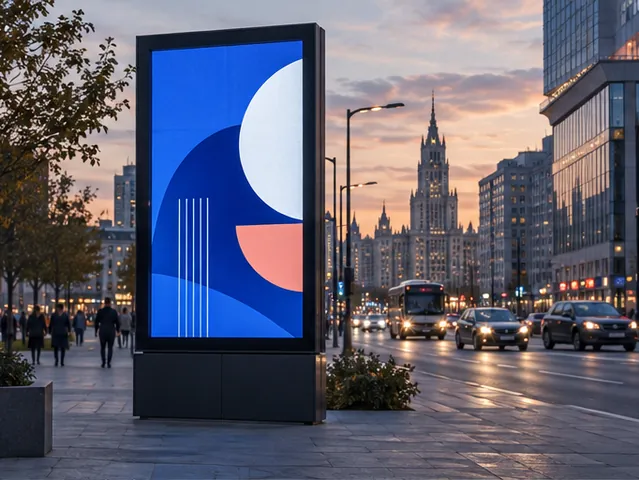
KrasnodarOutdoorSample
YugMedia billboard network
from 40,000 ₽ · Money · Traffic exchange
2026 / Product · UX/UI · Web
BORT Press
An advertising traffic exchange: a honeycomb map of Russia, a catalogue of venues and requests, accounts and moderation.
290
cells on the map of Russia, 7 catalogue filters and accounts for three roles
Brief
The ad market in one catalogue
BORT Press is a B2B platform where ad venues, advertisers and agencies find each other and deal directly — for money, by barter or by exchanging traffic. We designed and built the test version of the platform, from the map on the home screen to publishing a listing, moderation and content.
Who it's for
Venues
List free ad slots and find buyers without middlemen.
Advertisers
Compare formats, cities and terms, and post placement requests.
Agencies
Keep their range of venues in one place and handle clients' briefs.
Ad formats
- Indoor
- Online
- Radio
- TV
- Outdoor
- Exhibitions
Deal types
- Money
- Barter
- Traffic exchange
Home screen
Russia, built from hexagons
The first screen is a map of 290 hexagonal cells. Hovering a city lights up its region in a wave from the centre and previews that city's listings; the catalogue is one step away.
Hover a city
01 · Moscow
- cells
- 290
- cities with previews
- 8
Catalogue
Venues and requests in one list
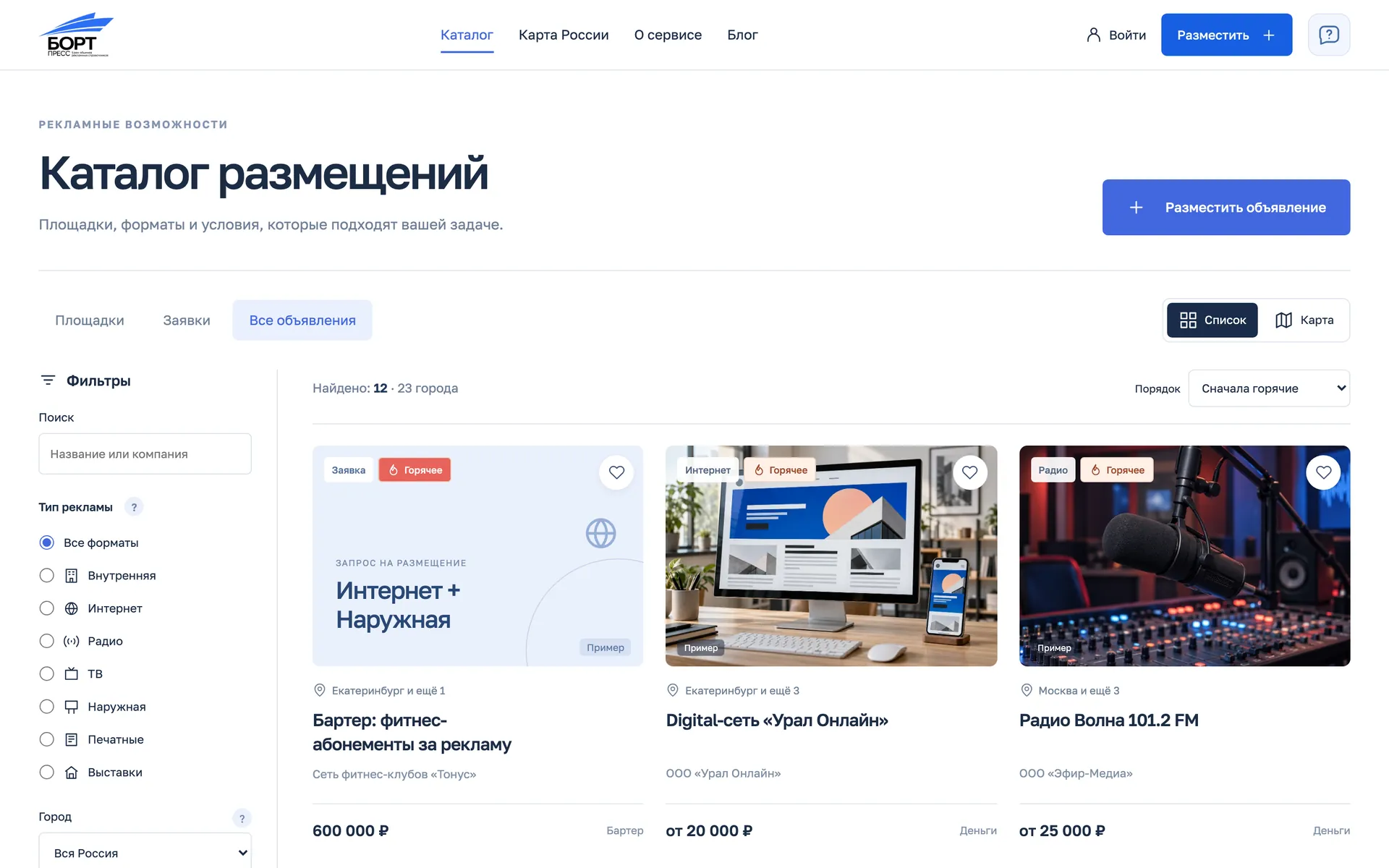
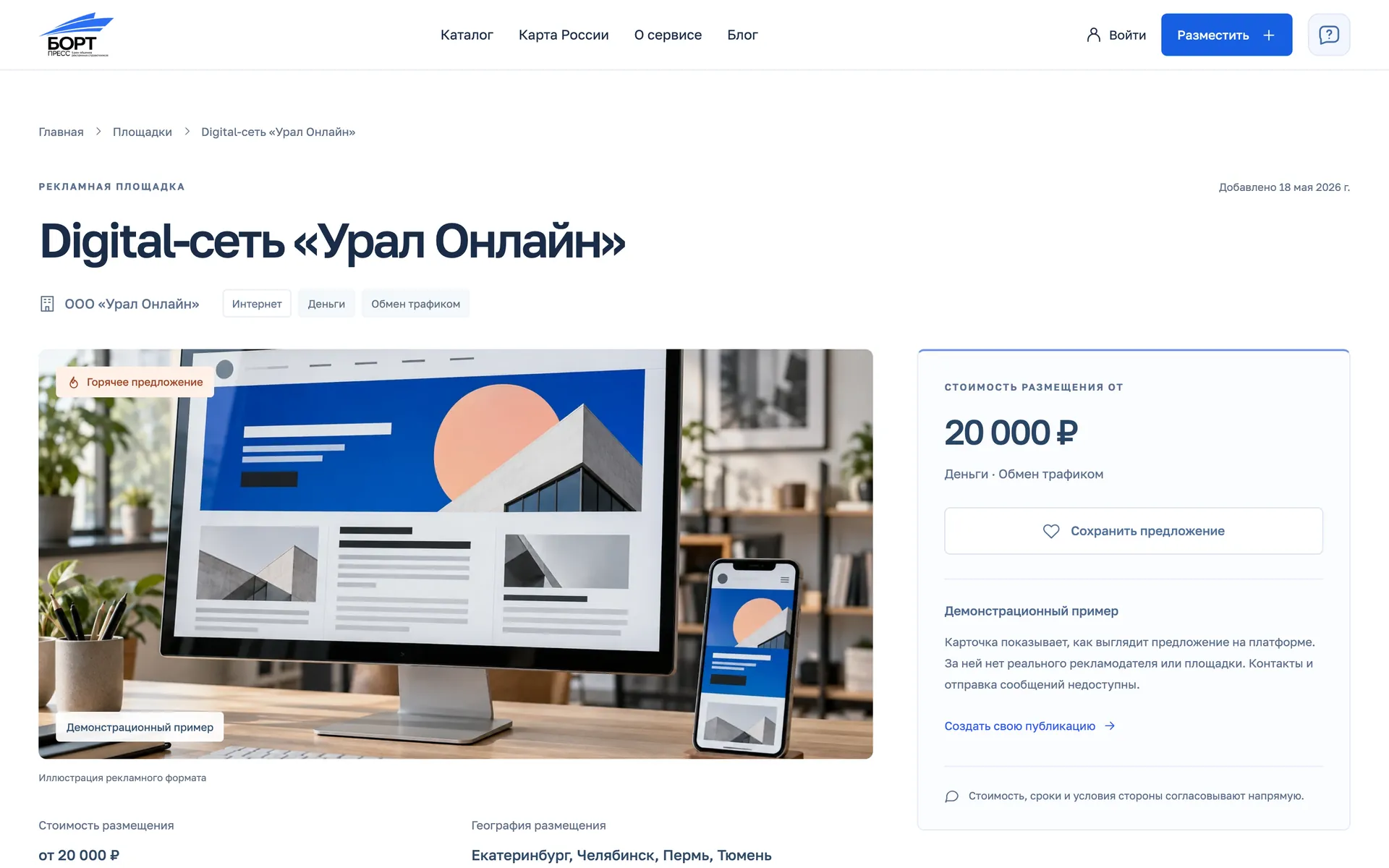
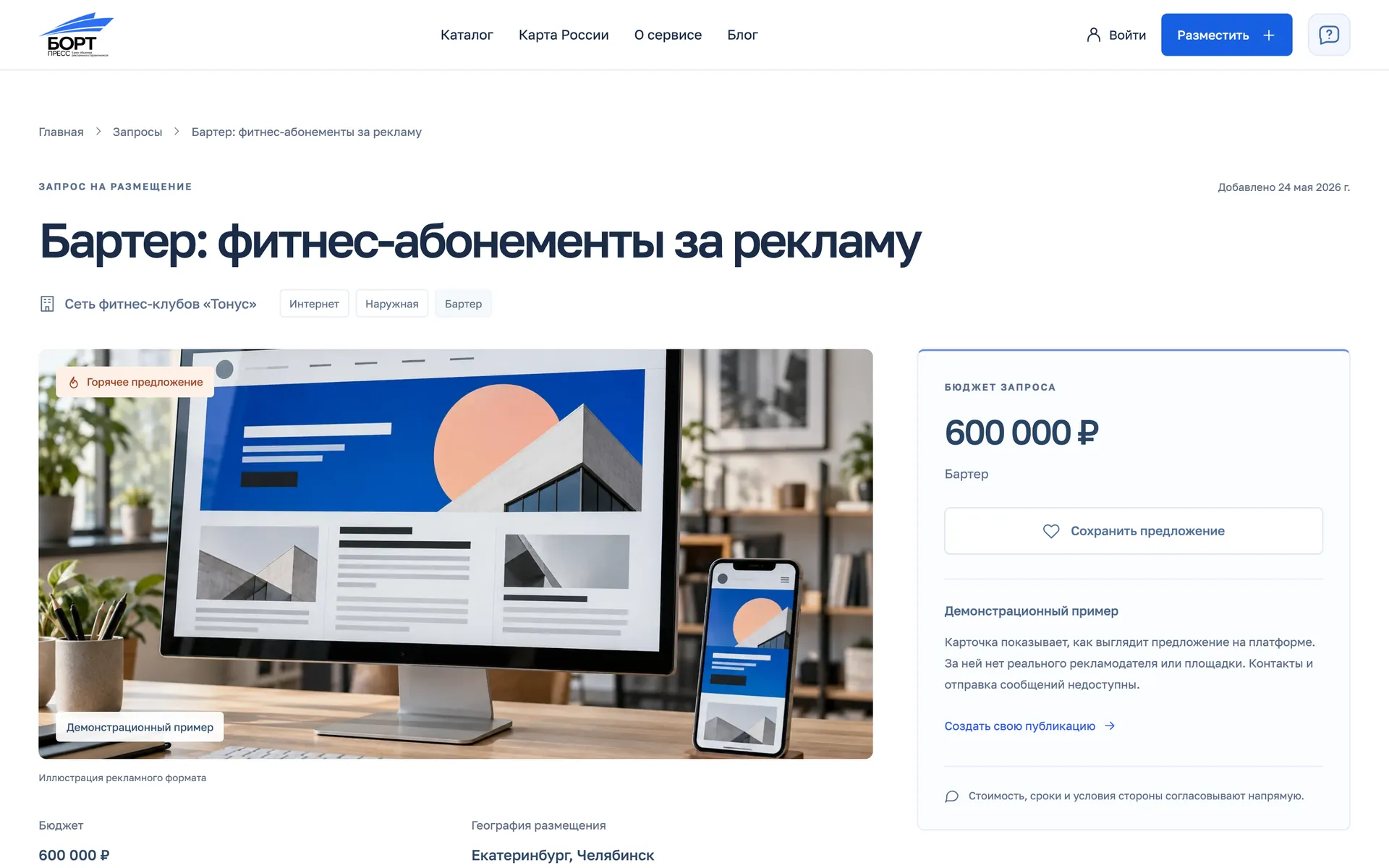
The catalogue brings venue offers and advertiser requests together. Seven filters narrow the choice, and a listing card shows the price, payment options and cities straight away.
Catalogue filters
- Format
- City
- Payment
- Budget
- Timing
- Hot deals
- Name
Geography
A listings map and a website widget
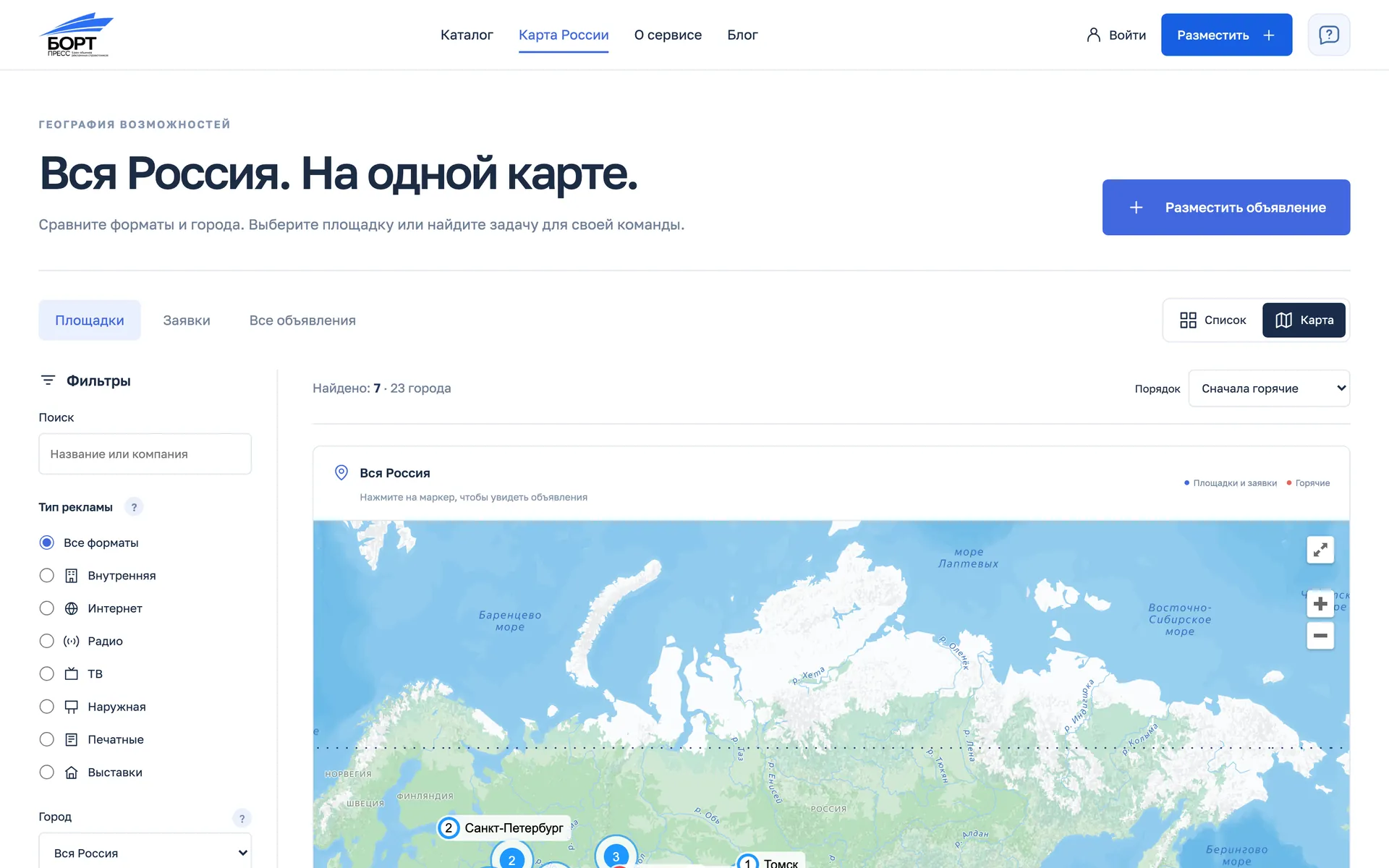
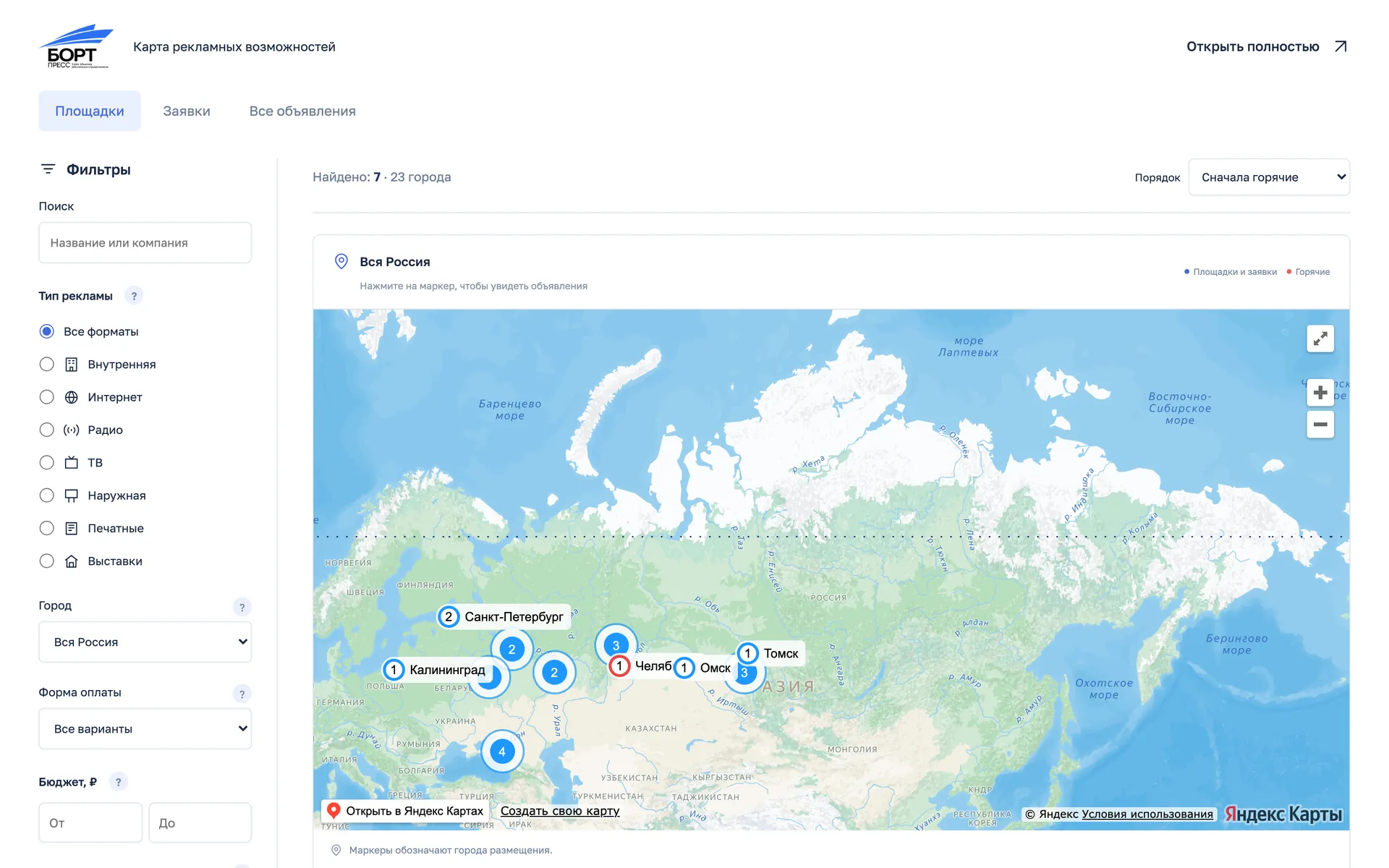
Venues and requests can be searched on a geographic map with the same filters. A separate widget embeds that map on the client's website — on approved domains only.
Mobile
The same product on a phone
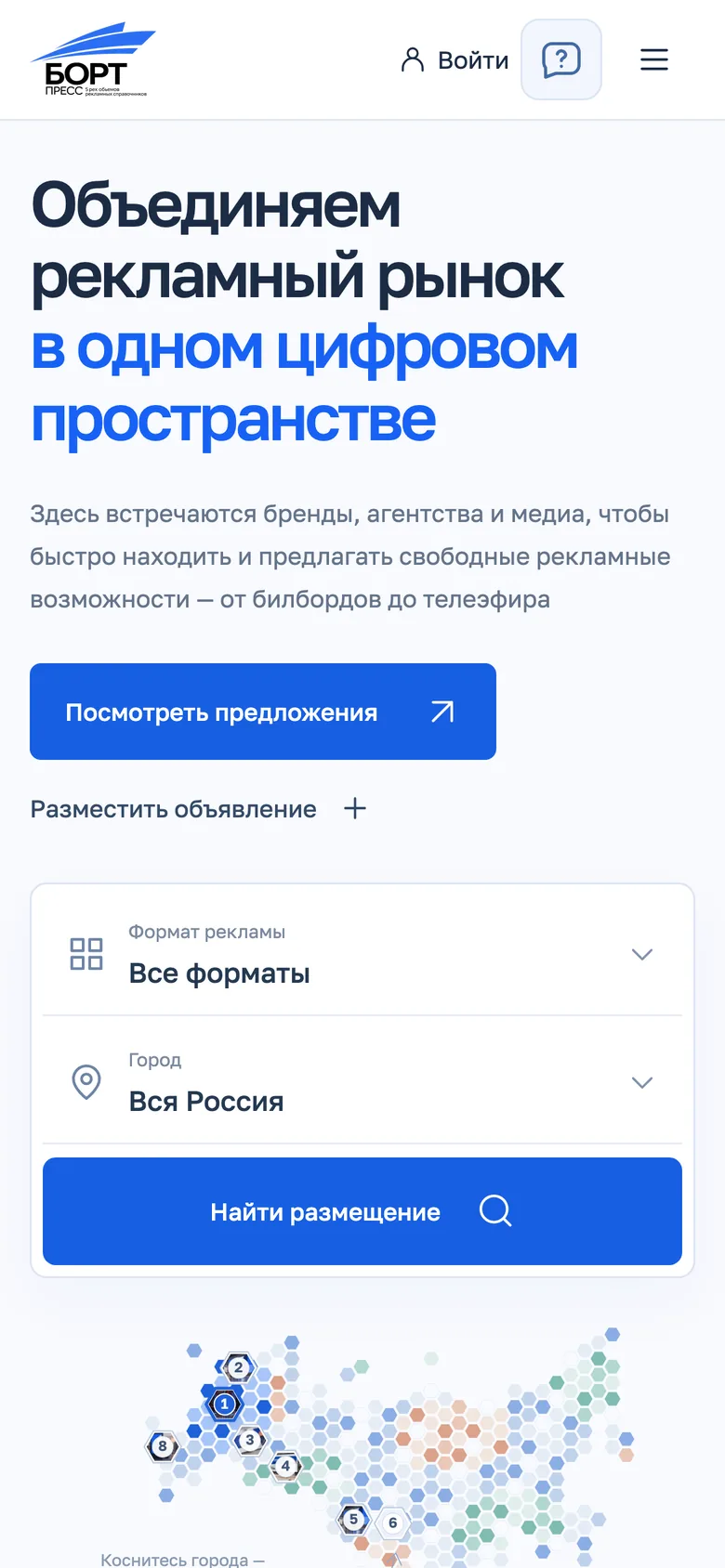
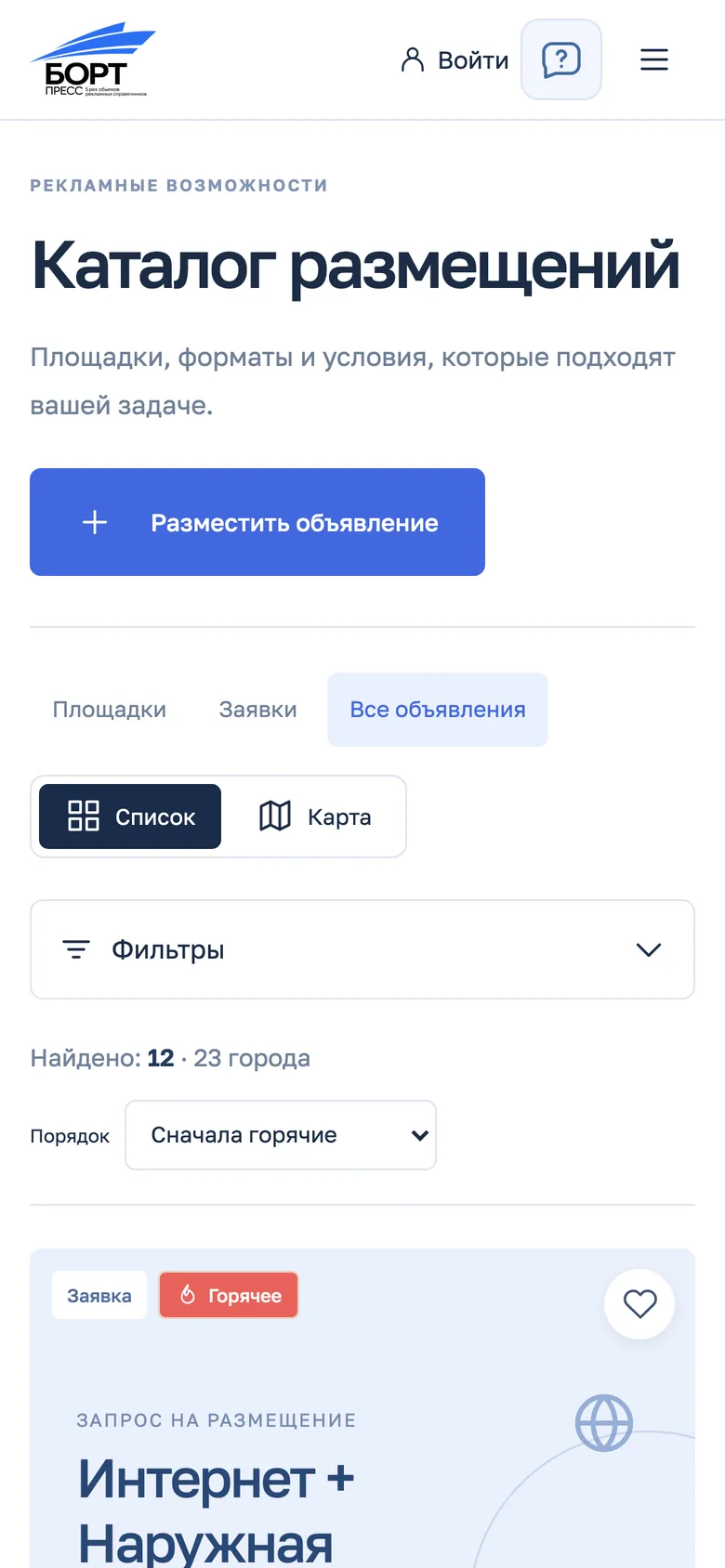
On a phone the map's cities get numbers, filters fold into one button, and a listing card keeps what matters: price, payment and the next step.
Home
Catalogue
Venue
Inside the platform
Accounts, moderation and content
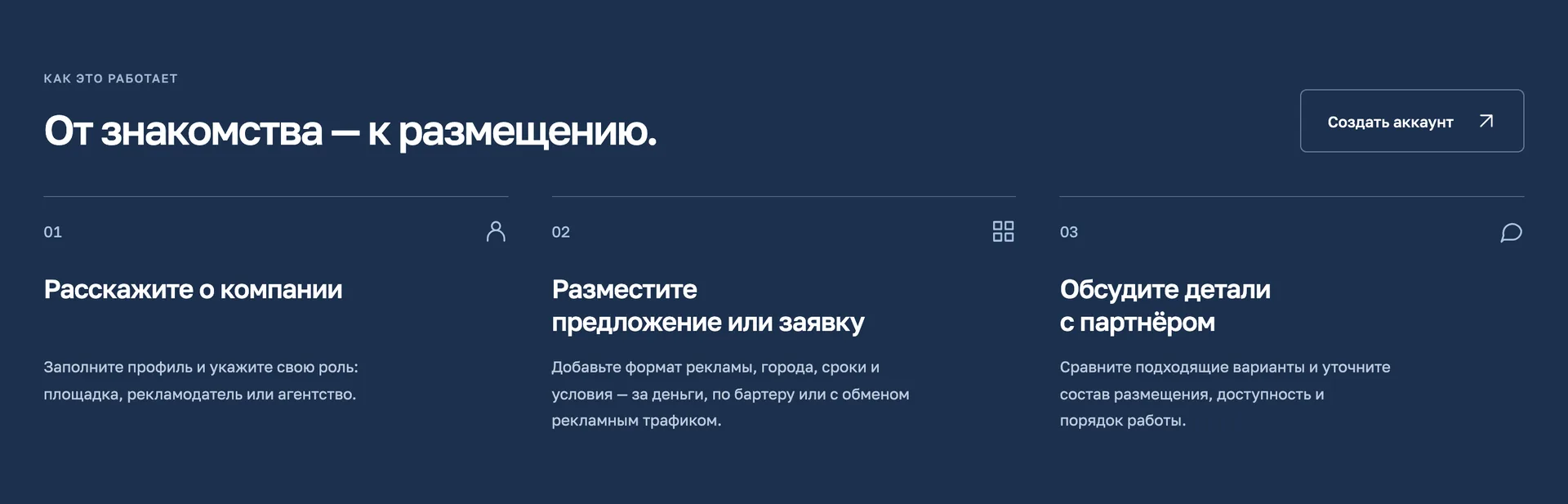
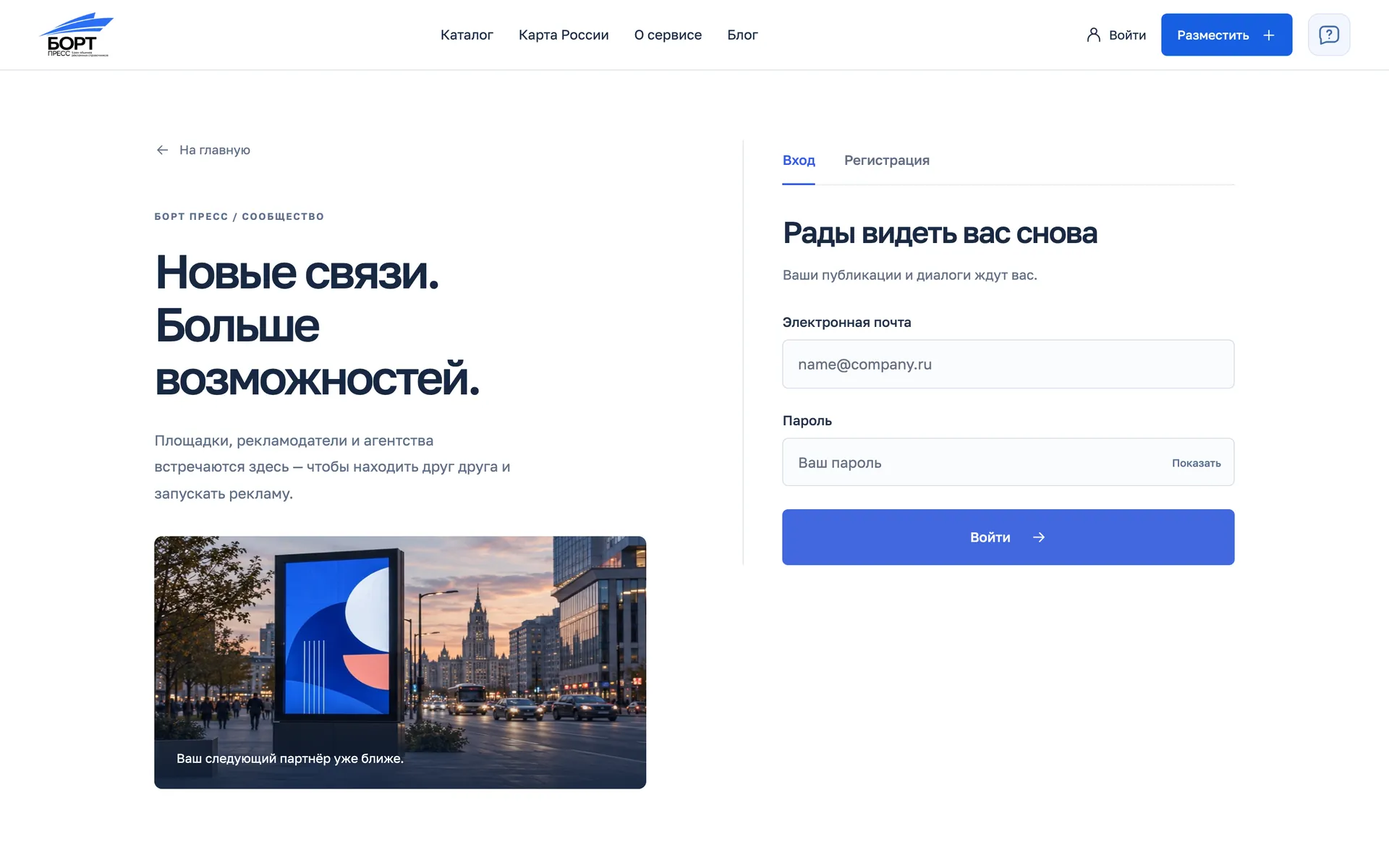
Behind the storefront is everything members and the administrator need: roles and company profiles, moderated listings, dialogs, and an editor for the blog, knowledge base and FAQ.
Three roles
Venue, advertiser or agency — at sign-up and in the company profile.
Moderated listings
Draft, admin review, corrections and archive; several cities and formats in one listing.
Dialogs and favorites
Private conversations between members and saved offers.
Certificates
Promo codes issue certificates, with a usage history in the account.
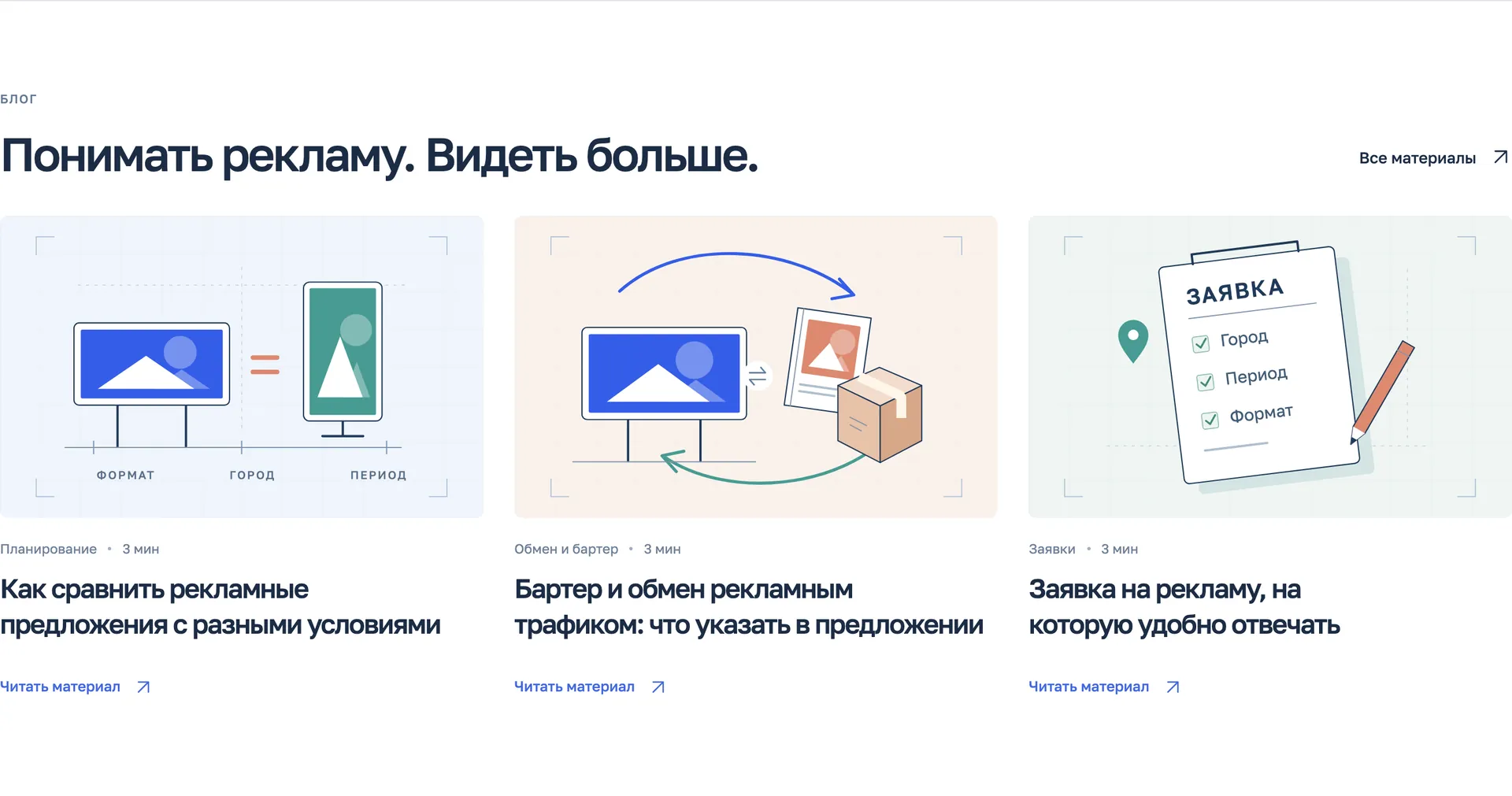
Content
Blog, knowledge base and FAQ with an editor in the admin panel.
Assistant
Answers questions from the service's help right on the site.
Visual language
Brand blue, light interface
The interface rests on the brand blue from the client's presentation, light surfaces and the Golos Text typeface, while the map has a palette of its own — blue, teal and coral cells.
Palette
#4169E1
Brand blue
#185FE2
Buttons and actions
#243951
Text
#8CAEE4
Cells: blue
#80BCB2
Cells: teal
#DCA28B
Cells: coral
Typeface
Golos Text
Open OFL license; Cyrillic and Latin in one family.
Outcome
What the client received
Next: connecting to the main bort.press website, payments and the client's content sign-off.
- A test version of the platform on its own domain
- A home screen with a map of Russia built from 290 cells
- A catalogue of venues and requests with seven filters
- A geographic map and a website widget
- Accounts for three roles, moderation and a content editor