
2026 / Brand · Store · Telegram
Diki Lux
An online store for French clinical cosmetology: the mark, a catalogue by skin state, payments and CDEK delivery, an admin panel, a Telegram bot and a Mini App.
6
skin-state care protocols
The brief
A boutique the owner runs from a phone
Diki Lux sells French clinical cosmetology with delivery across Russia. The owner needed a store that does not need a developer on call: it takes payments, hands orders to CDEK, answers customers and reports every event by itself. We made the mark, the website, the admin panel, a Telegram bot and a Mini App — all of it one store with one catalogue.
Website
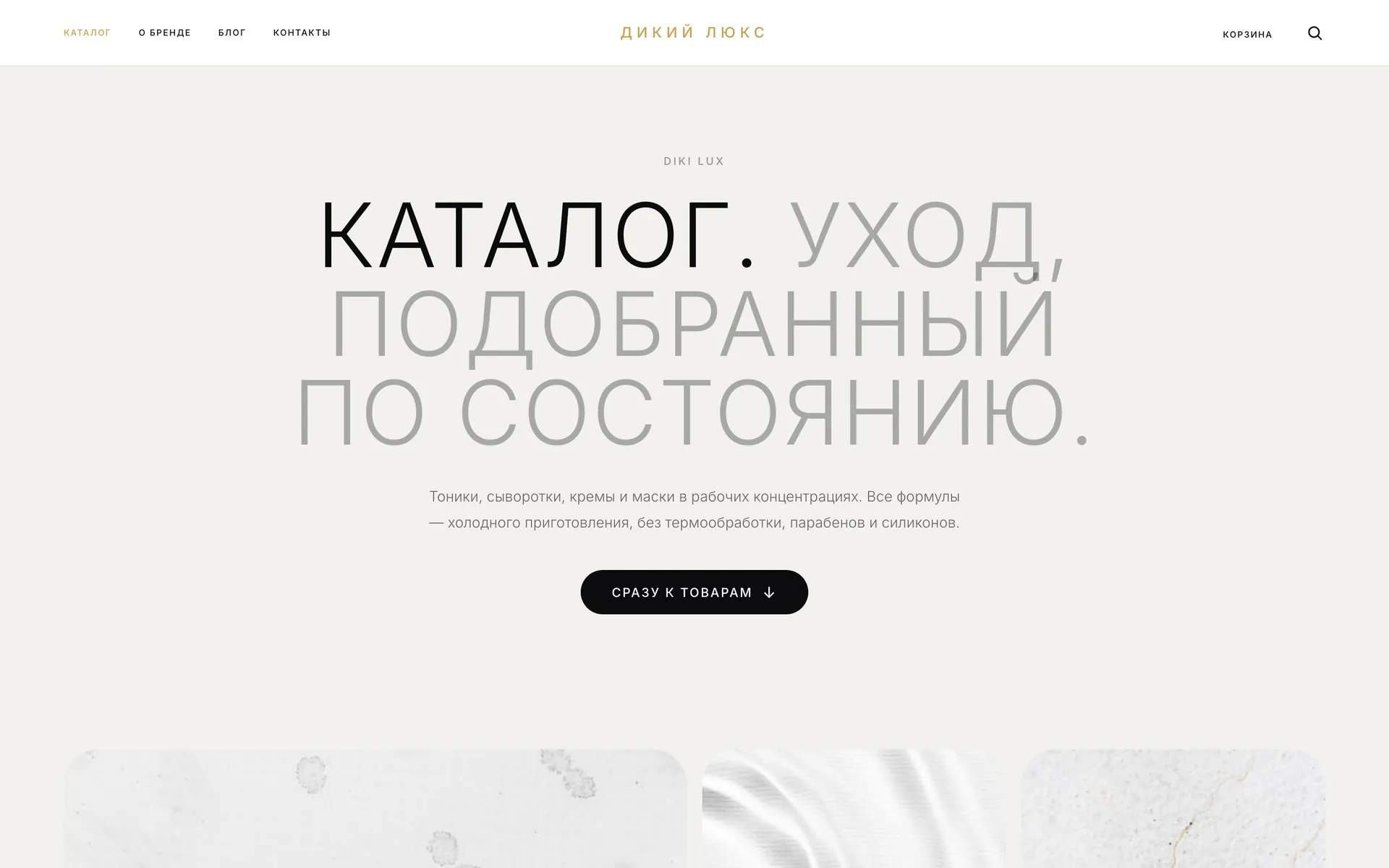
A catalogue by skin state, product pages, a cart with CDEK delivery and promo codes, T-Bank payments and a blog.
Admin panel
Orders, requests, products, promo codes, banners, articles and maintenance mode — no developer needed.
Telegram
A bot and a Mini App: the store inside the messenger, the customer's orders, consultation booking and the owner's work chat.
- products in the catalogue
- 60
- catalogue sections
- 15
- sections in the panel
- 8
- blog articles
- 7
The mark
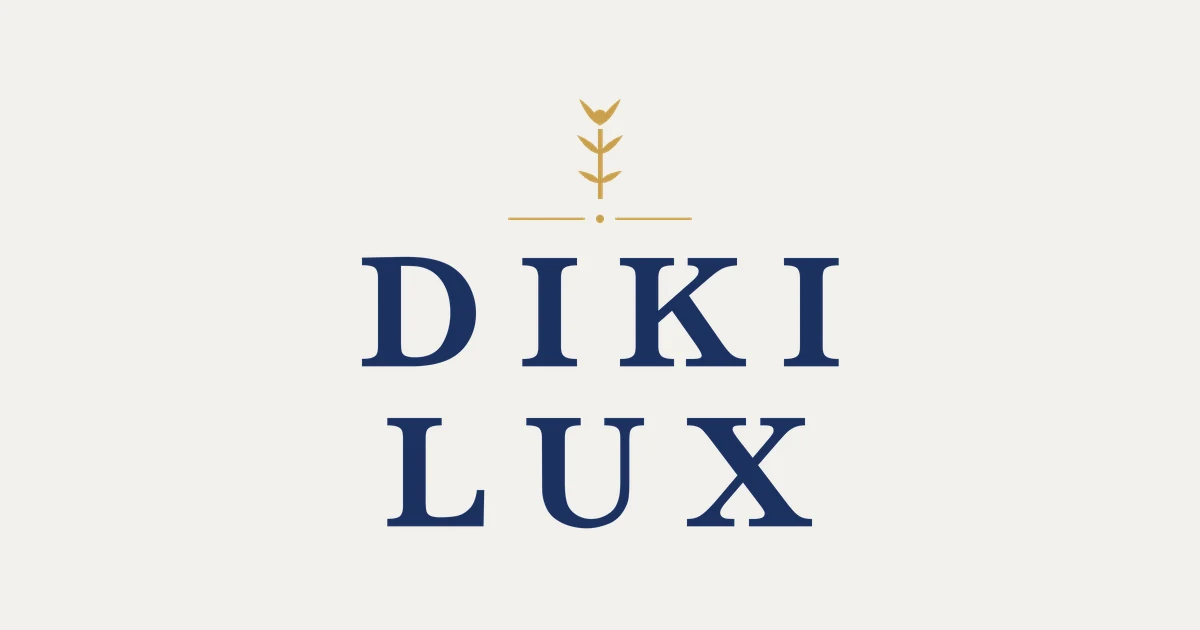
DIKI LUX — a serif and a gold sprig
A widely spaced serif in deep navy and a gold sprig above a rule. The mark gives the site and app icons, the link preview and the bot's avatar, while the site header and the emails carry the store's name in gold with the same spacing.

Colours
- Deep navy#1B3060
- Gold#C9A04E
- Paper#F2F1ED
- Ink#0B0B0E
Email header
Дикий Люкс
Косметология Diki Lux
Catalogue
Care is chosen by the skin's state
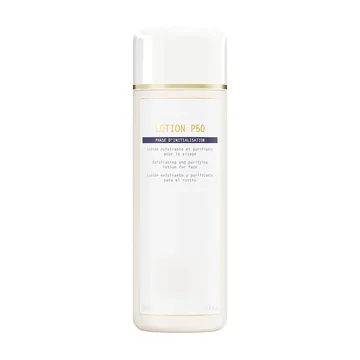
The catalogue has two axes: six protocols by skin state as large tiles, and nine product types as filters above the list. One product can belong to several protocols — the owner links it in the panel. Pick a state: the tiles, texts and product counts come from the live site.

By skin state
Clarity protocol
Sebum balance and clear pores
Care for oily and problem-prone skin: exfoliation, sebum control and a matte finish without aggressive peels.
6products in the protocol



By product type
- Cleansers
- Lotions
- Everyday serums
- Finishing serums
- Masks
- Face creams
- Eye care
- Body care
- Sun Care
Product counts as of September 2026.
Website
A storefront in the tone of a cosmetologist's office
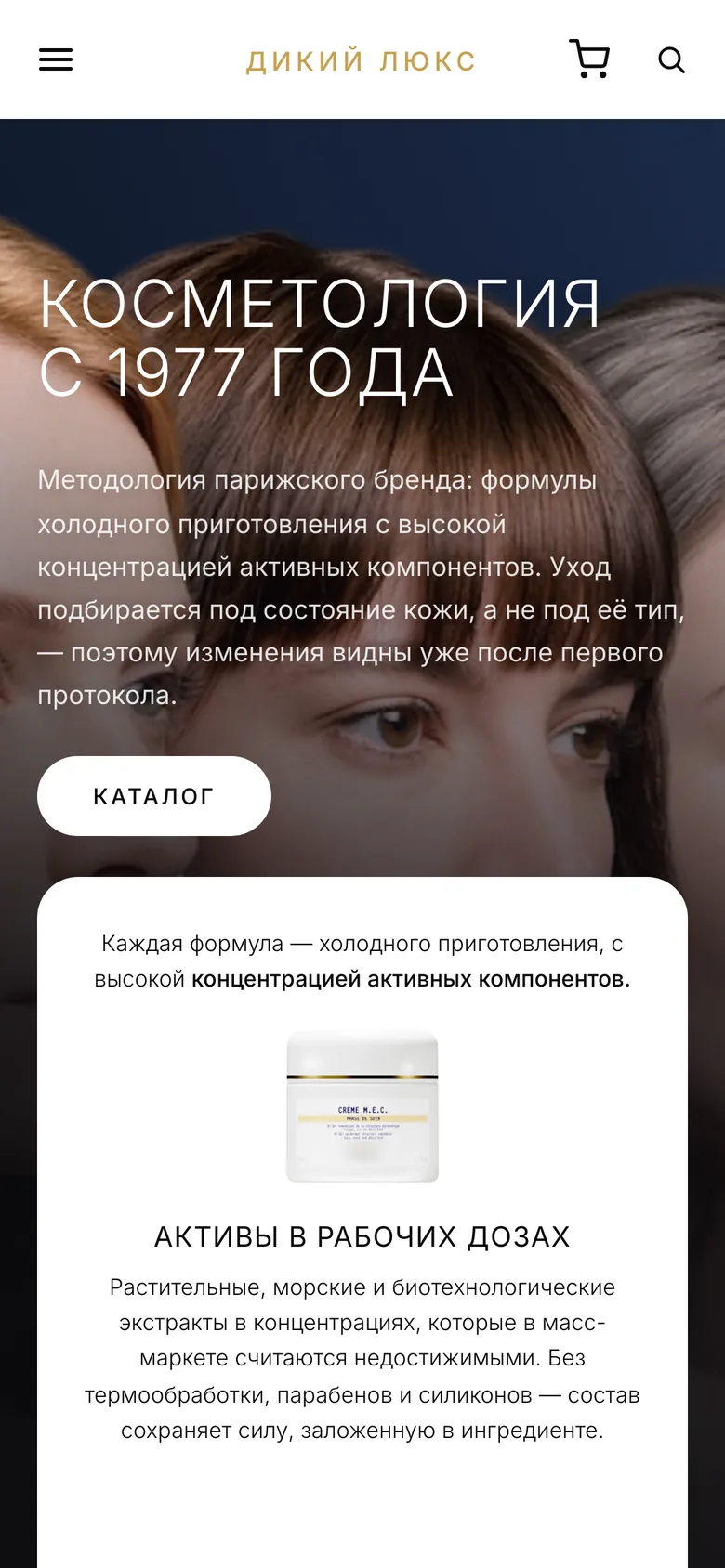
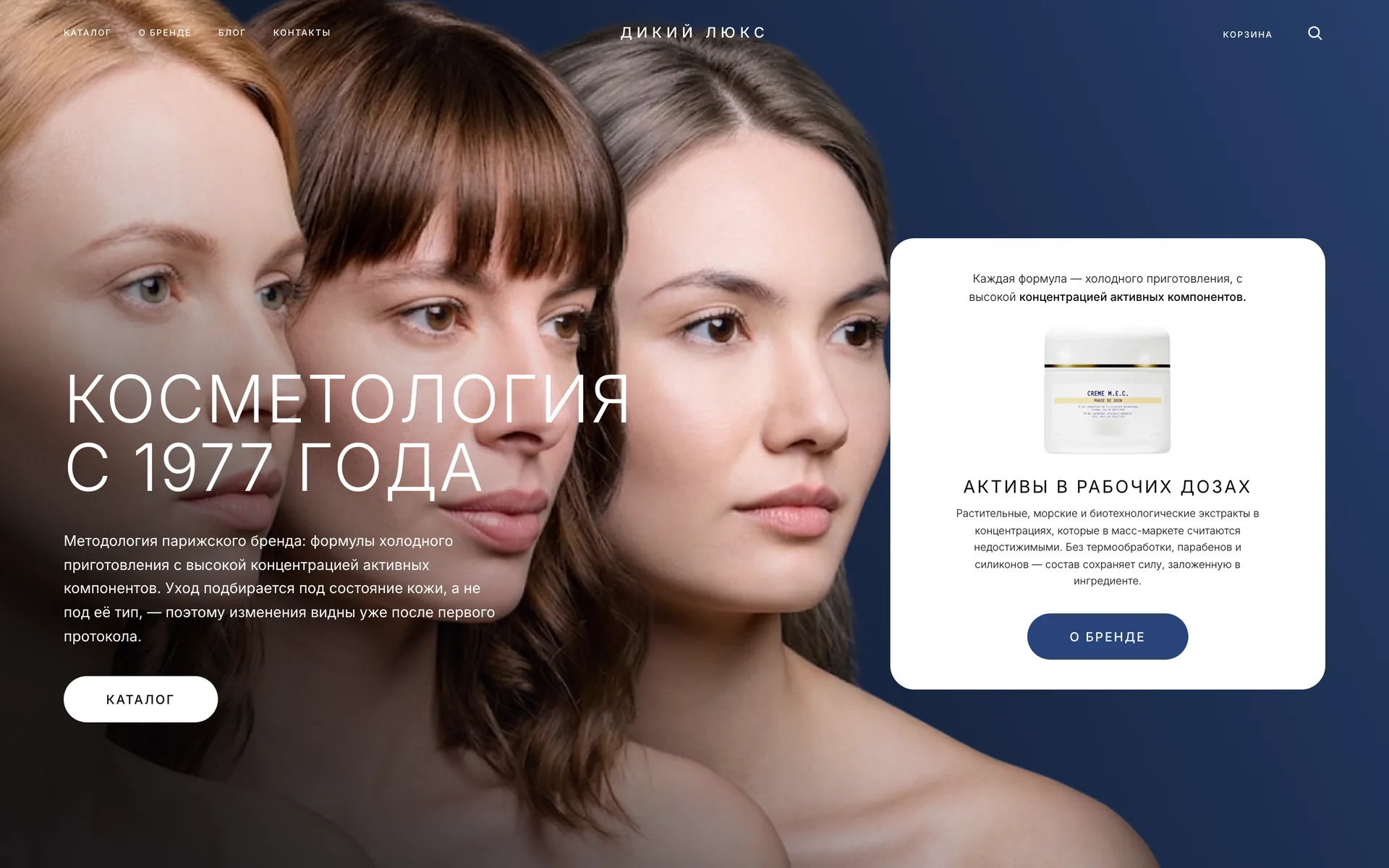
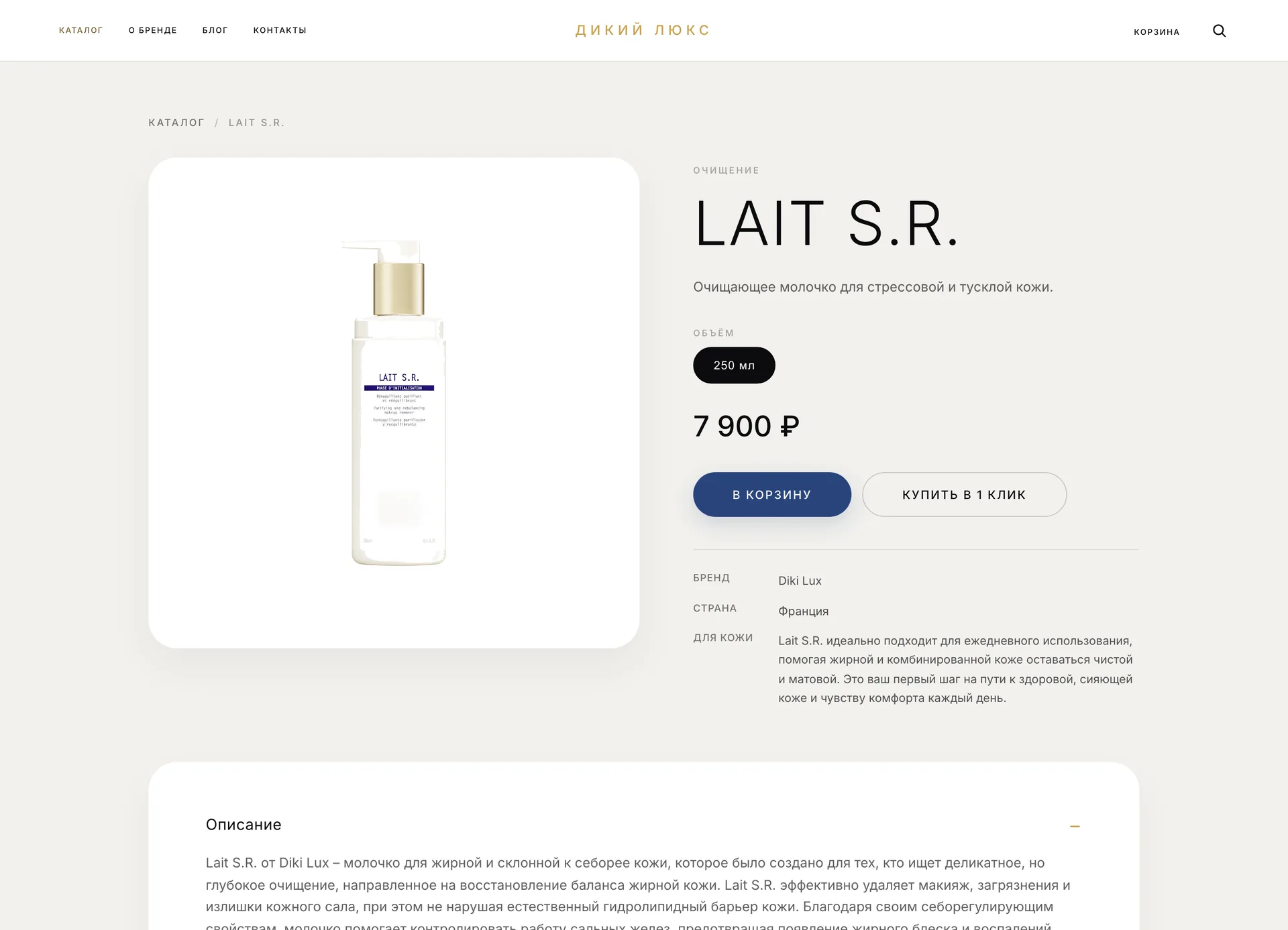
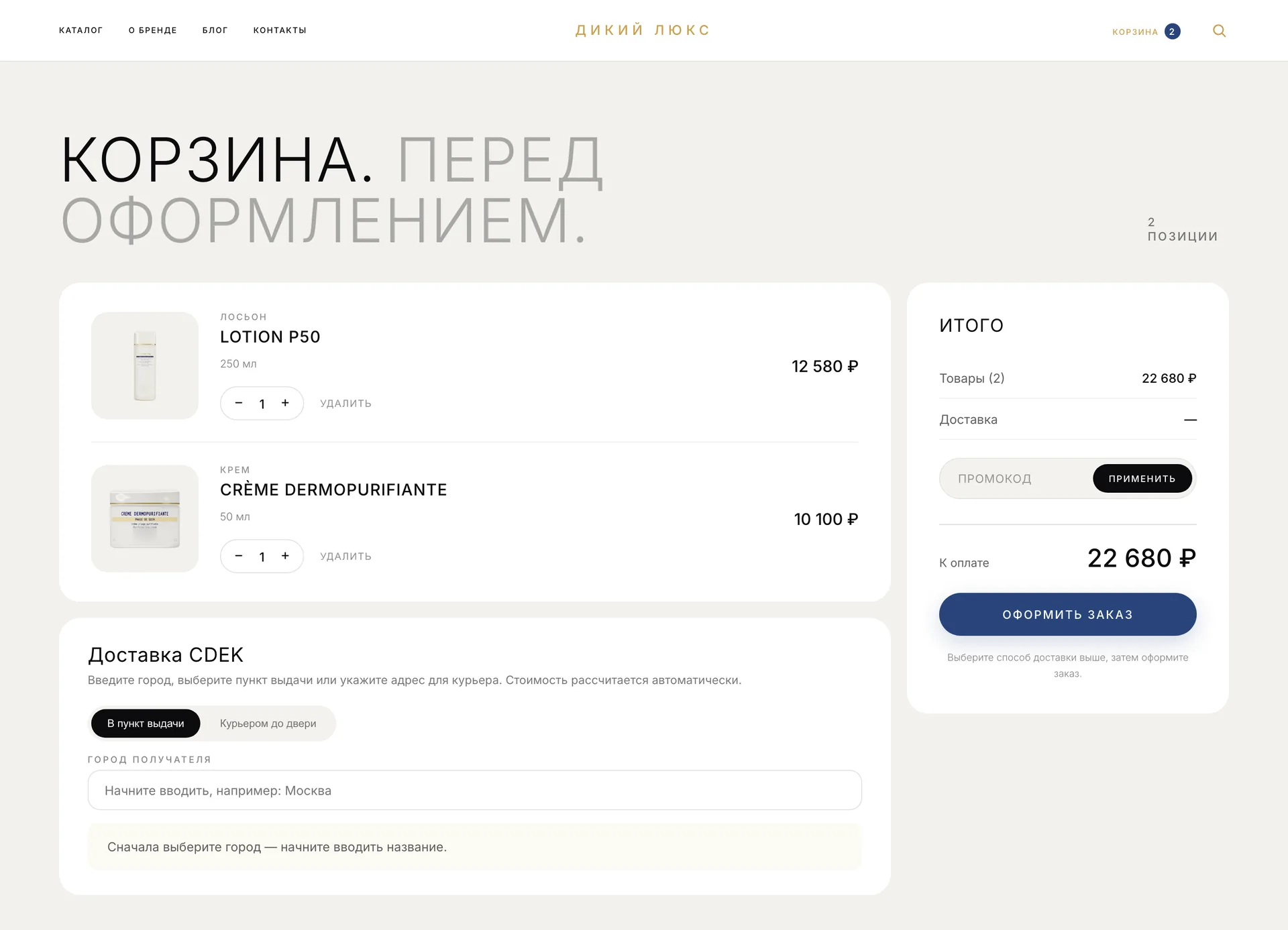
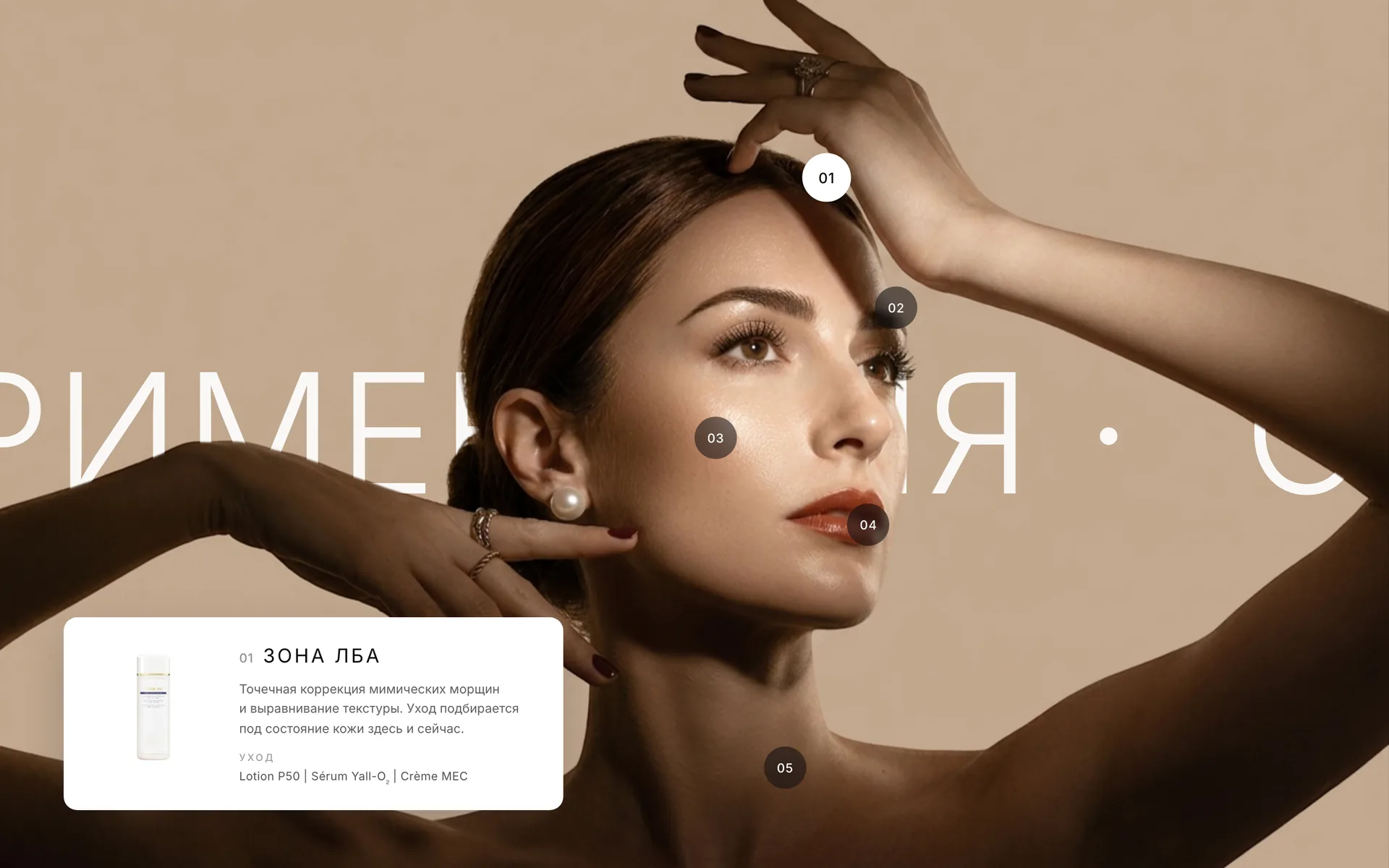
Warm paper, the mark's navy and gold, large uppercase headings in two tones. The home page leads from the first screen to bestsellers, the method, a four-step protocol and a map of face zones, while the product page, the cart with CDEK delivery, the blog and consultation booking live in the same system.
On the website
- Catalogue by skin state and product type
- Face-zone map on the home page
- Product page with volumes
- One-click purchase
- CDEK delivery: pickup point or courier
- Promo codes and free delivery from 20,000 ₽
- T-Bank payments and fiscal receipts
- Blog and consultation booking
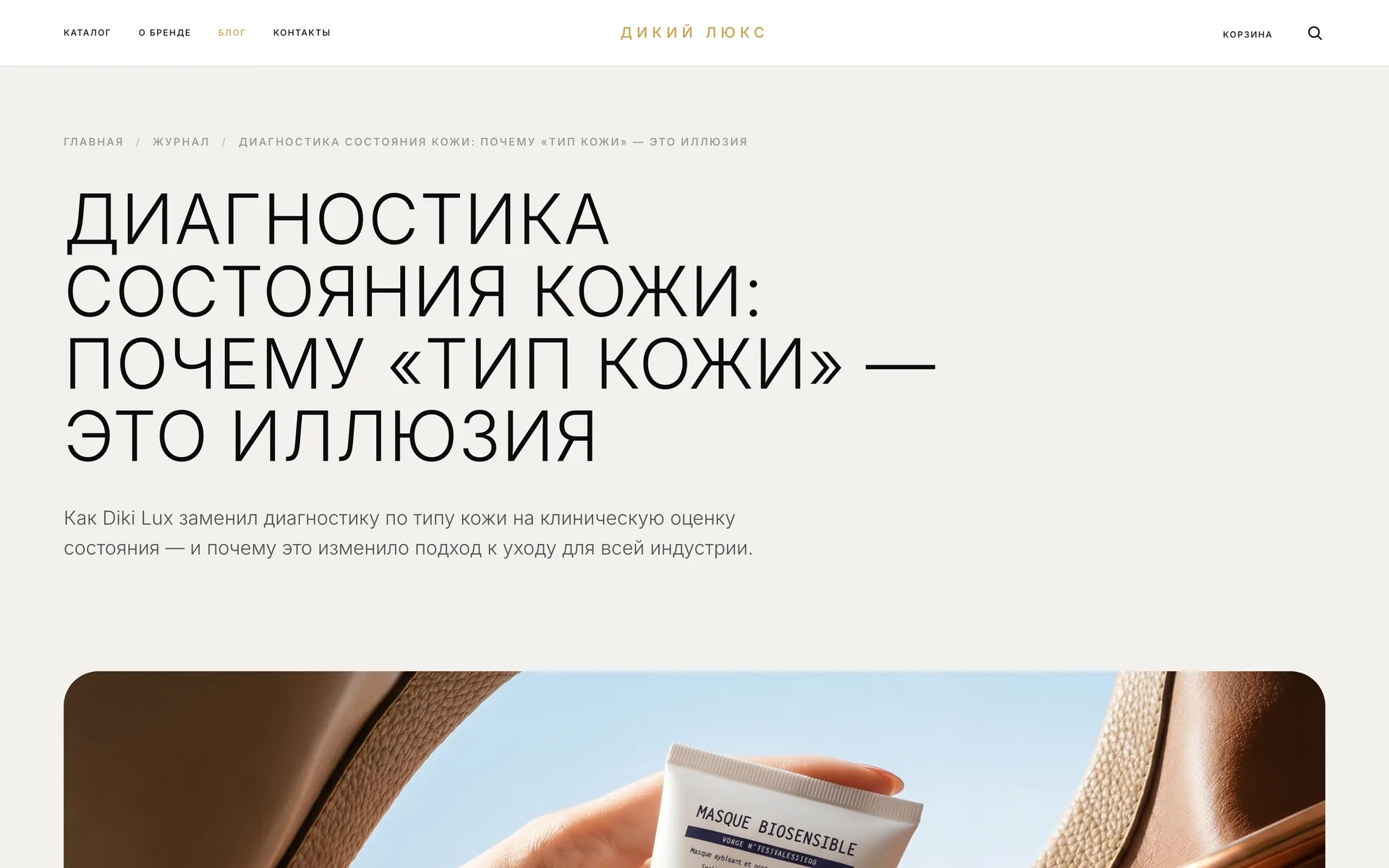
Mobile
Home
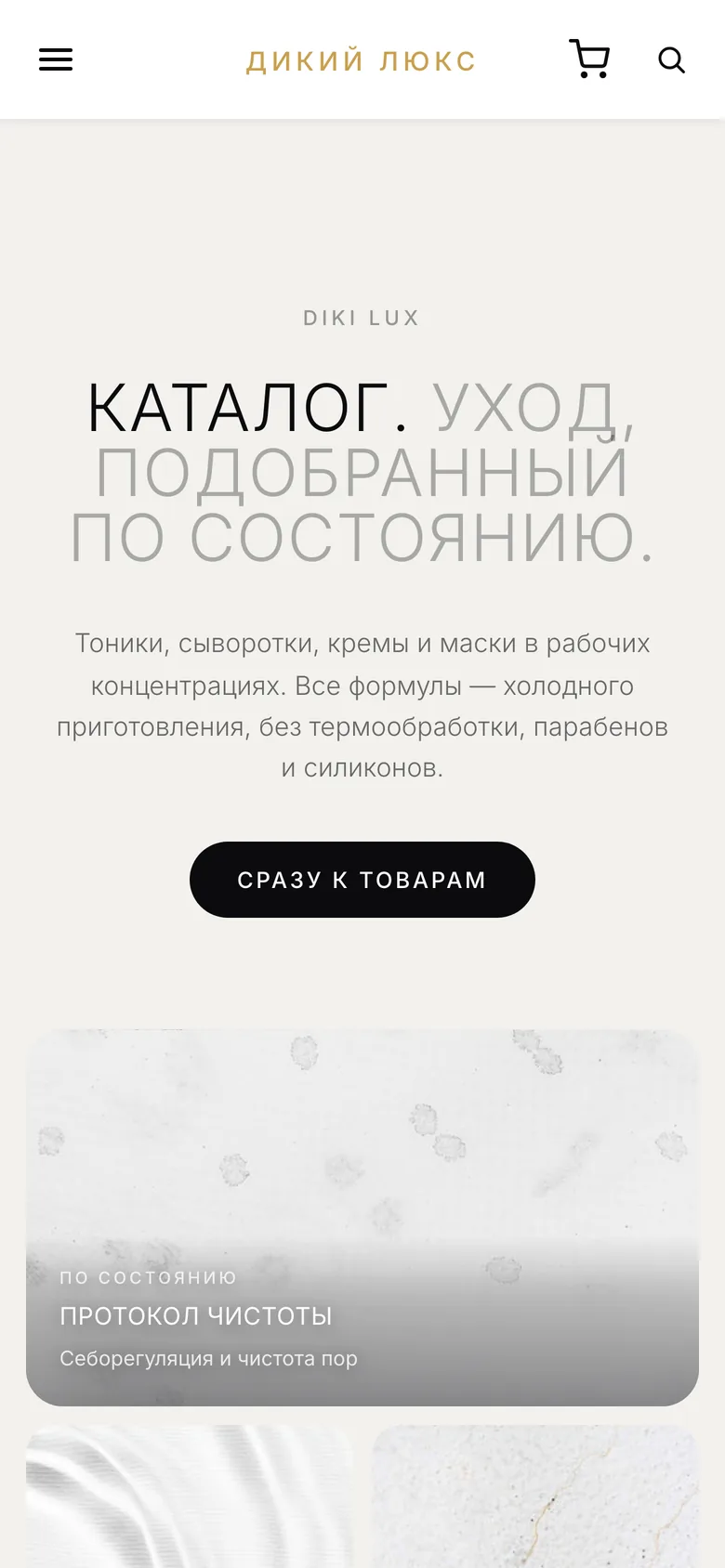
Catalogue
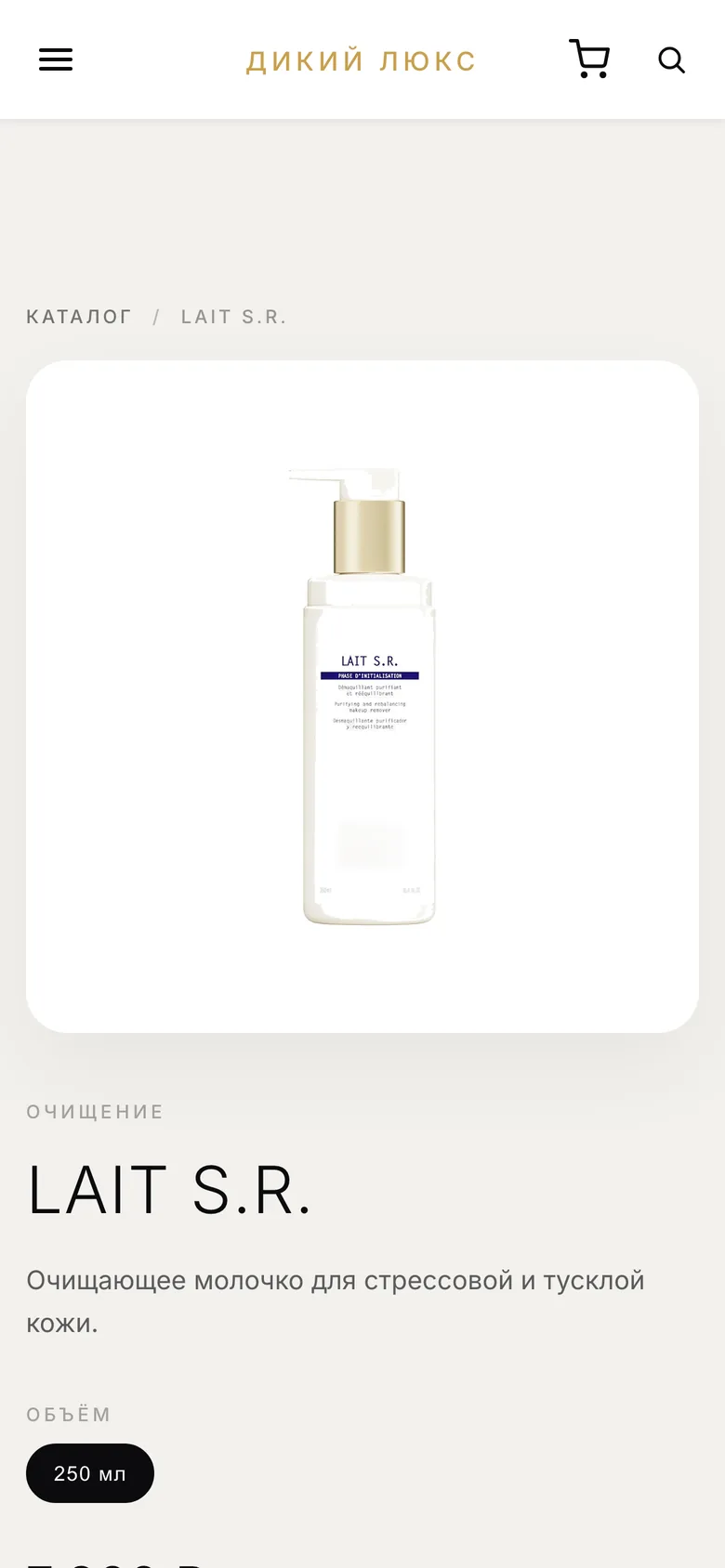
Product
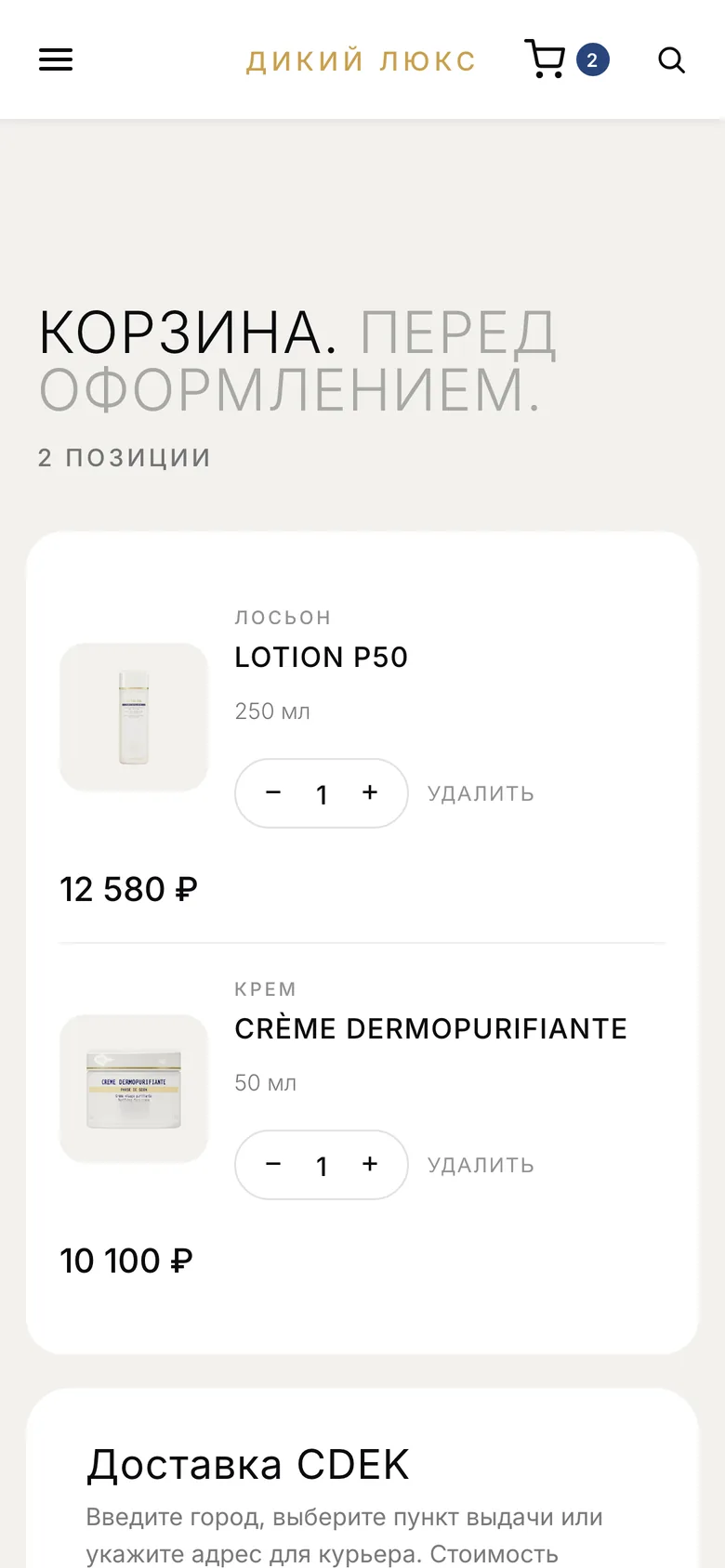
Cart
Order
An order finds its own way to a tracking number
The customer pays by card, and everything after that runs without the owner: the server checks the payment with T-Bank, sends the fiscal receipt, creates the CDEK waybill, writes to the customer by email and in Telegram and posts a card to the work chat. The owner only enters the tracking number — the email with it goes out by itself.
The customer placed an order in the Mini App: the server recalculated the total and the promo code, created a T-Bank payment link and told the owner about the new order.
Customer
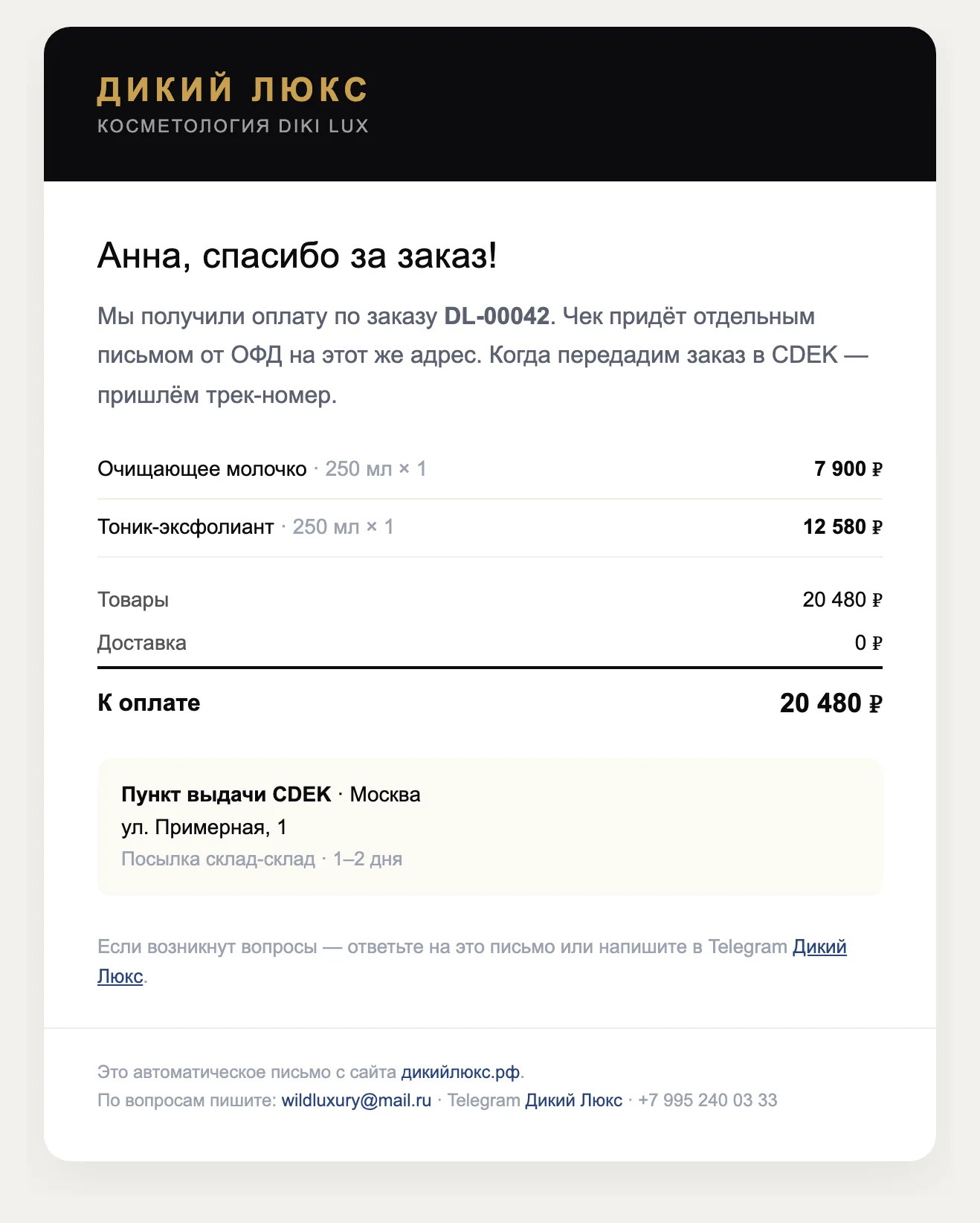
The email arrives after payment
Telegram · @Wild_luxury_bot
Order DL-00042 is placed and awaiting payment.
• Cleansing milk (250 ml) × 1 — 7,900 ₽
• Exfoliating toner (250 ml) × 1 — 12,580 ₽
To pay: 20,480 ₽
Pay for the orderOwner: work chat and panel
🆕 New order DL-00042 (awaiting payment) — 20,480 ₽
Anna · +7 900 000-00-00 · TG @anna
• Cleansing milk (250 ml) × 1
• Exfoliating toner (250 ml) × 1
Services
- T-Bankpayment link created
- Fiscal receipt—
- CDEK—
The order, customer, amounts and tracking number are illustrative. The emails are the store's real templates (in Russian), the messages are the bot's texts, translated.
Admin panel
Whatever changes, the owner changes it
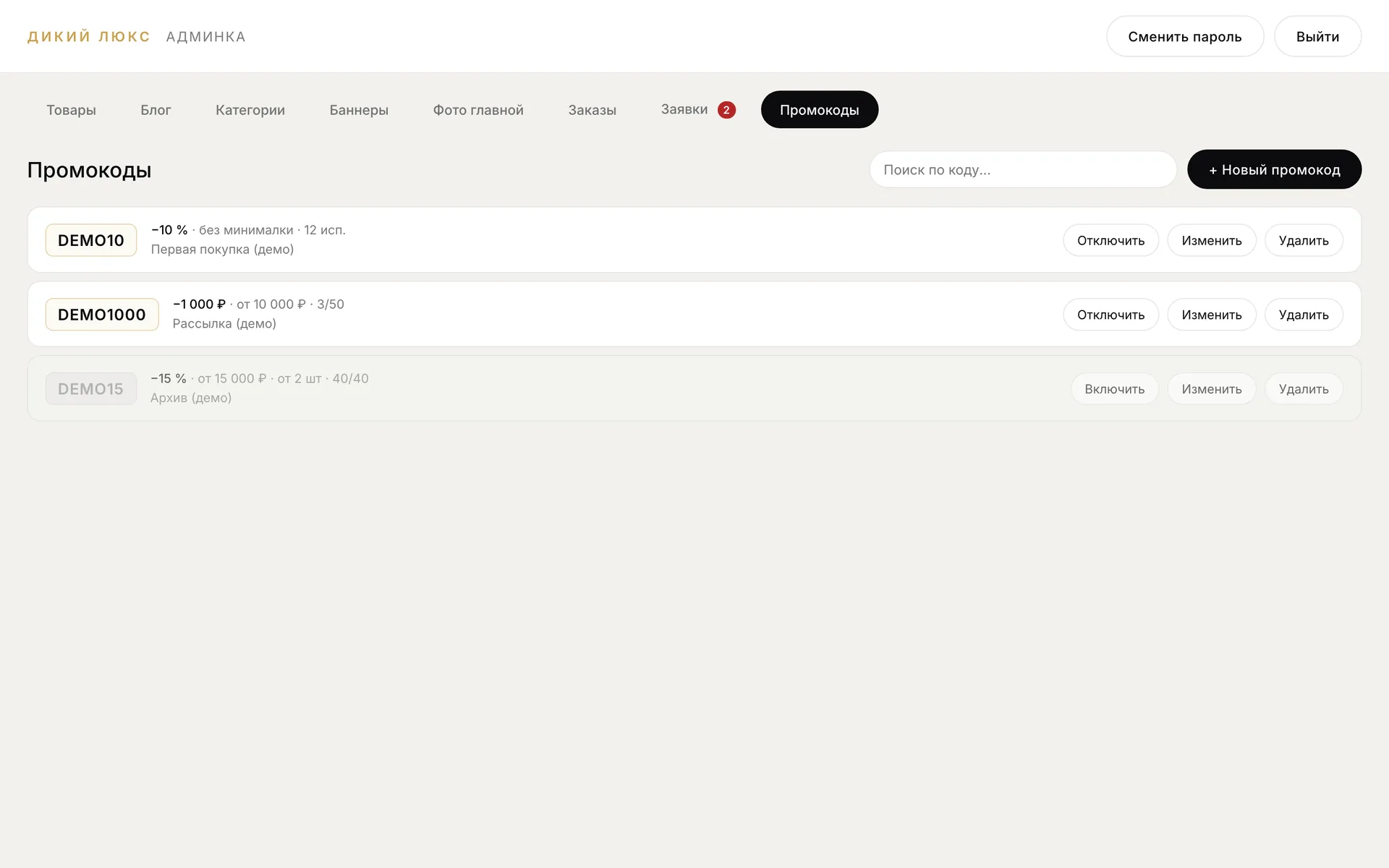
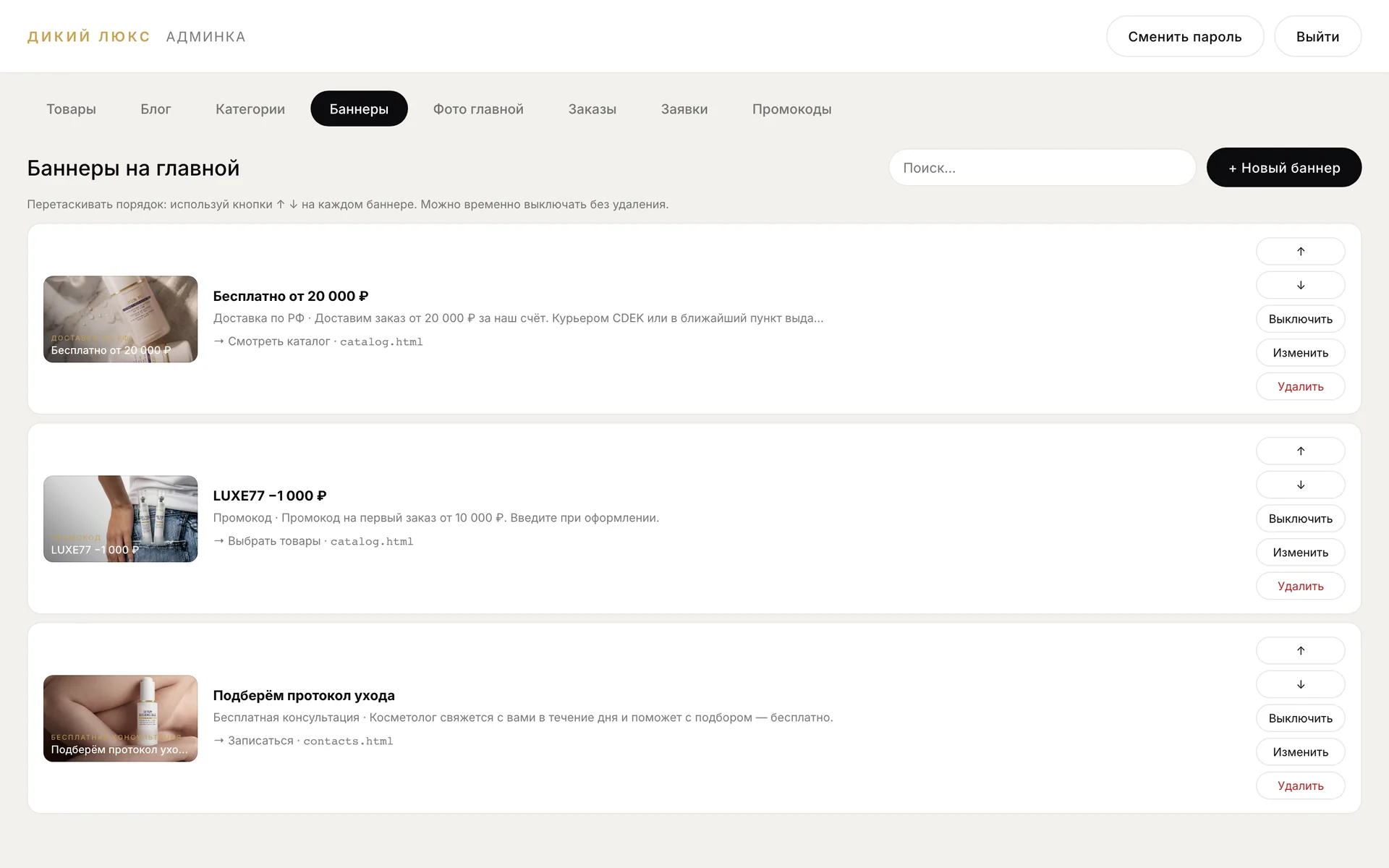
The panel is built around the store's daily work: orders by status and payment links for sales in chats, requests from the site and the bot, promo codes with limits and deadlines, banners and home-page photos, categories, articles and products with drafts. One switch puts the site behind a maintenance page while the panel keeps working.
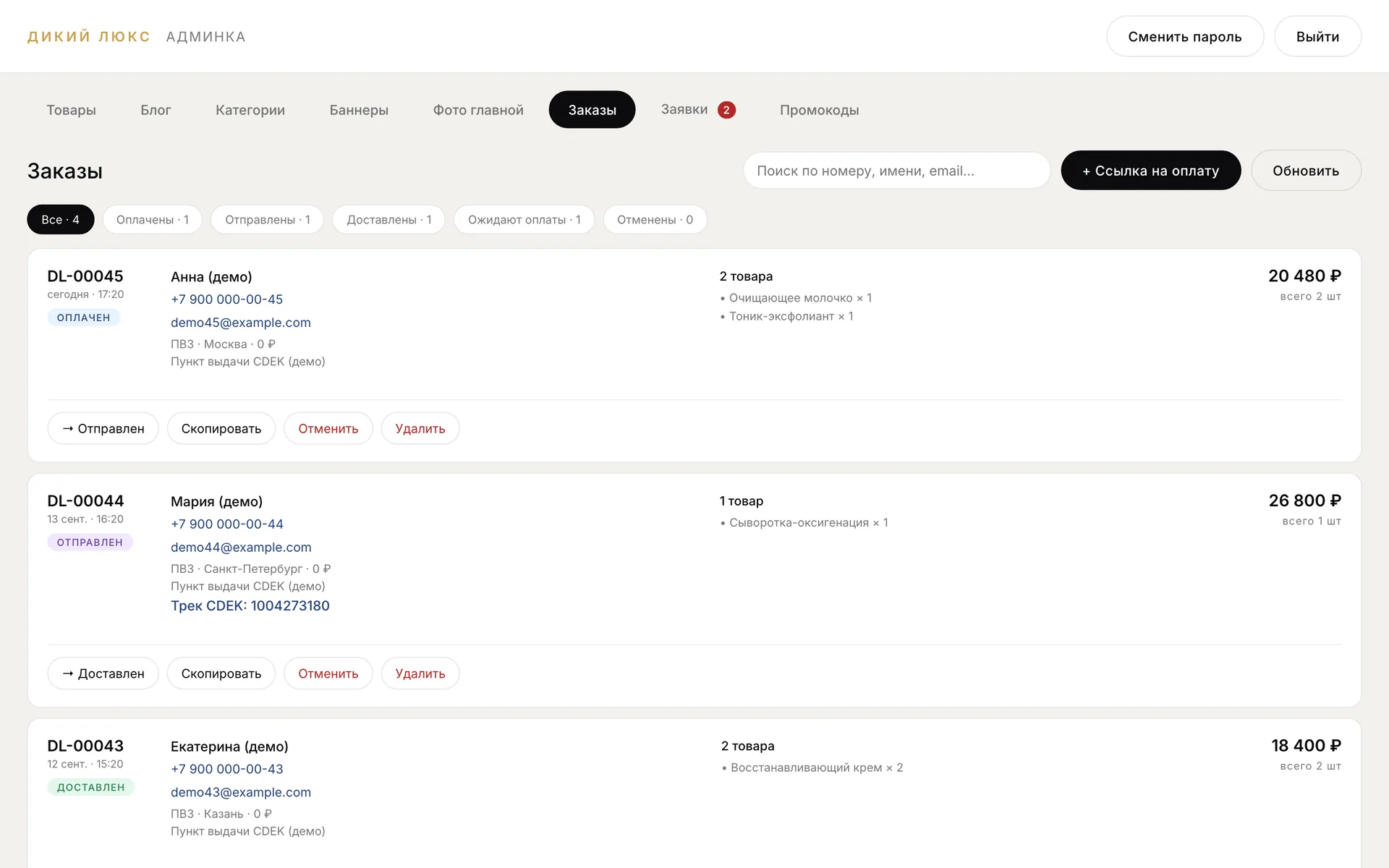
The panel shows demo data: real customers' orders and requests are not published.
Site mode
Site open — customers can buy
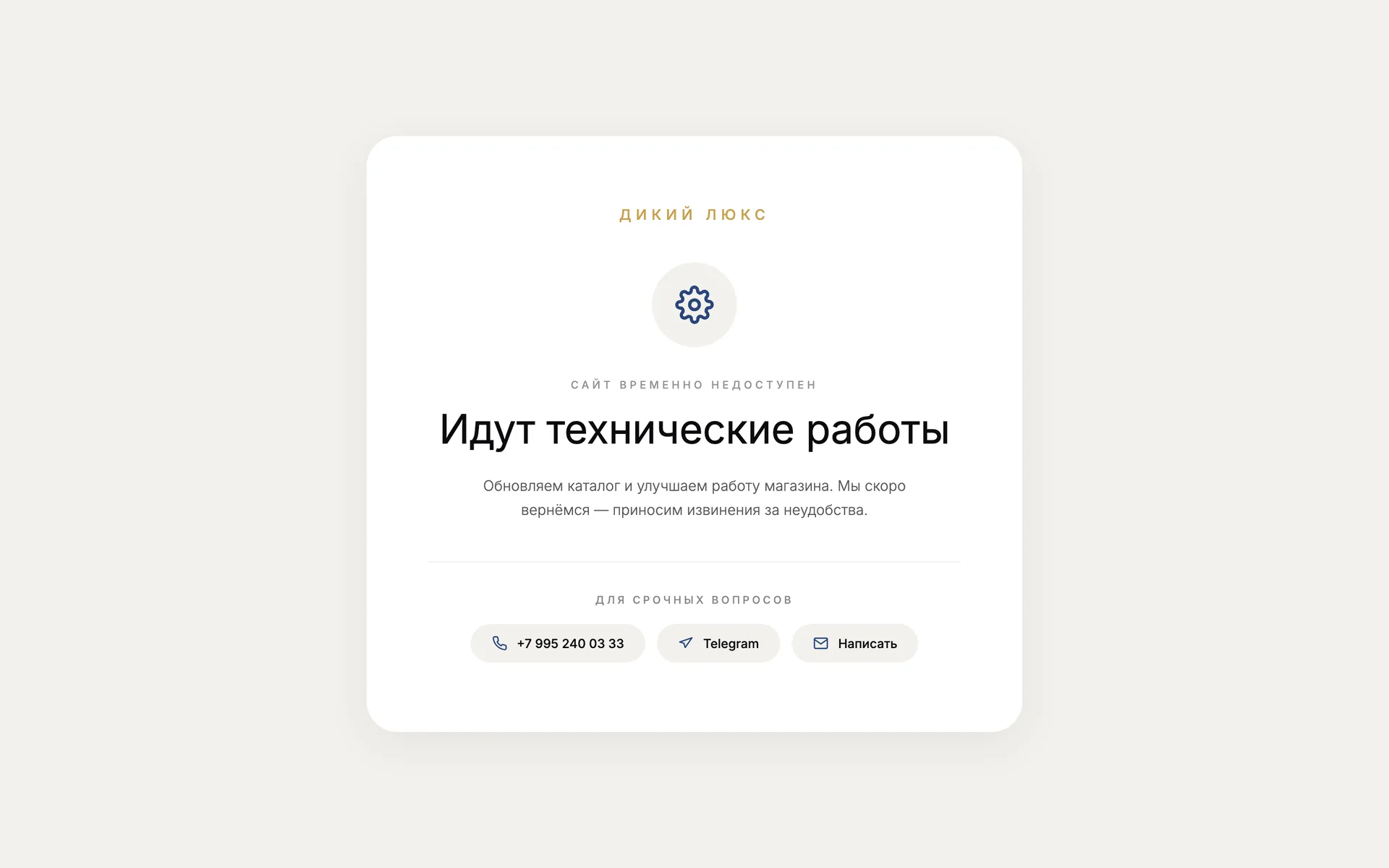
While the site is closed, customers see a maintenance page, and the panel and API keep working.
Diki Lux
How to run the store
Along with the store, the owner got a manual: where orders come in, how to answer customers and what to do with the bot. The site, panel and bot run on the client's server, with automatic backups.
- дикийлюкс.рфstore
- Admin panelproducts and orders
- @Wild_luxury_botbot and mini app
Manual sections
- First things to do
- How it all works
- Orders: from payment to tracking number
- Products, categories, blog, banners
- Work chat: all support in one place
- What the customer sees in the bot
- If something goes wrong
Telegram
Shopping and consultation without leaving Telegram
@Wild_luxury_bot opens the same store as a Mini App: a “Shop” button at the bottom of the chat, the catalogue, cart and payment inside the messenger. The bot shows customers their orders with status and tracking number, books a free consultation with a cosmetologist and forwards any message to the work chat — the owner replies from there, and the customer gets the answer from the store.
Diki Lux
bot
/start
typing…
Owner's work chat
The request arrives here as soon as the customer sends it.
The dialogue is schematic and translated: the name and phone are illustrative.
The “Shop” button
The bot's menu opens the Mini App: catalogue, cart and payment without switching to a browser.
A link to a product
A link like t.me/Wild_luxury_bot?start=product_… opens the product page right away — for newsletters and stories.
My orders
Customers see their orders with status and CDEK tracking number — no calls to the store.
Work chat
Orders, payments, requests and customer messages arrive in one group, and /stats sends a summary for the day.
- The DIKI LUX mark, icons and link preview
- An online store with a catalogue by skin state
- T-Bank payments, fiscal receipts and CDEK delivery
- Emails and notifications for every order
- An admin panel with no developer needed
- A Telegram bot and a Mini App
- An owner's manual