
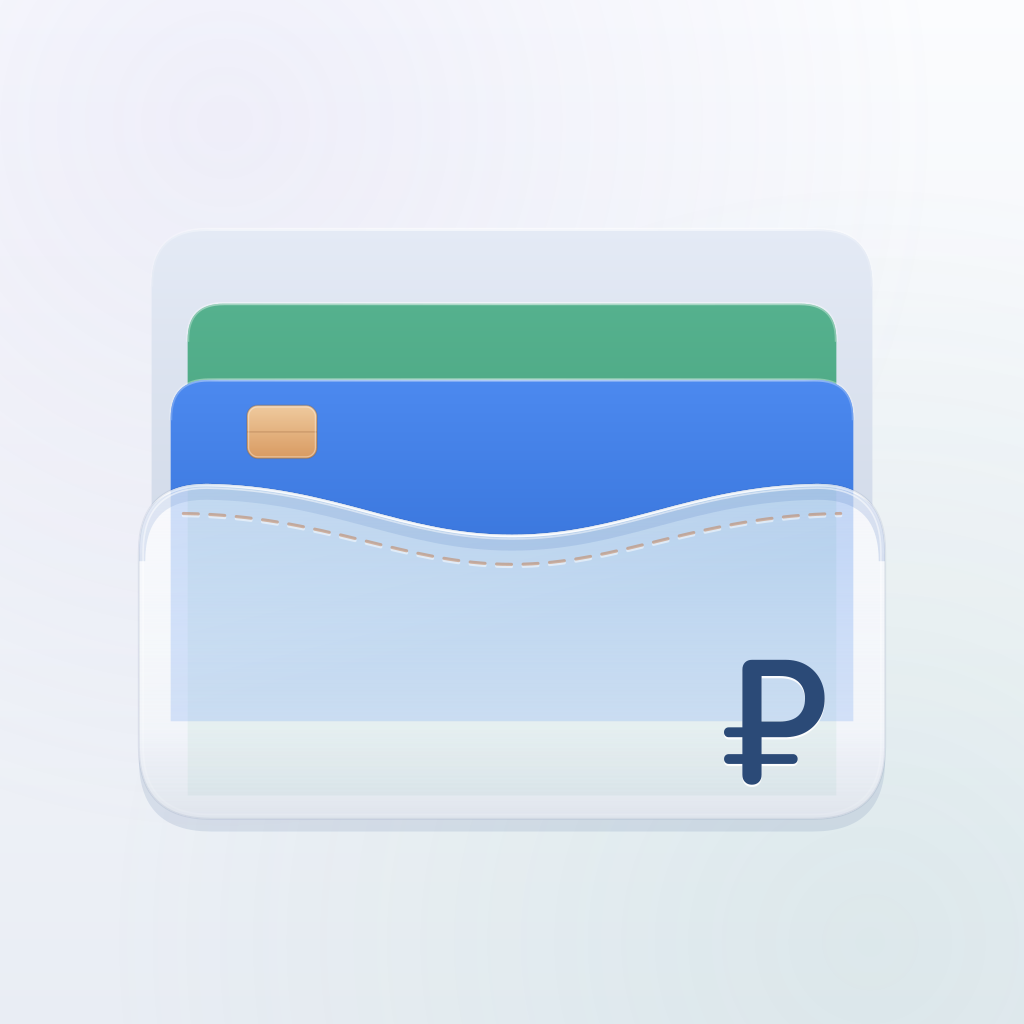
 FinancesiPhone · iPad · Mac
A personal money app
How much you can
safely spend
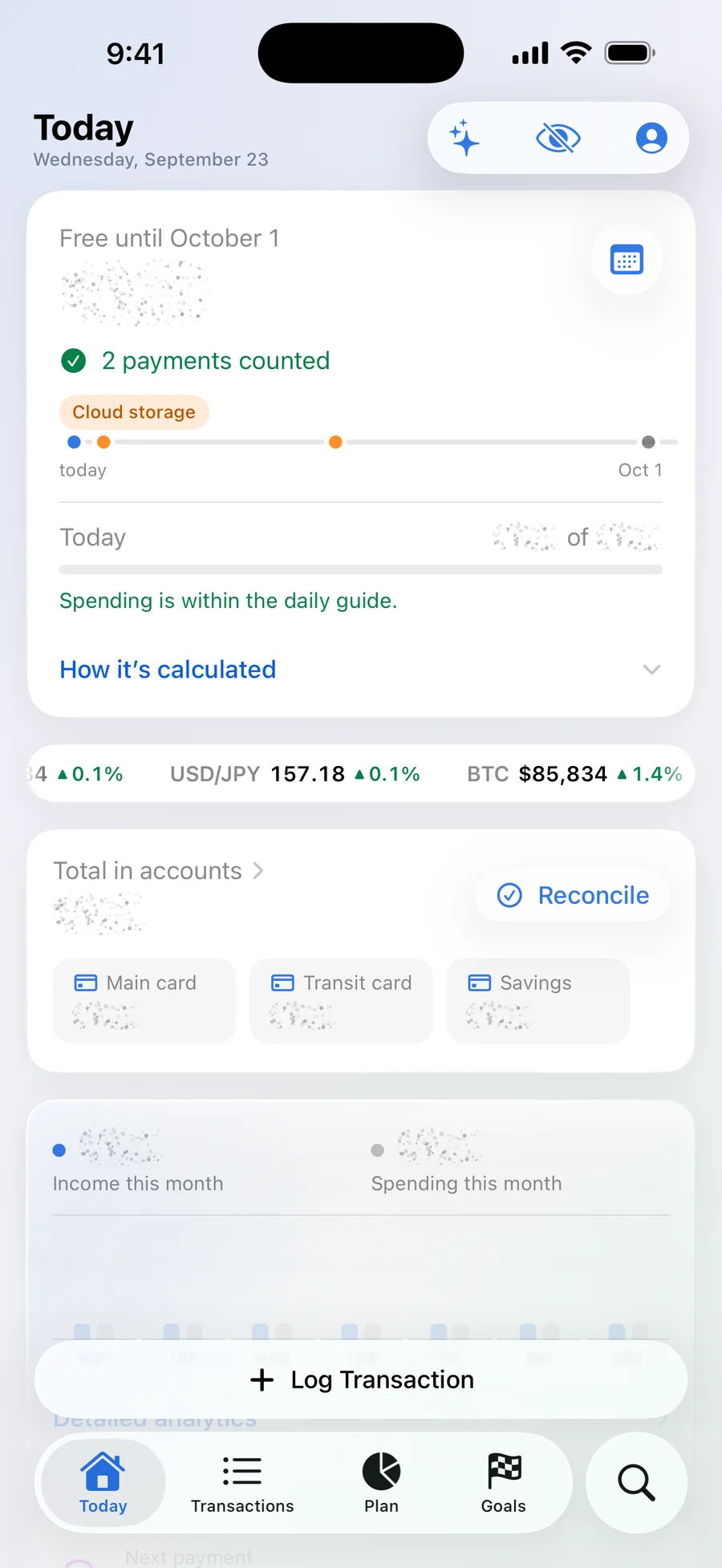
Free until October 10
$1,248
3 payments counted for $828
How it’s calculated ⌄
Demo data
2026 / Product · Design · iOS
Finances
A personal money app for iPhone, iPad and Mac: one “Free” number with an honest calculation, one-line input, a plan, goals and an on-device assistant.
1
number instead of a thousand rows
The brief
One number instead of a thousand rows
Budgeting apps usually answer “where did the money go”. We built the product around a different question — how much can I spend until the next income — and made everything around it: the calculation, the icon and visual system, the app for iPhone, iPad and Mac, widgets, App Store pages in two languages and launch videos.
One number
“Free” is the account balances minus planned payments and a protected reserve. Under it sit a daily guide and the reasoning behind the figure.
One line to record
“Coffee 250 card #work” — amount, account, category and tags sort themselves out. Plus voice, receipt QR codes, Siri and Control Centre.
A plan without spreadsheets
Recurring payments and income with reminders, category limits and goals — without a single formula.
Your data stays yours
No account, tracking or ads. The assistant works right on the device; data goes to iCloud only for sync or a family budget.
- Platforms
- iPhone, iPad and Mac — one App Store listing
- Languages
- Russian and English
- Stack
- SwiftUI, WidgetKit, App Intents, iCloud
- Version
- 1.5 — in the App Store since 25 September 2026
The main screen
A number that explains itself
“Free” can’t be nudged by hand — only understood. Tap “How it’s calculated” and the app lays out the whole subtraction line by line. Future income is never passed off as available money, and when data is missing it honestly says “forecast unavailable” instead of showing zero.
Free until October 10
$1,248
- Money in accounts
- $3,276
- Payments until October 10 · 3 payments
- −$828
- Protected reserve
- −$1,200
- = Free
- $1,248
An example on demo data. Switch the horizon and the calculation rebuilds.
The further the horizon, the less you can spend a day: the number changes honestly, together with the date.
Input
Two seconds to record — one line
You write it the way you’d say it. The line is parsed on the device: amount, account, category, date and tags turn into chips, and the free amount updates the same second. Try it — the field is live.
Other ways to record
- By voice
- Receipt QR code
- Siri
- Control Centre
- Home Screen widget
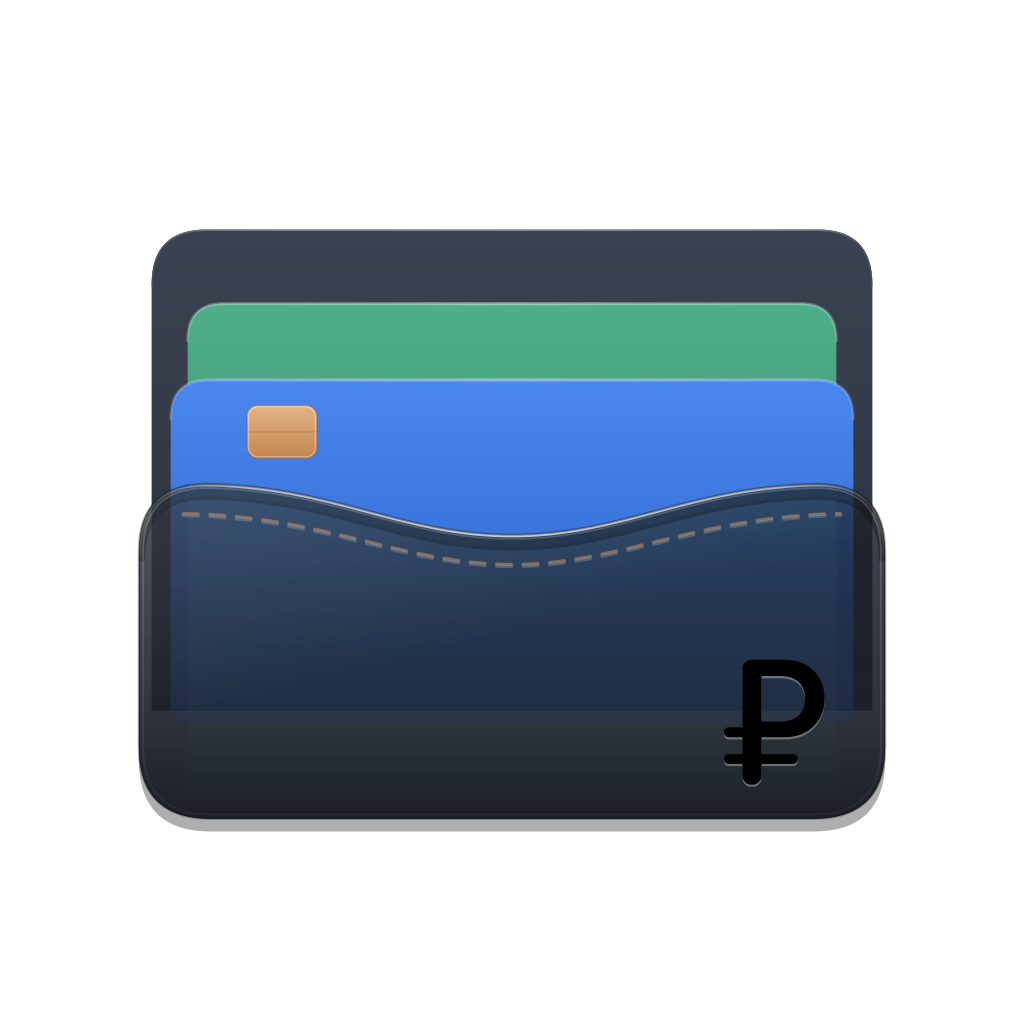
The icon
A card holder you can see into
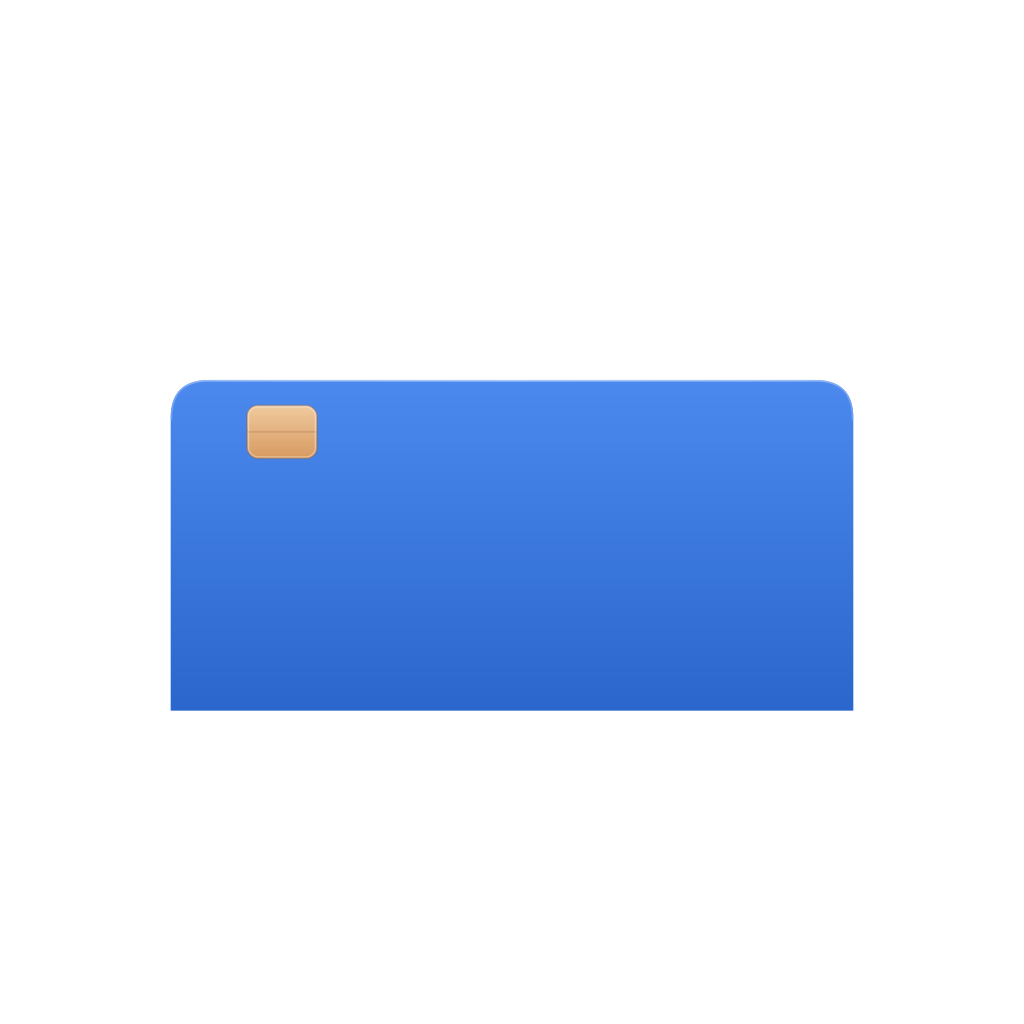
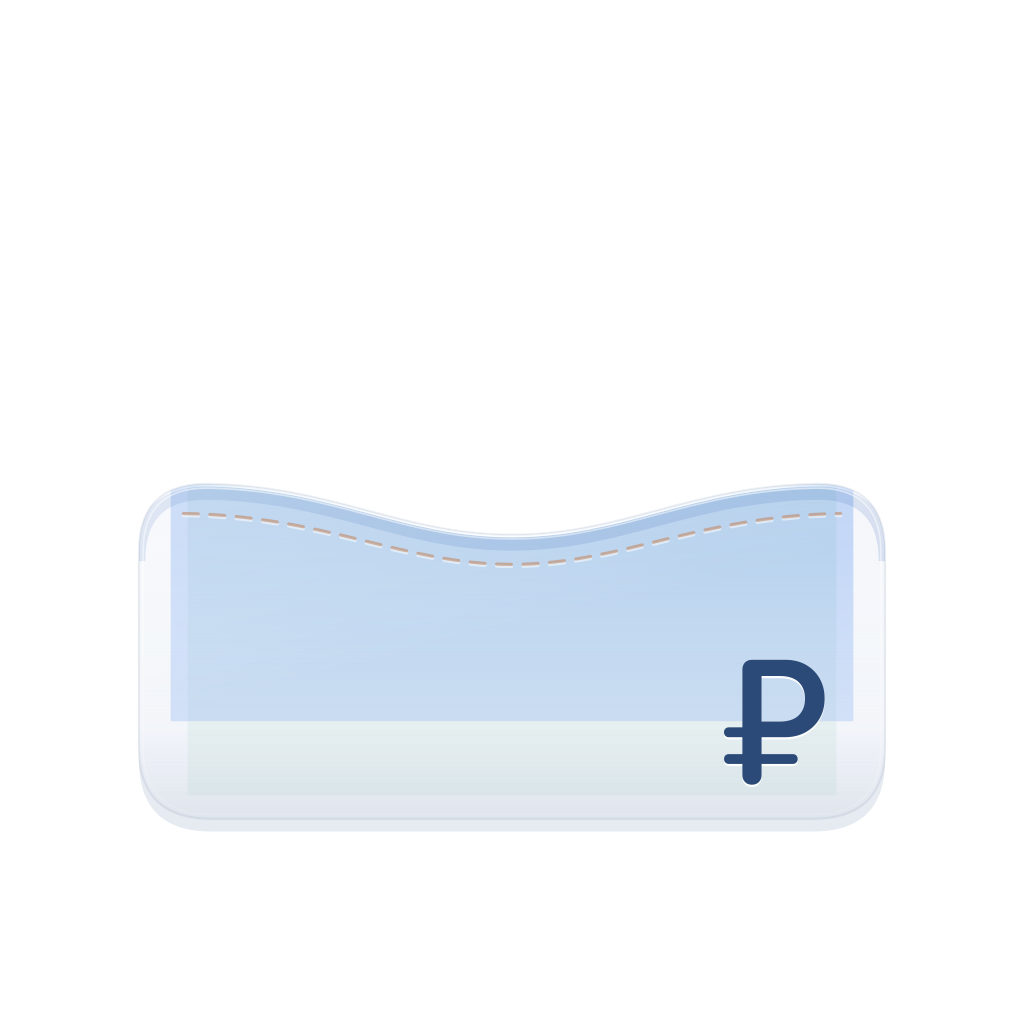
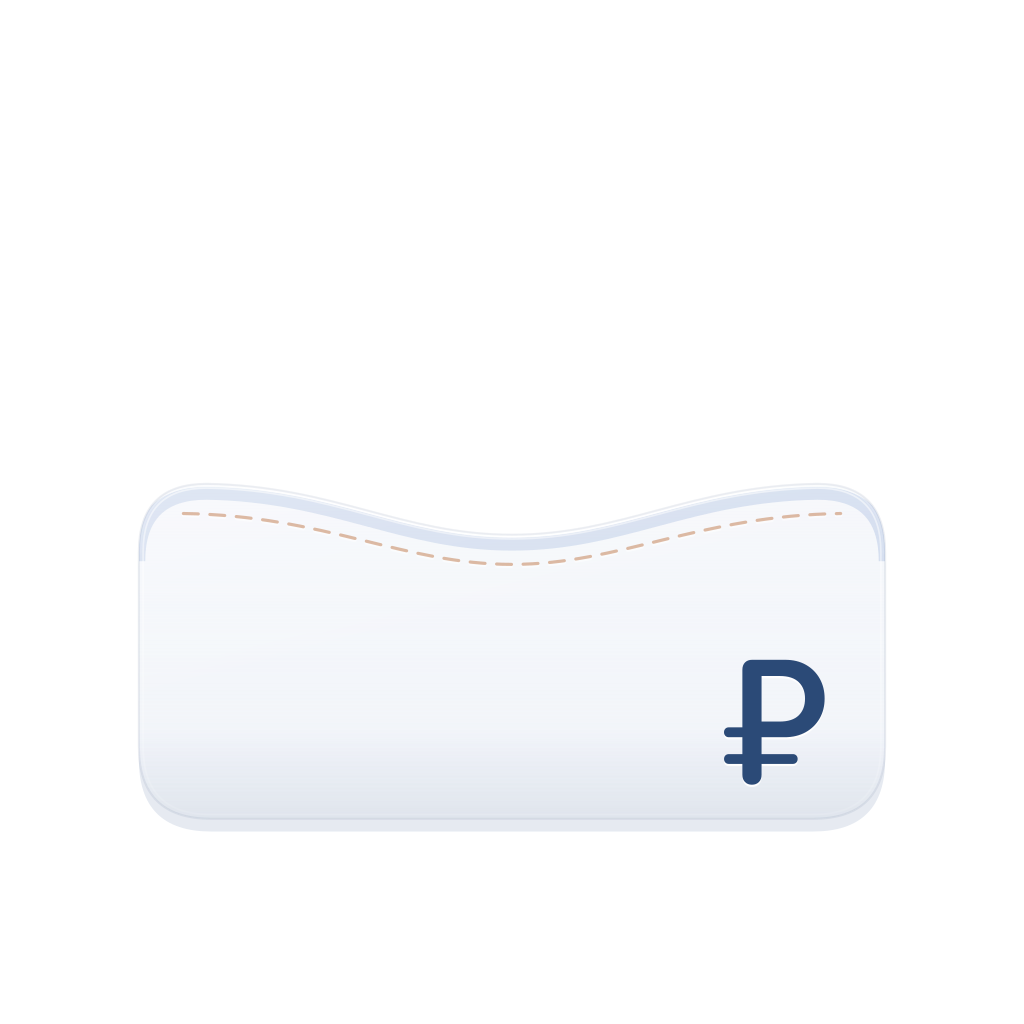
Money sits in pockets — that is how the app works. The icon is built from four layers: a base, a mint card, a blue card with a chip and a glass pocket with a rouble sign. The glass is frosted: the cards show through, the amounts don’t.



The stitch
An apricot thread engraved into the glass rather than a drawn seam.
The rouble sign
A real SF Pro Rounded glyph, pressed into the pocket at the lower right.
The chip
The warm marker of a bank card — the one detail outside the cool palette.
The system
Every screen answers one question
Today — how much you can spend. Plan — what’s ahead. Goals — when you can afford it. Net worth — where all the money is. Native iOS components, light and dark themes, an interface in Russian and English.
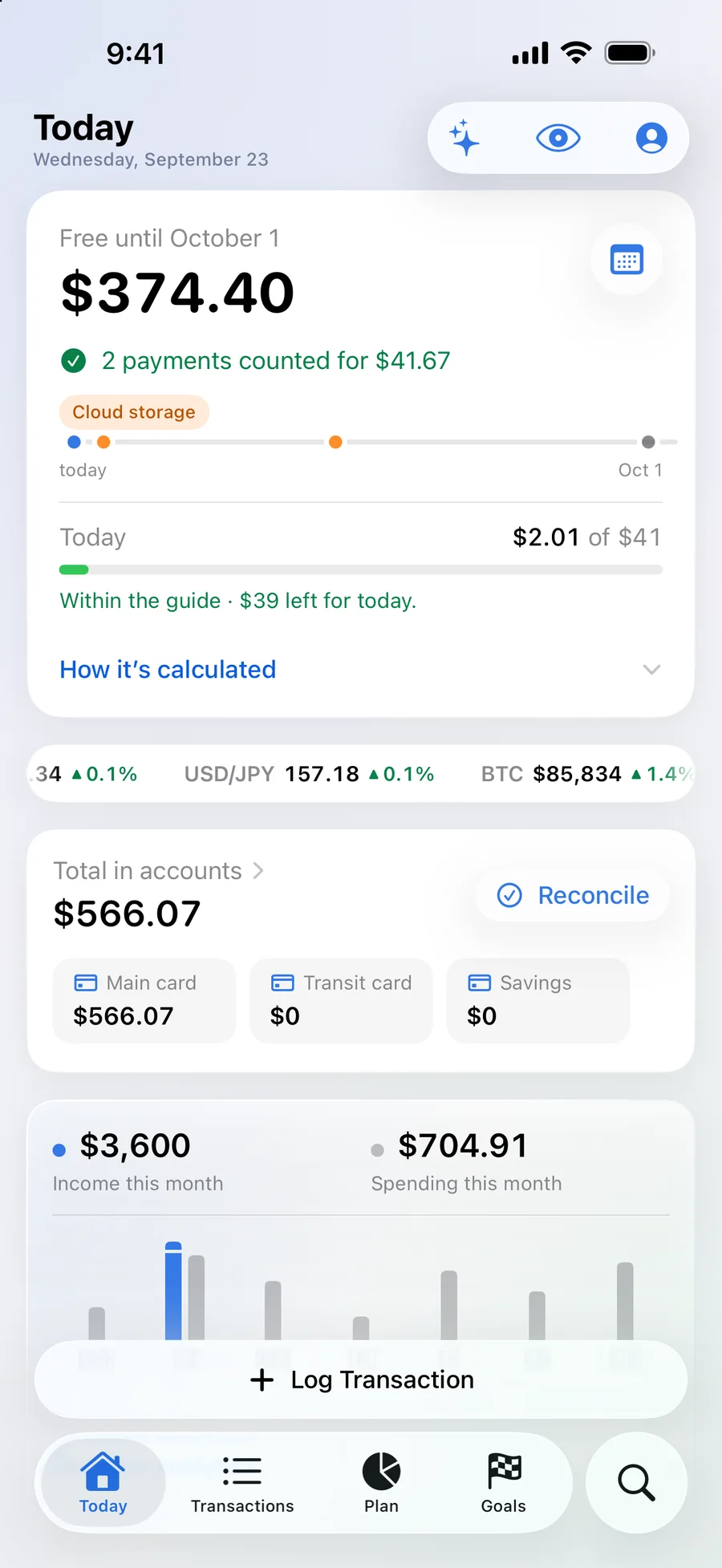
Today
The free amount, a daily guide and upcoming payments
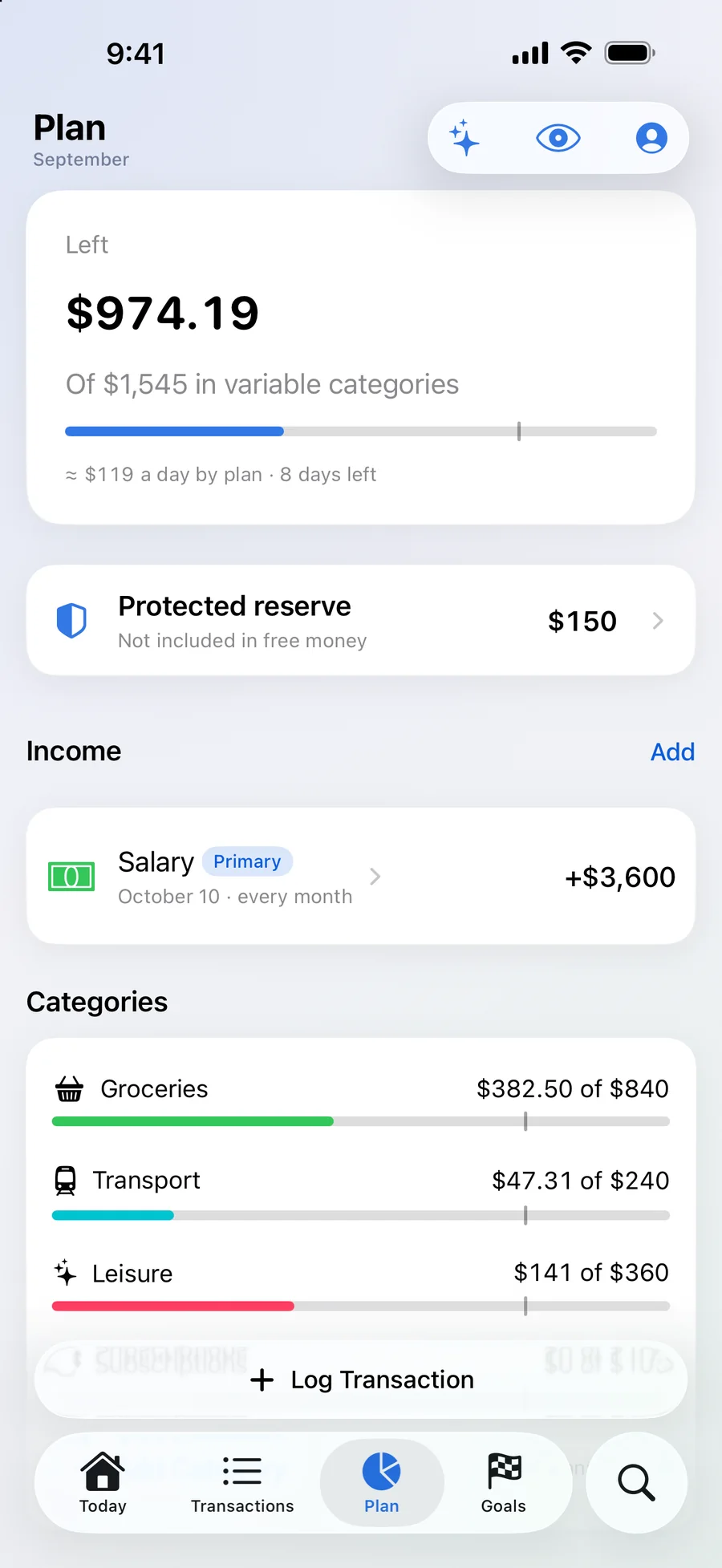
Plan
Category limits, income and the protected reserve
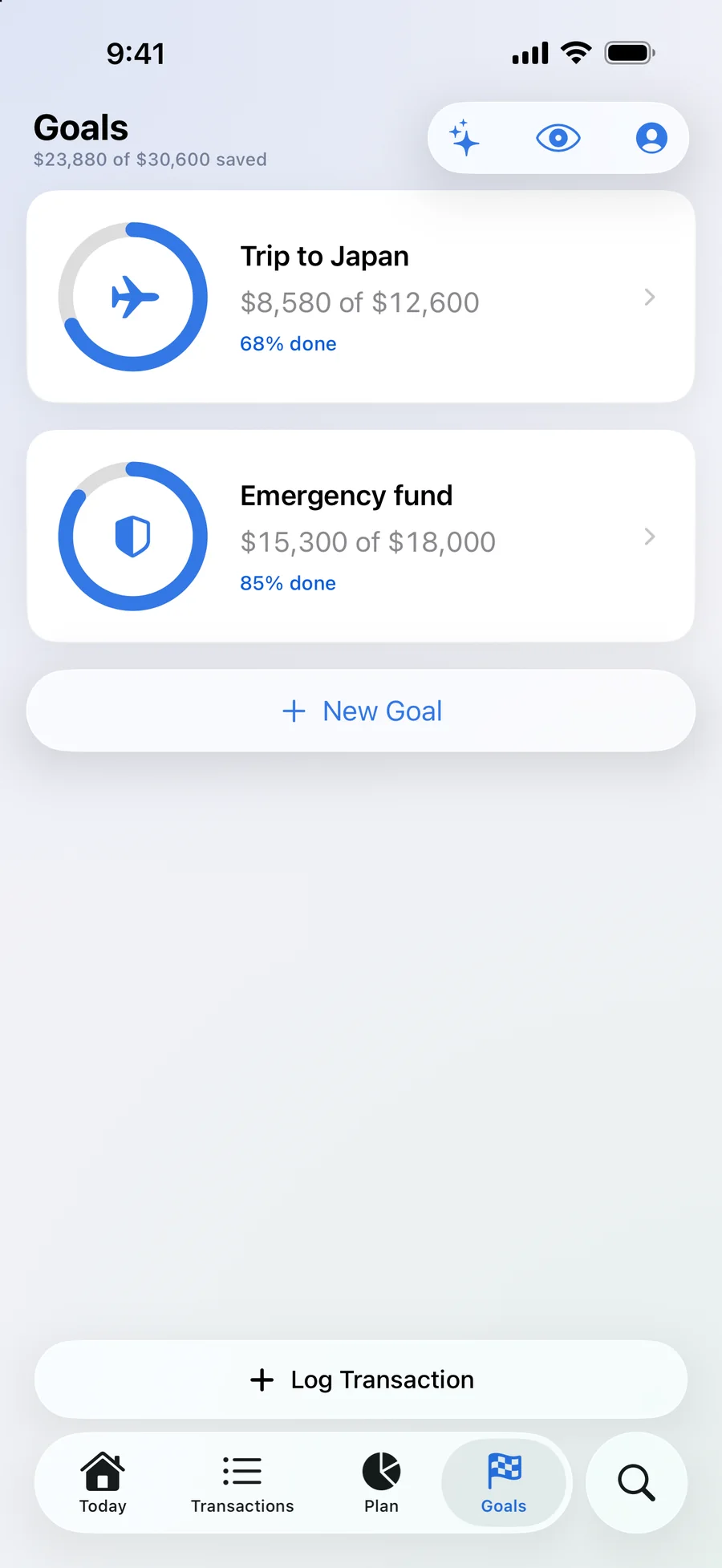
Goals
Progress towards goals — and the day a purchase stops getting in the way of payments
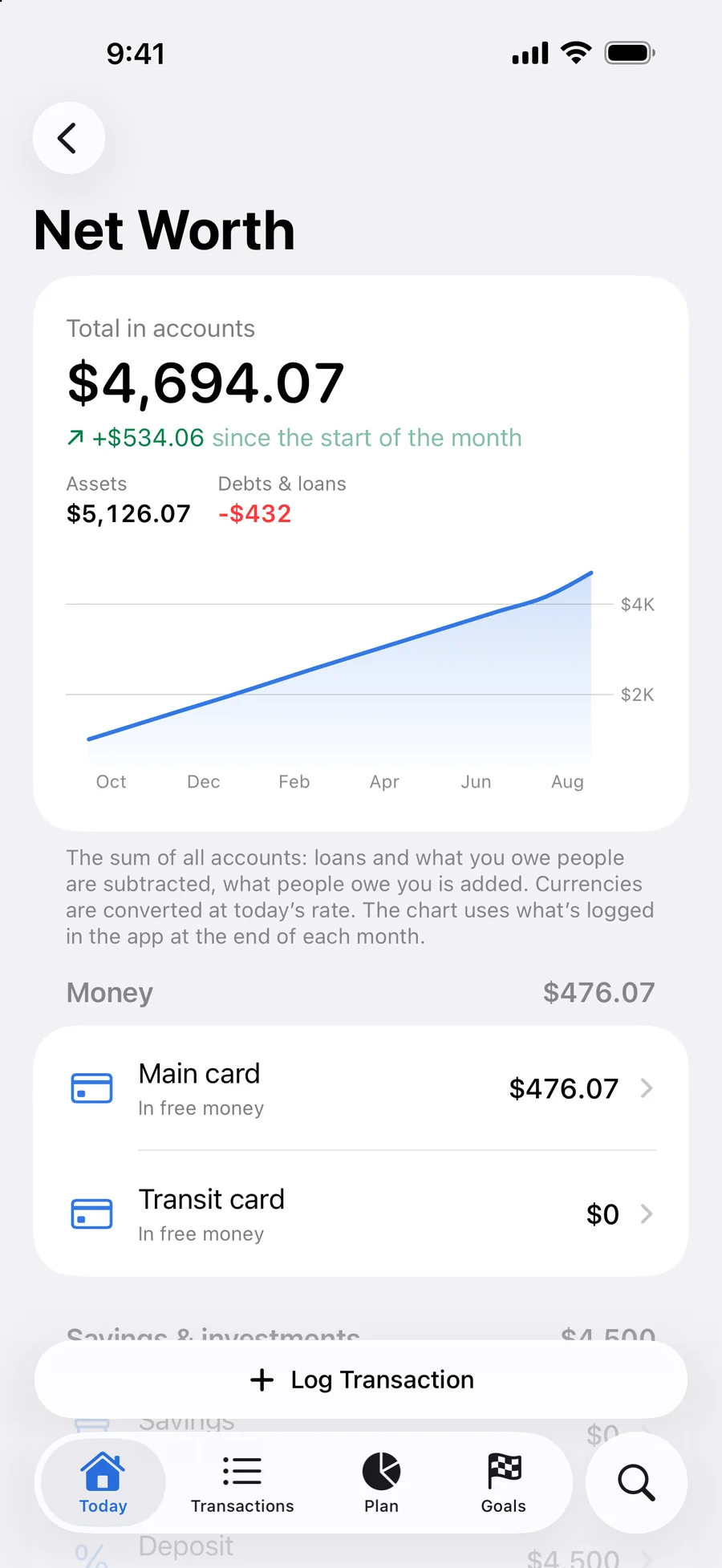
Net worth
Accounts, deposits, loans and debts — and how the money changed month by month
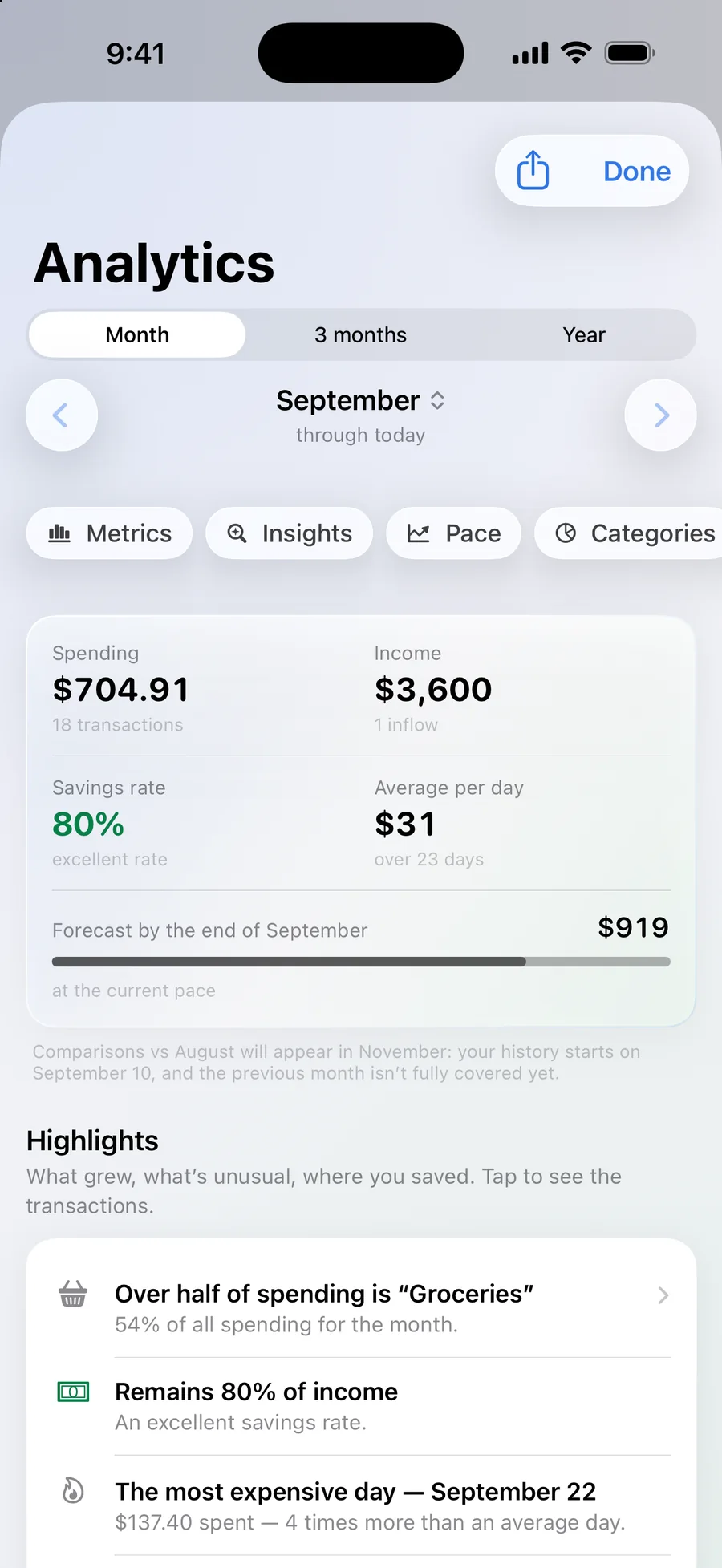
Analytics
Spending pace, a month-end forecast, reports in PDF and Excel
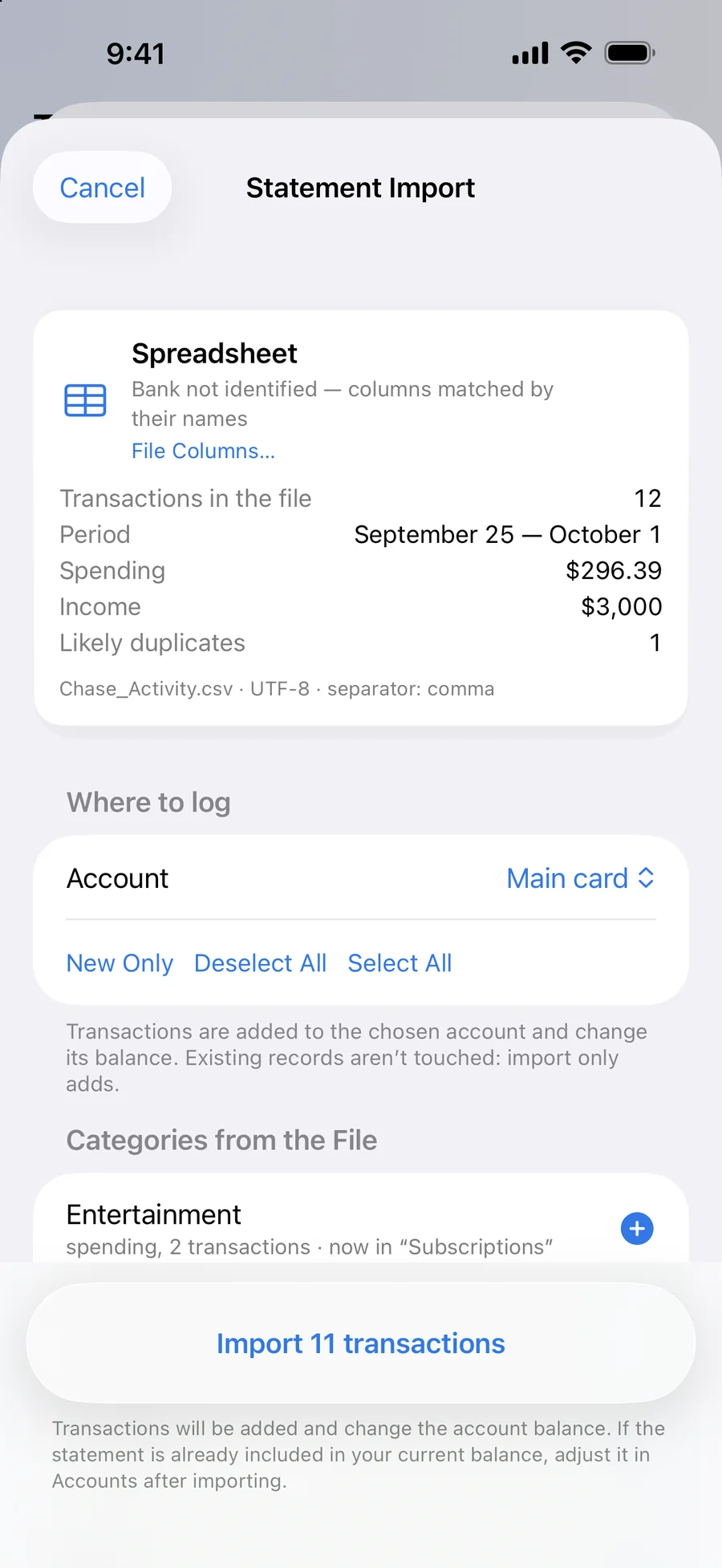
Statement import
PDF, Excel and CSV: transactions, categories and duplicates checked before saving
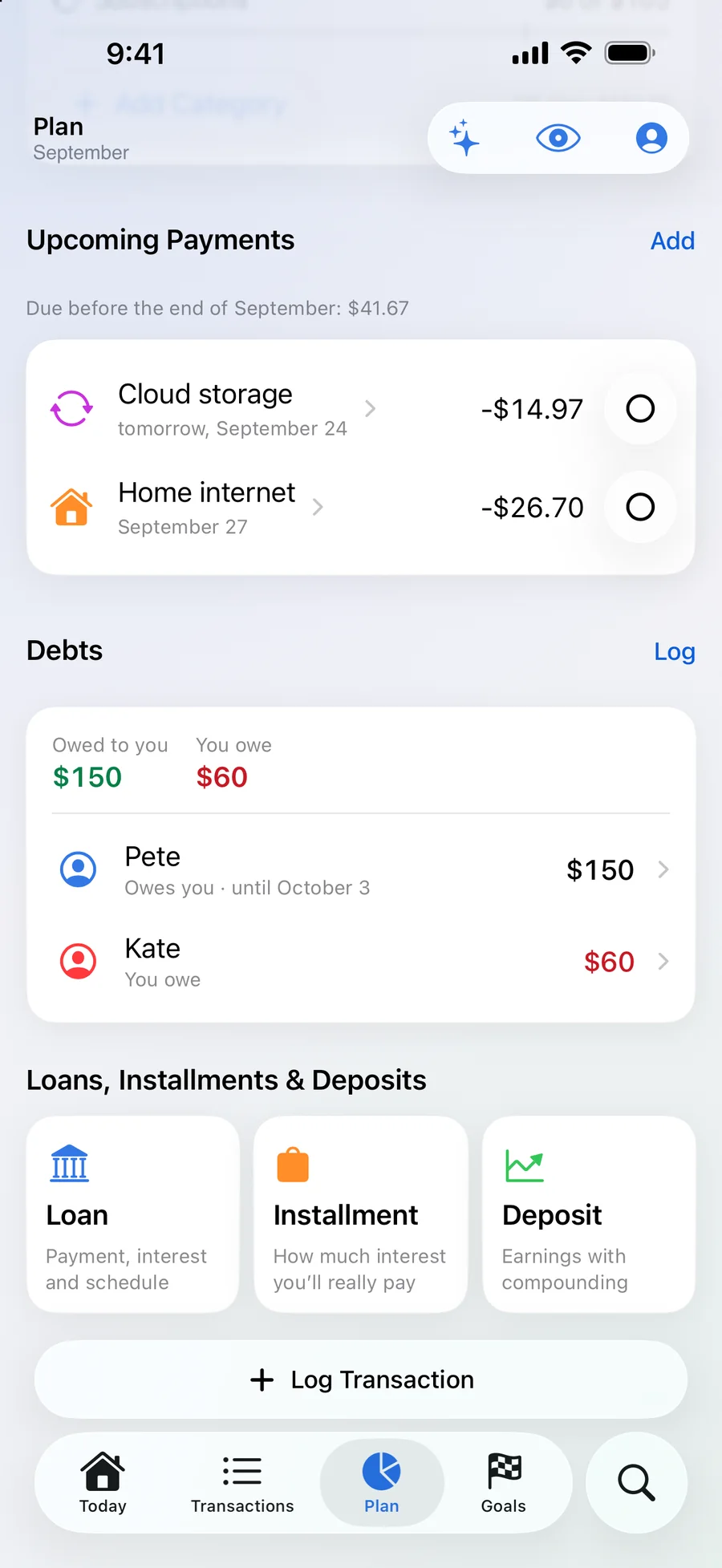
Debts
Who owes whom, loans, instalments and deposits — on one screen
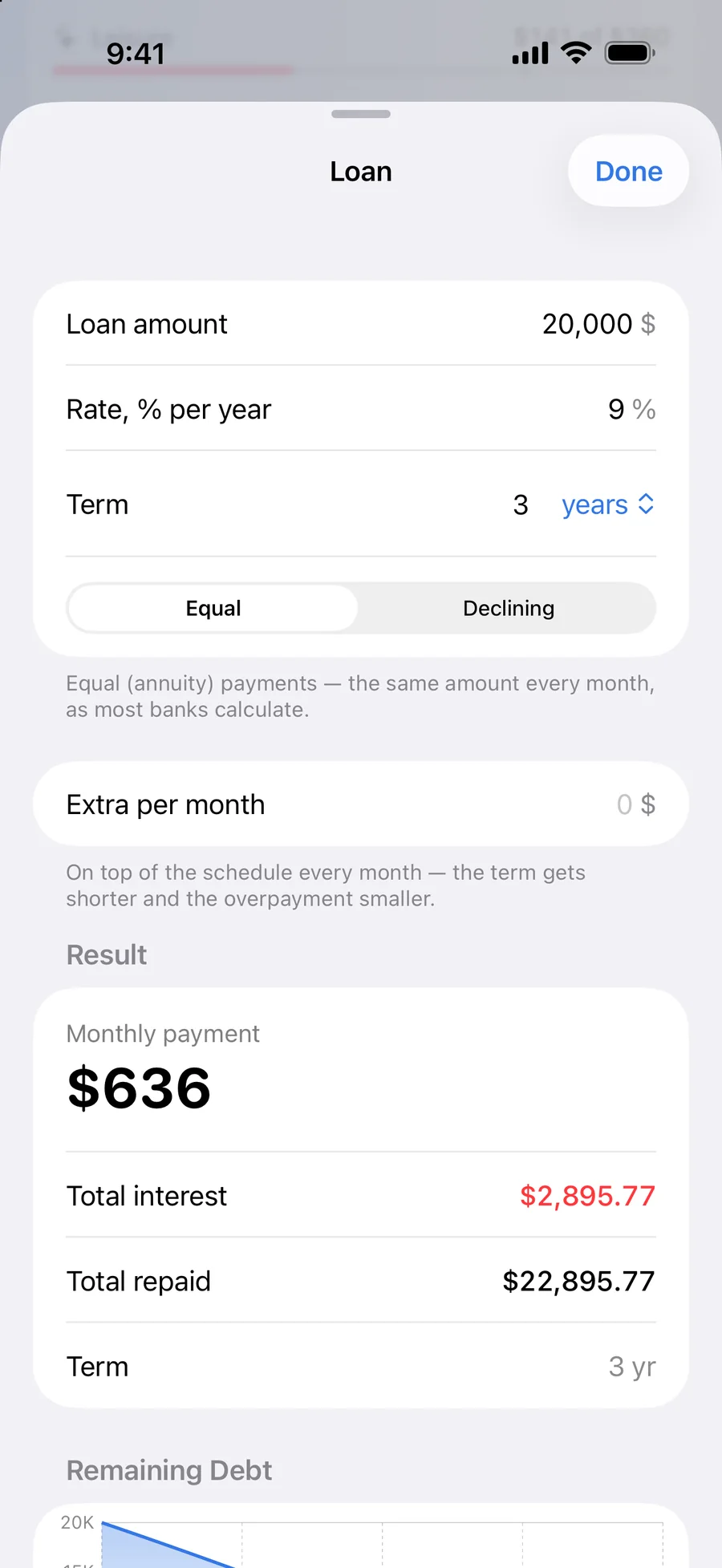
Loan
A calculator: payment, overpayment and early repayment
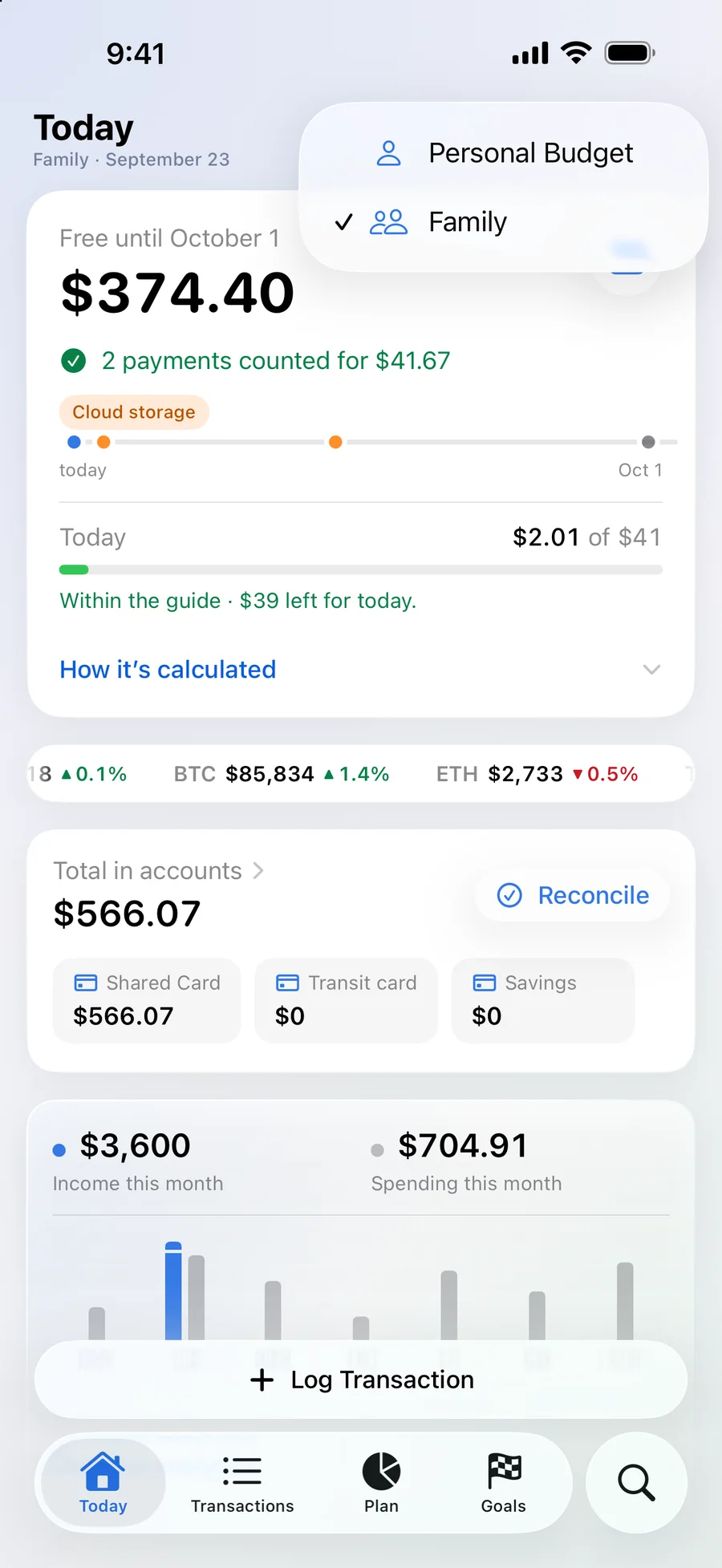
Family
One budget for everyone: each person records from their own iPhone
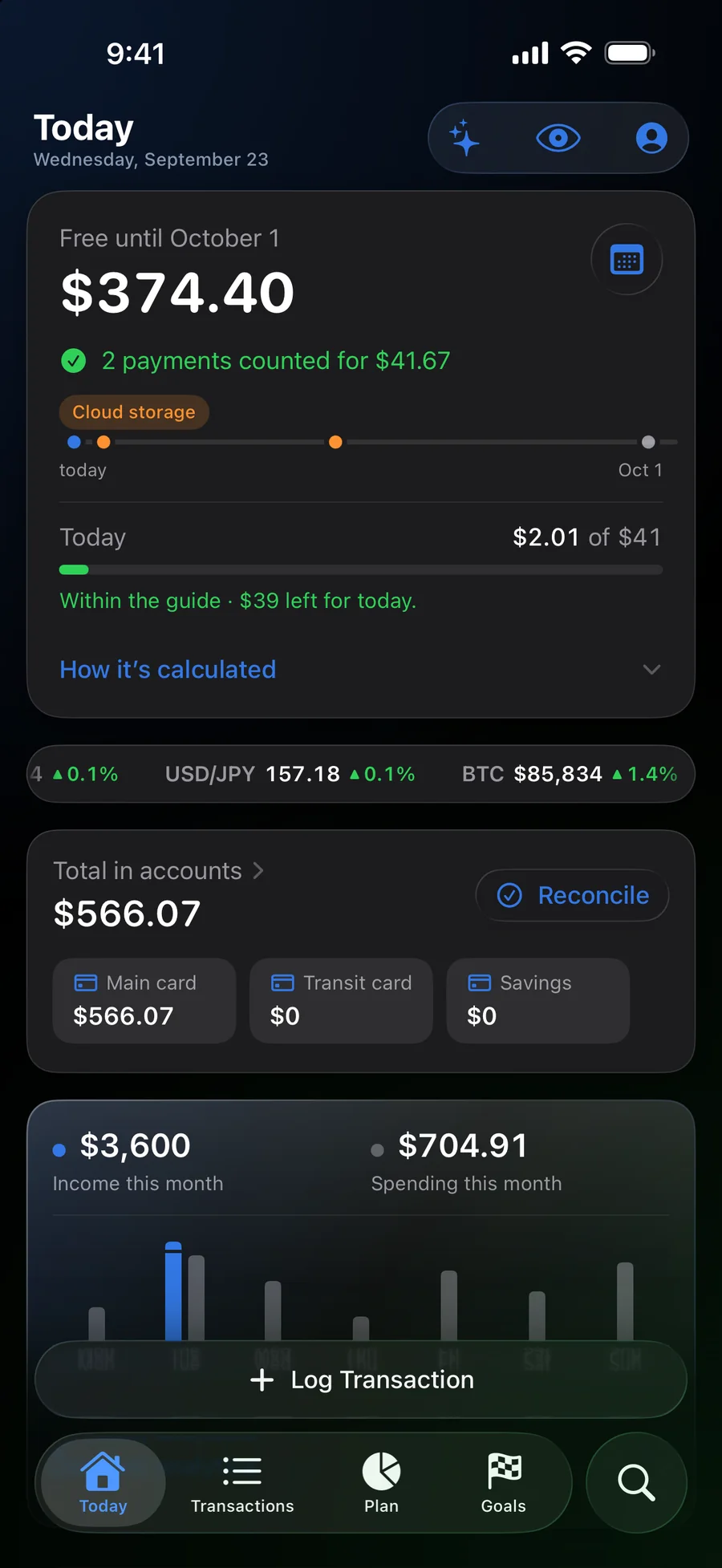
Dark theme
The same colour system on dark glass
Privacy
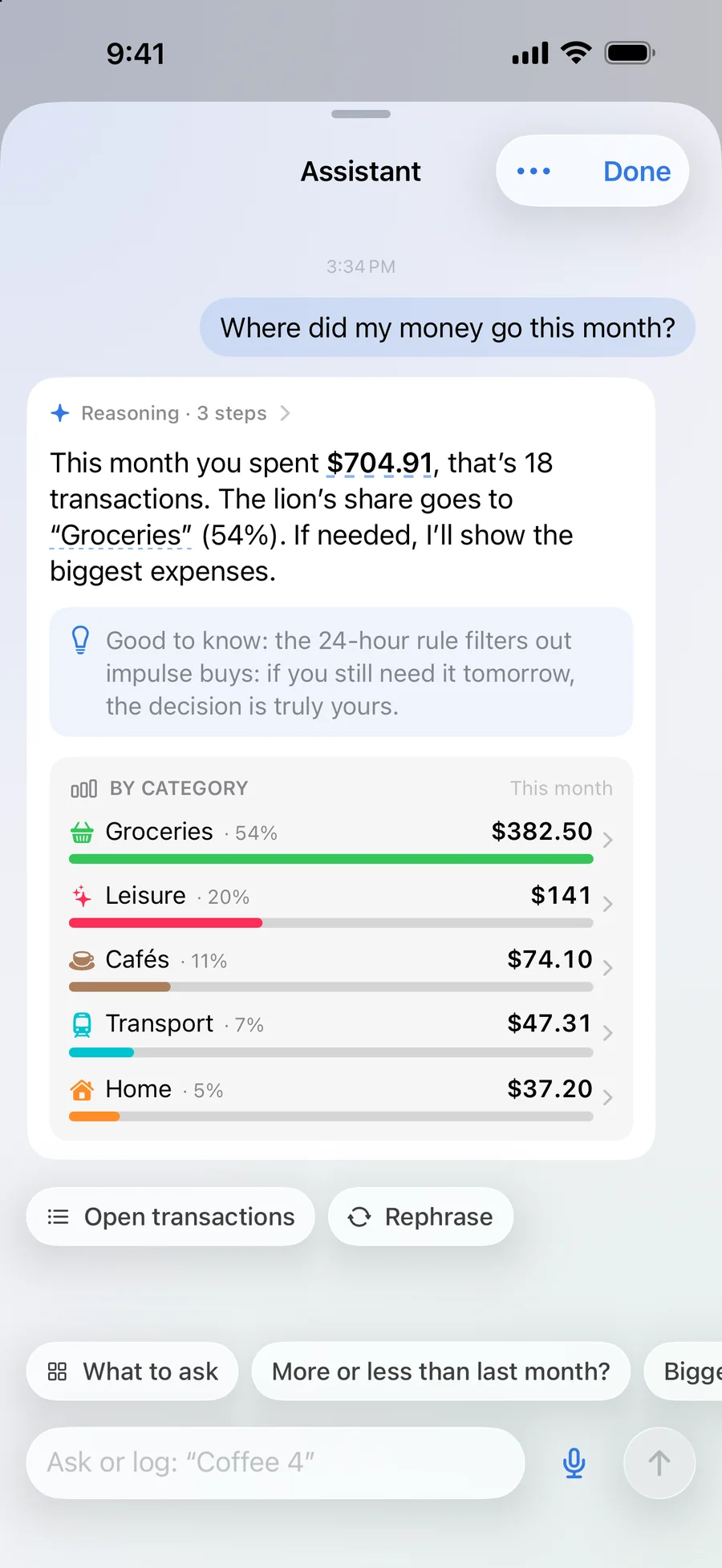
The assistant works right on the device
Ask in your own words — “where did the money go this month?” — and the assistant counts, explains and records the transaction itself. None of the data goes to AI services.
- No account, tracking or ads
- Data is stored on the device
- iCloud only for sync or a family budget
- Face ID and hiding amounts with one tap
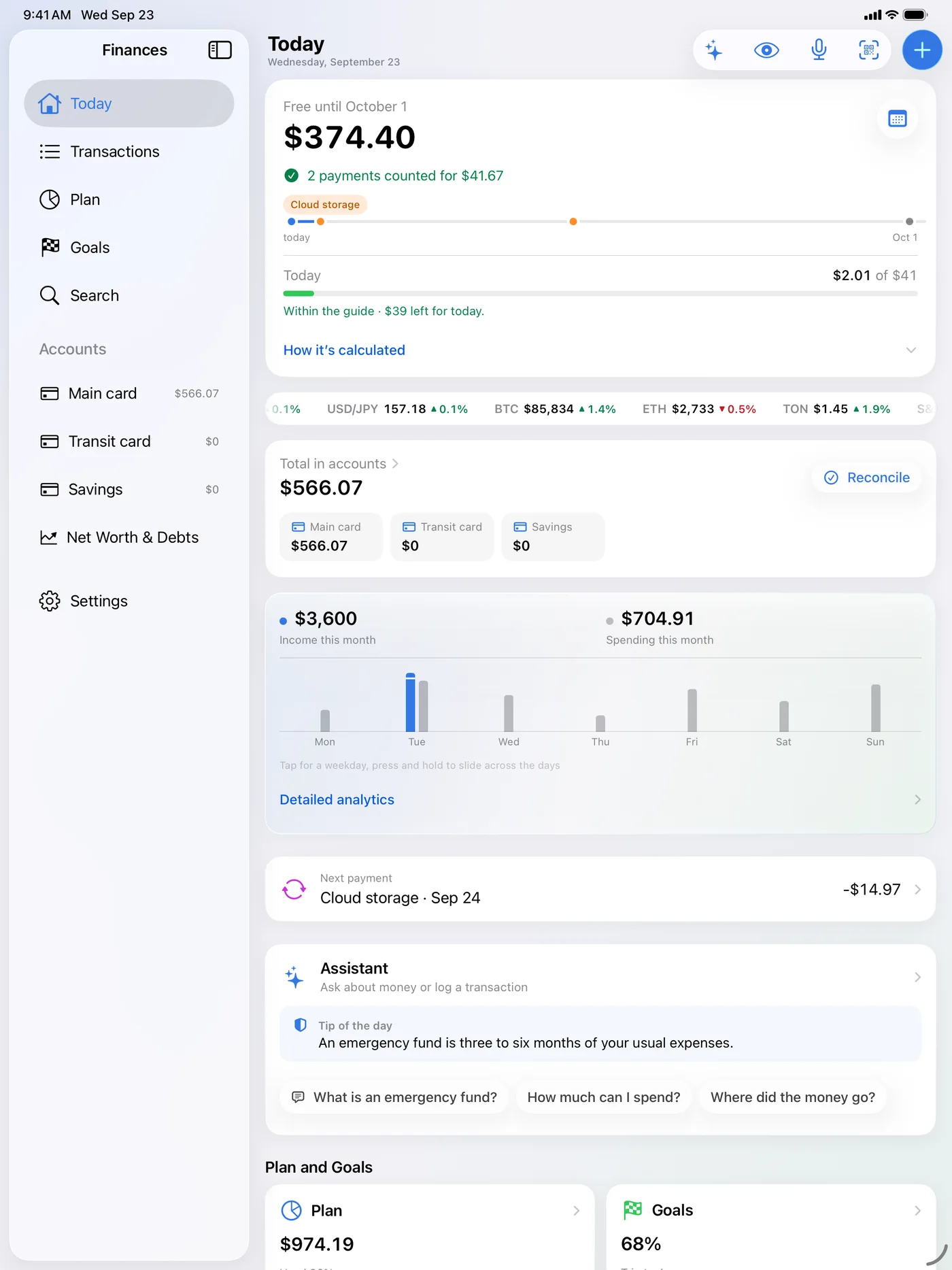
iPad and Mac
One app on three screens
On iPad the sidebar holds sections and accounts while Today fills the rest, and the whole Plan fits without scrolling. Home Screen and Lock Screen widgets show the free amount without opening the app.
Launch
Store pages and release videos
Ten App Store frames in Russian and English for iPhone and iPad, and a series of short videos — one per feature. In them the icon comes apart into layers just as it does on this page.
Dozens of expenses — one number What a year of coffee costs A wallet that understands money The icon in layers
Finances: Budget & Spending
Free on the App Store · iPhone, iPad and Mac
★ 5.0 in the US App Store, 4.88 in Russia — as of 5 October 2026
Outcome
What shipped
Version 1.5 has been available since 25 September 2026. The app is free, with an interface in Russian and English.
- An app for iPhone, iPad and Mac
- The “Free” calculation, explained line by line
- The icon and visual system
- Widgets, Siri and Control Centre
- App Store pages in two languages and launch videos