
 PremisesComparisonDocumentsHow we workTermsGuaranteeContacts
Legal addresses in St Petersburg
Legal address.
We choose an address with the district and the tax office in mind. Before the contract we show the set of documents and fix the terms; after registration we receive the mail.
Find an address2026 / Brand · Design · Engineering
LAB Russia
Brand book and website for a legal-address service in St Petersburg: five brand decisions, a mark built from grains on the first screen, proof instead of promises and a request delivered to Telegram and e-mail.
up to 12,000
grains build the mark on the first screen
About the project
A legal address you can verify
LAB Russia finds legal addresses for registering companies and sole traders in St Petersburg and supports the business after registration. Clients of such a service fear mass addresses and empty promises, so we built the brand and the site on actions a client can check: see the premises, receive the documents for the object, understand how the mail arrives. We made the brand direction and the brand book, a concept photo series and the site — from the first screen to the request.
Premises
How the object can be viewed is agreed with the client before the contract.
Documents
The set of documents depends on the chosen object.
Mail
The site explains how letters reach the address and then the client.
Support
Questions about the address are handled after registration too.
- decisions in the brand book: type, colour, logo, photography and interface
- 5
- grains build the mark on the first screen
- up to 12,000
- fields in the address request
- 4
- delivery channels for a request: Telegram and e-mail
- 2
Brand book
Five decisions instead of a ready package
We did not bring one «right» option. The brand direction split the choice into five independent decisions — type, colour, logo, photography and interface — each option with its own strength and limit. The client assembled a combination, and on 3 August 2026 it went into the brand book for approval. Switch the options: the sample screen rebuilds itself on the brand book's own sample text.
F2 · C1 · L1 · P1 · U3Legal addresses in St Petersburg
Legal address. Access to the premises.
We select options by agreed parameters. The viewing format and the set of documents are confirmed for every object.
Request address options
- District
- choose
- Tax office
- clarify
- Viewing
- agree
Decision sheet
- Type
Literata + Golos Textin the brand book
Classic. Serif headings and calm interface text; the serifs noticeably change the image.
- Colour
Deep greenin the brand book
Solid, develops the demo. In the brand book the base became lighter: #0C1C15 instead of #07100D.
- Logo
Keep the markin the brand book
The client's logo with its shape and proportions unchanged: header, footer and official materials.
- Photography
Concept seriesin the brand book
One style; the frames must not pass for the client's objects.
- Interface
Balancedin the brand book
An expressive first screen and strict working sections.
Approved: F2 · C1 · L1 · P1 · U3
Photography
A concept series with an honest caption
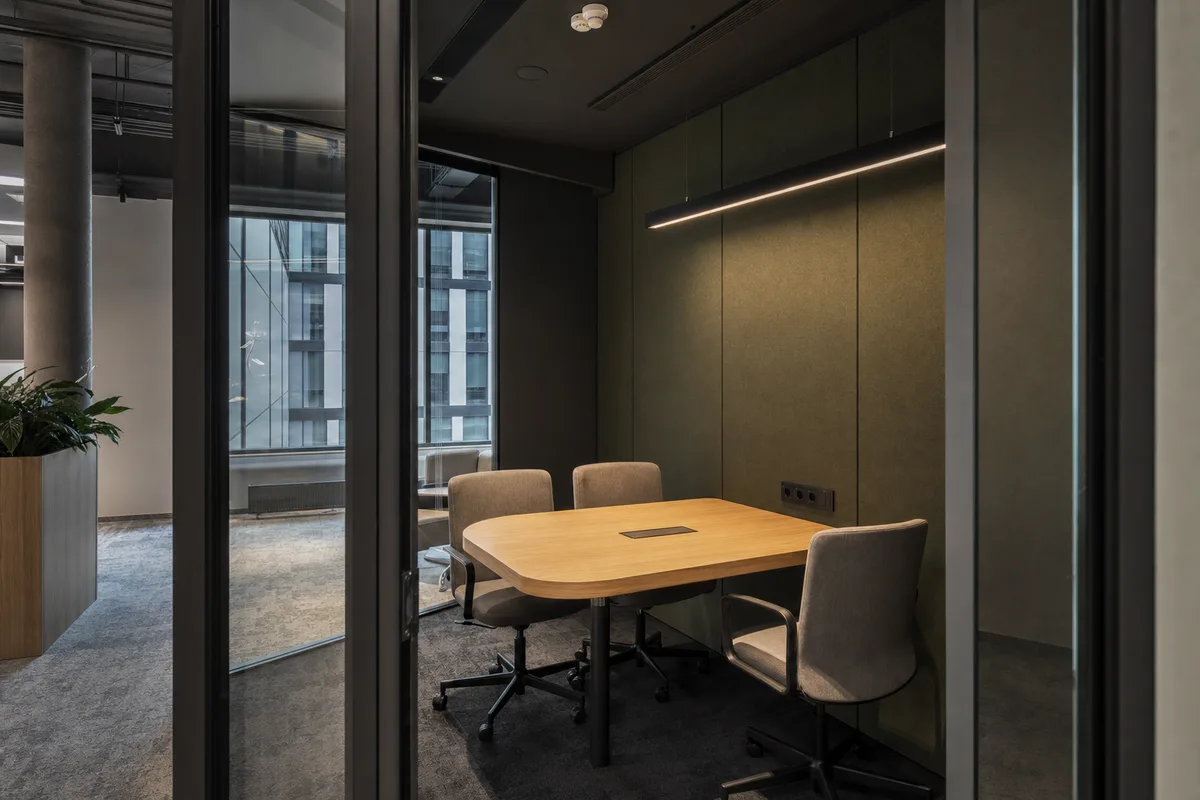
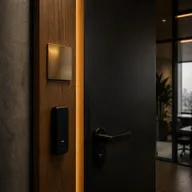
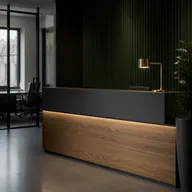
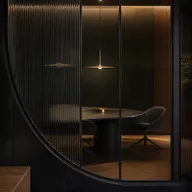
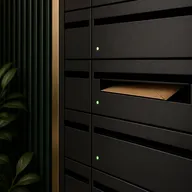
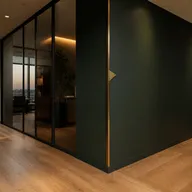
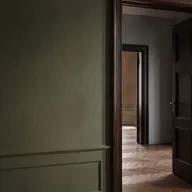
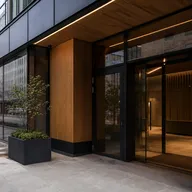
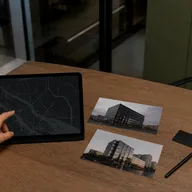
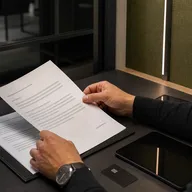
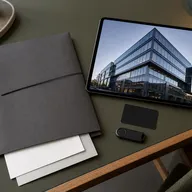
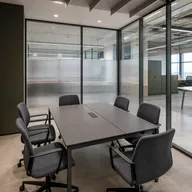
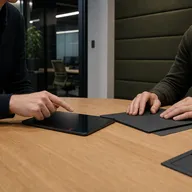
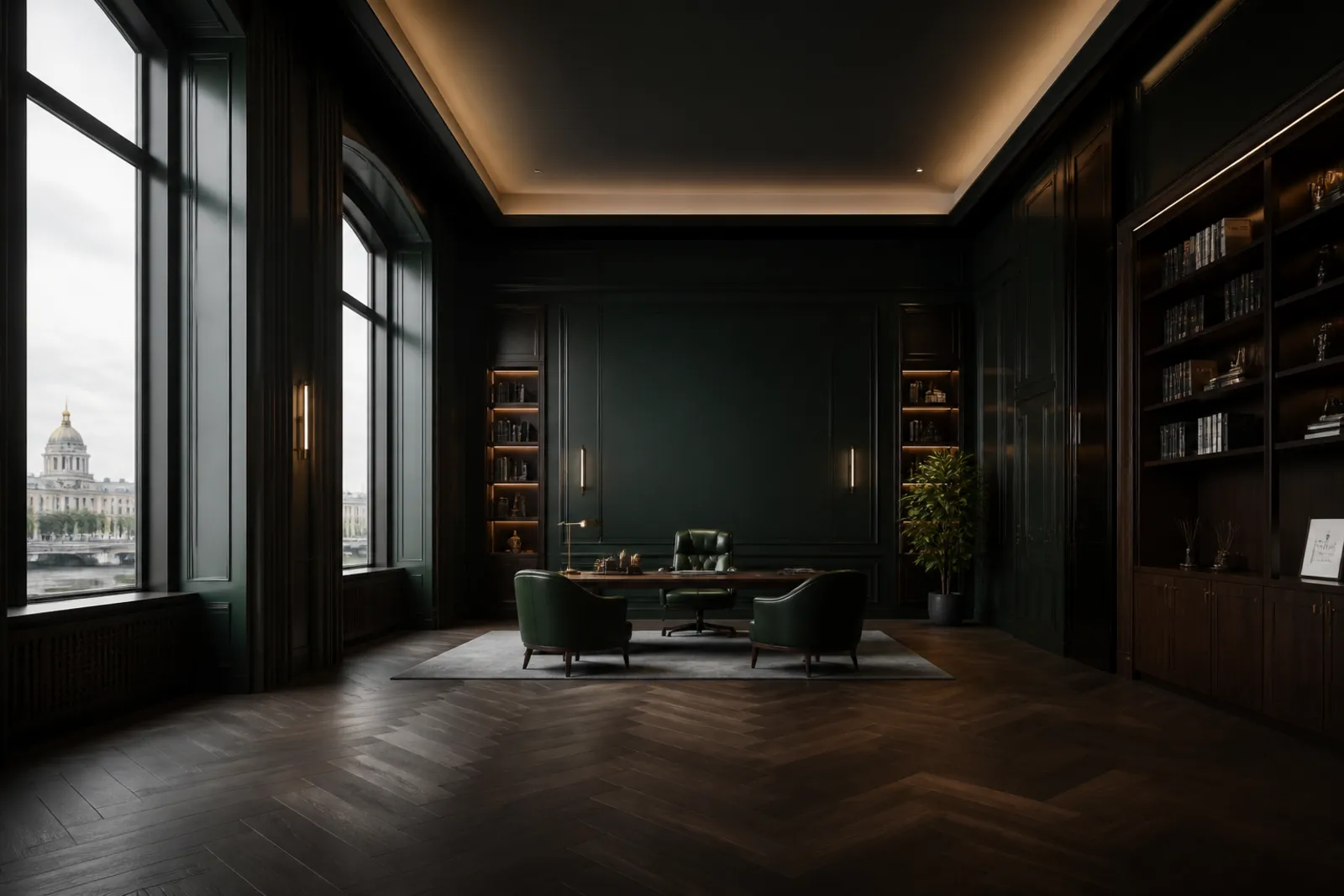
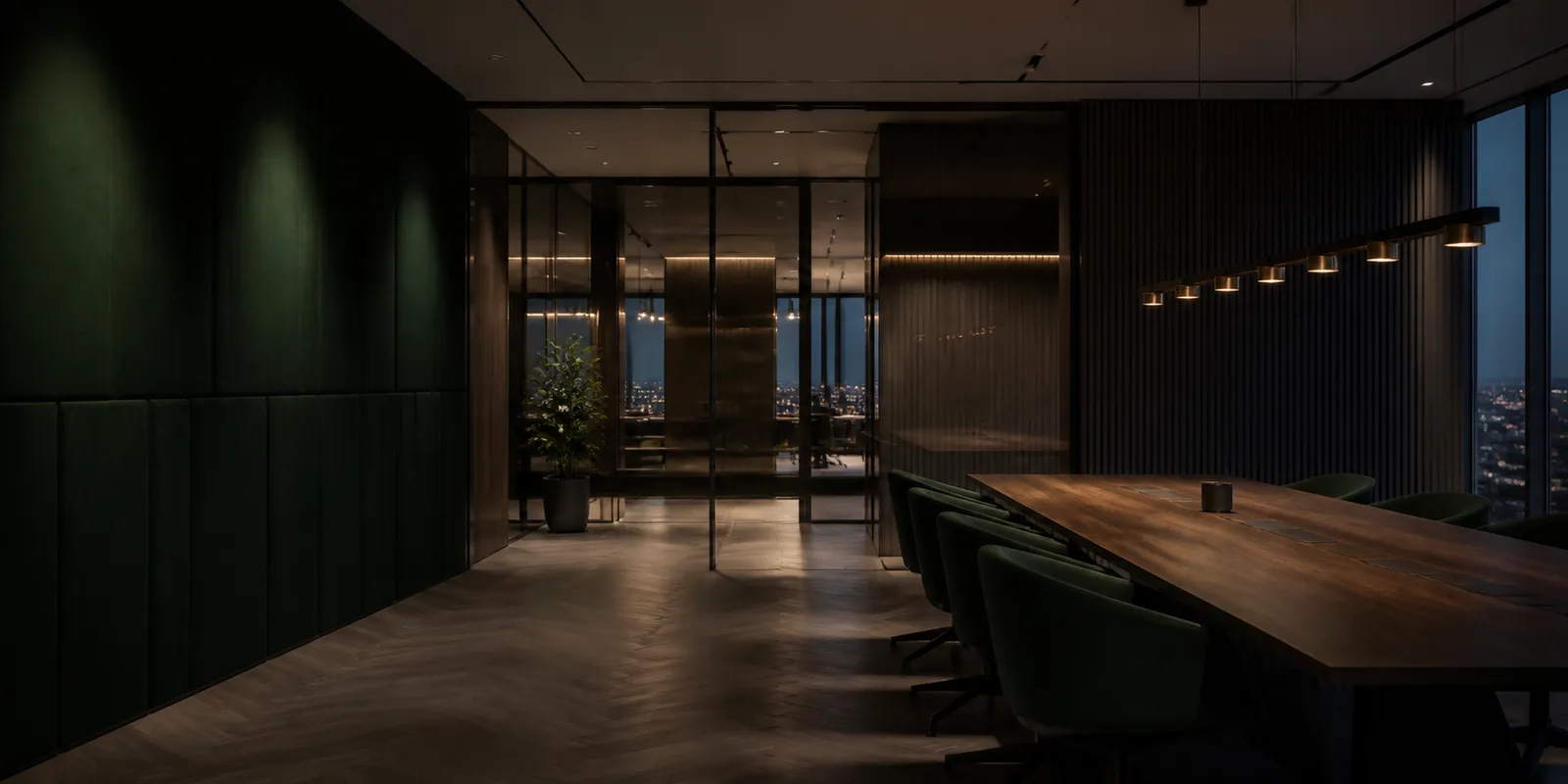
There was no photography of real objects for the launch, so under decision P1 we assembled a series of modern business spaces in one grade: graphite metal, deep green panels, warm oak and brass on less than 5% of the frame. One frame per meaning block of the site. The concept scenes never pass for the client's objects: before the commercial launch the proof frames are replaced with real photography.
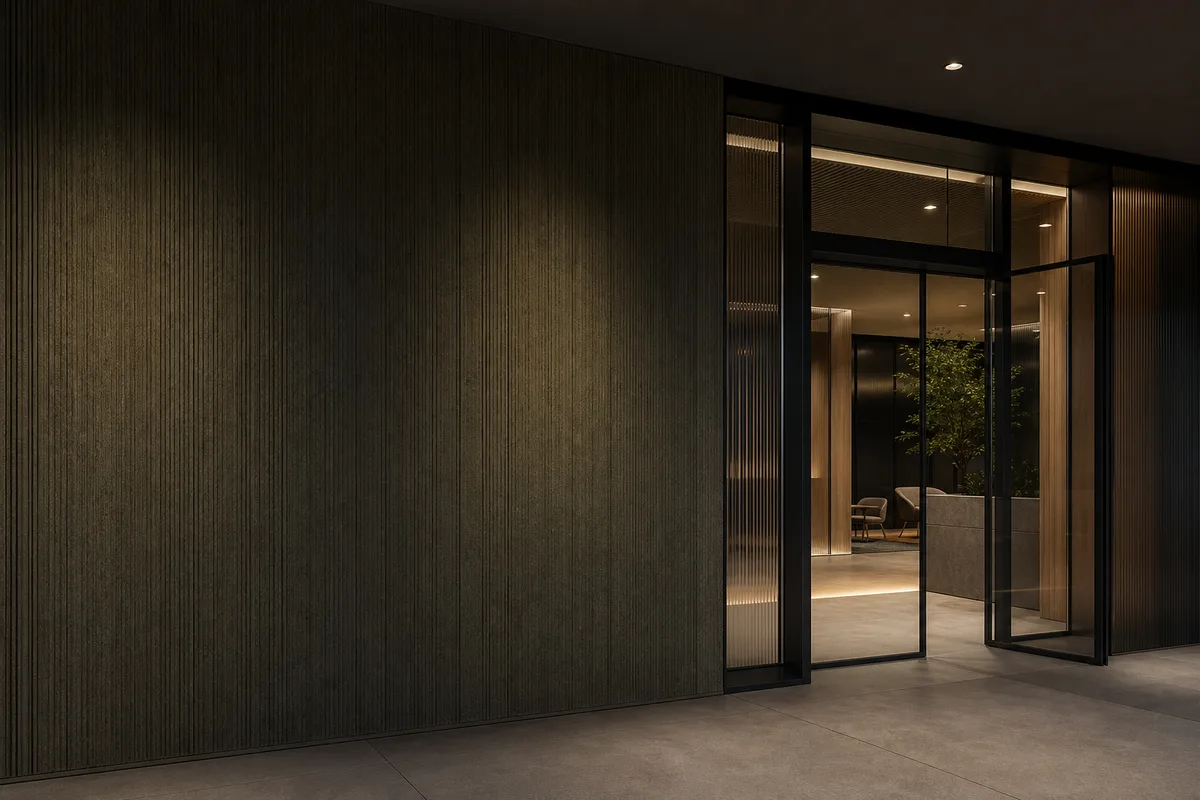
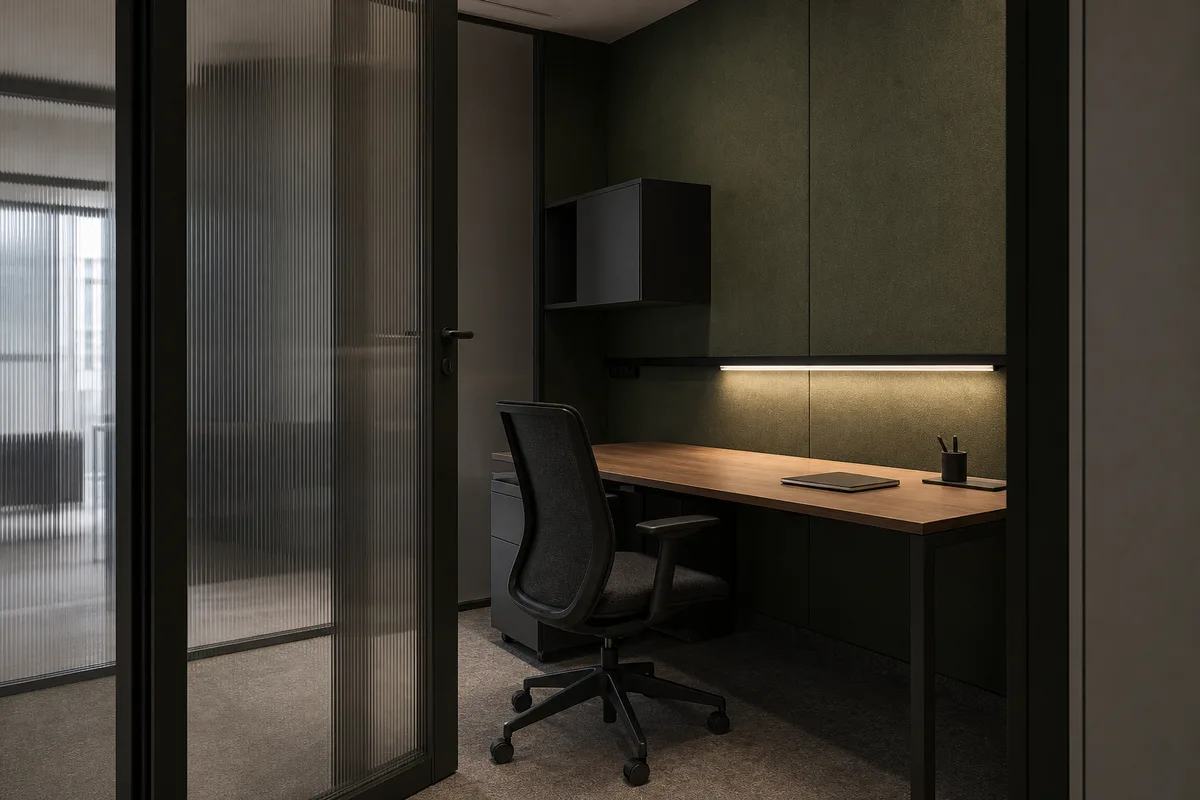
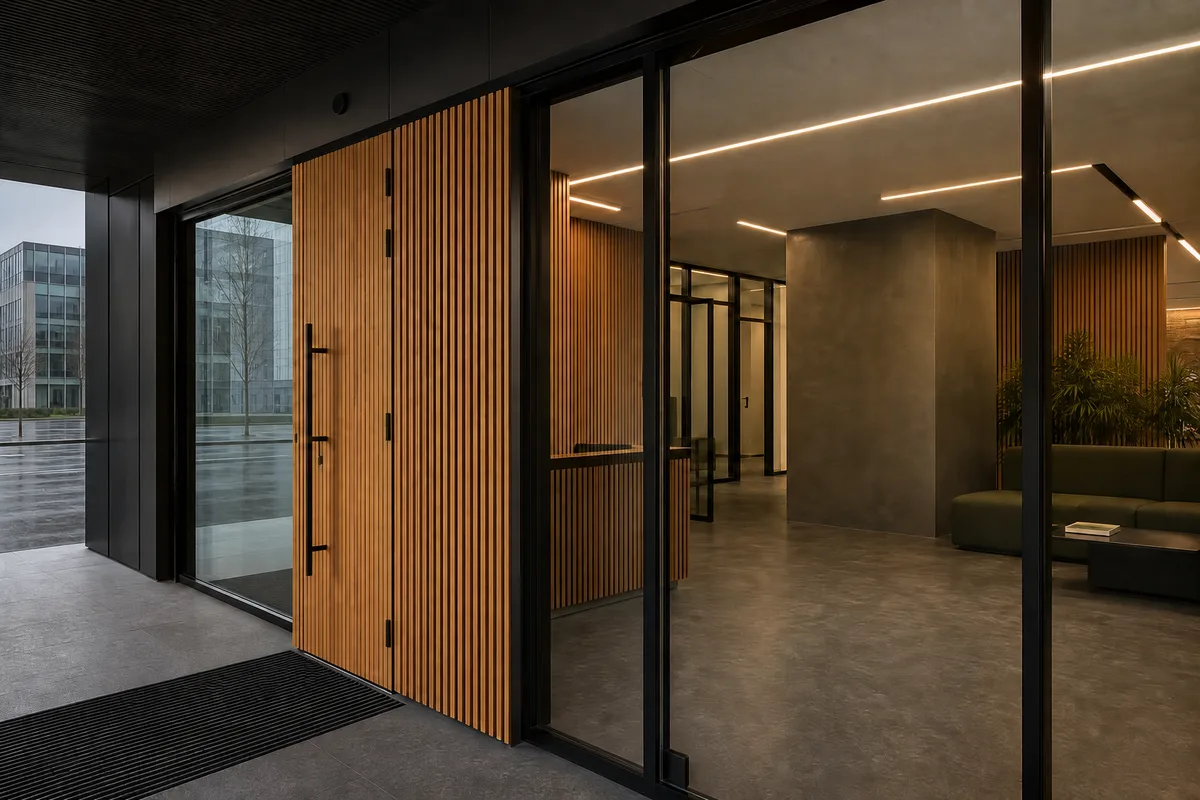
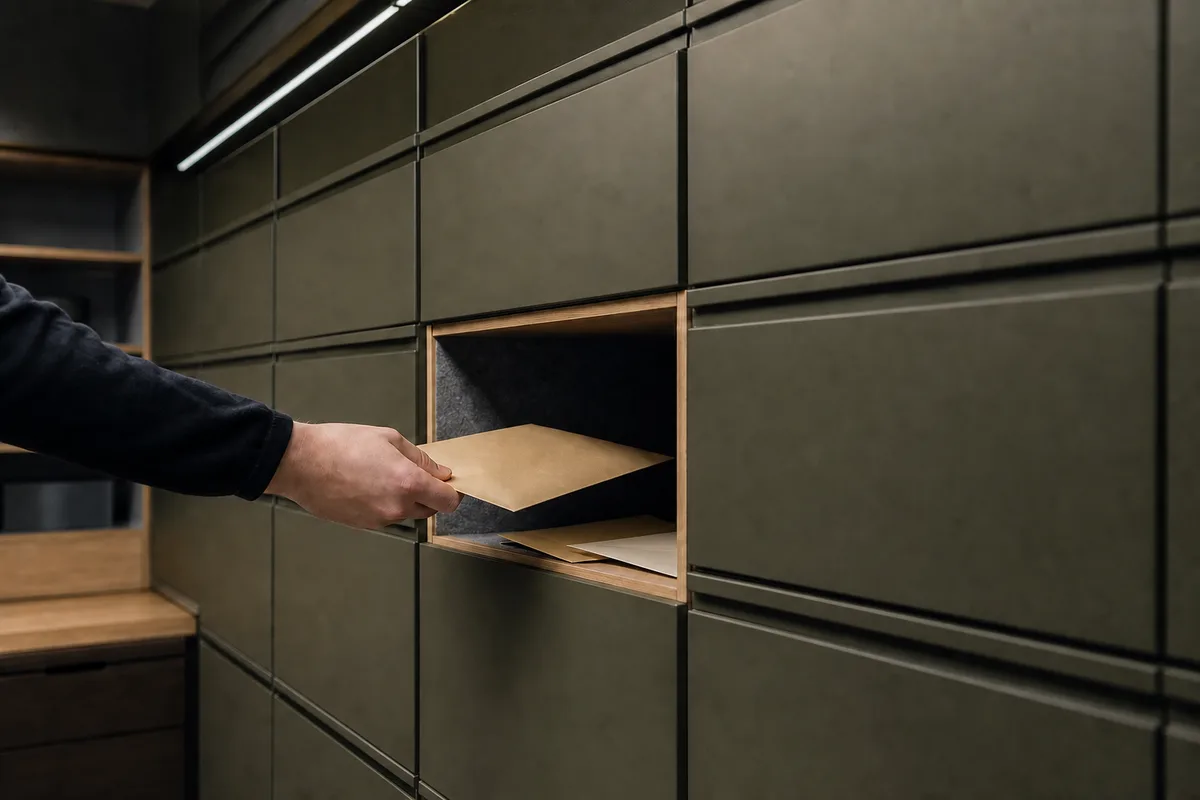
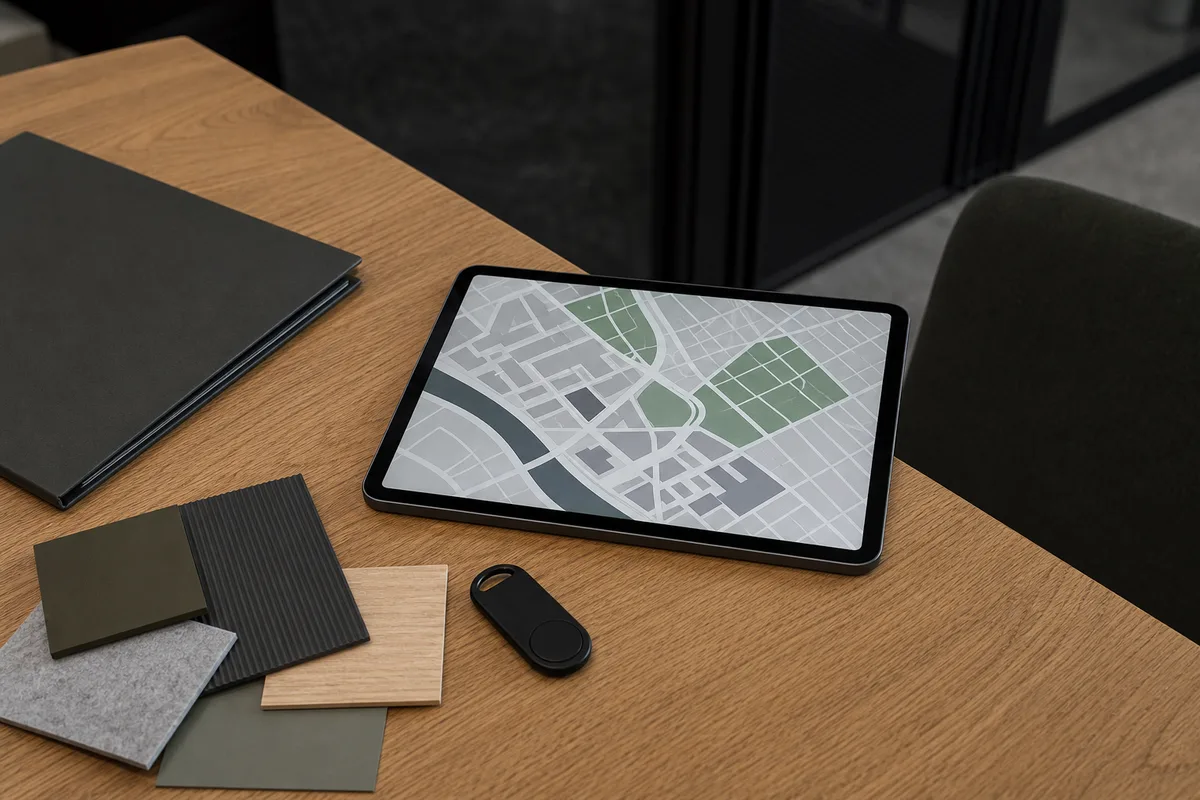
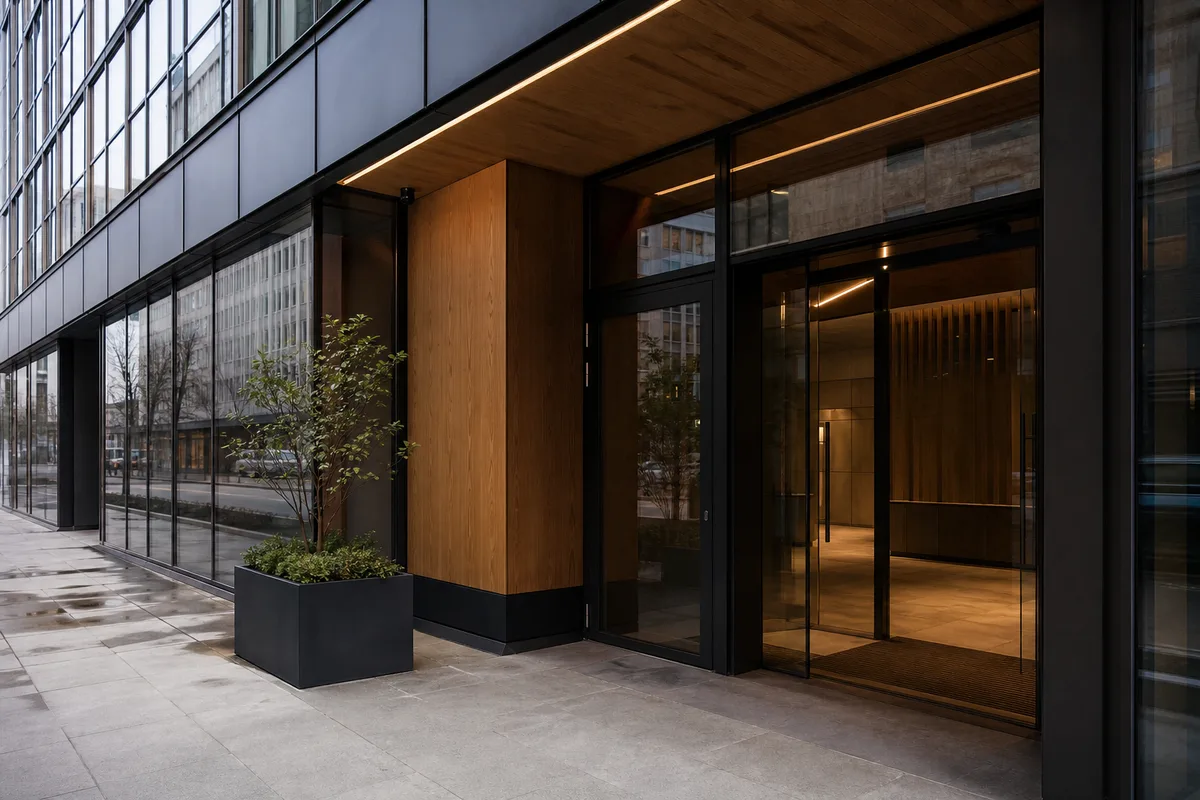
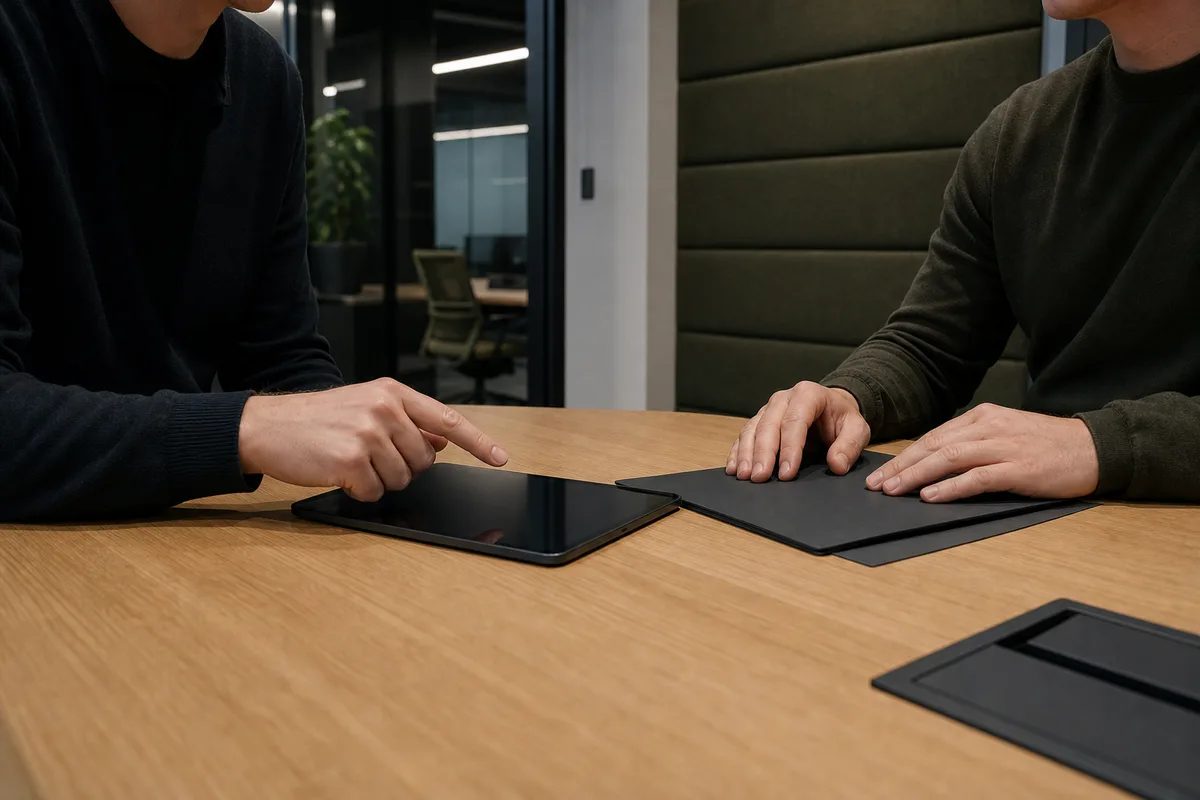
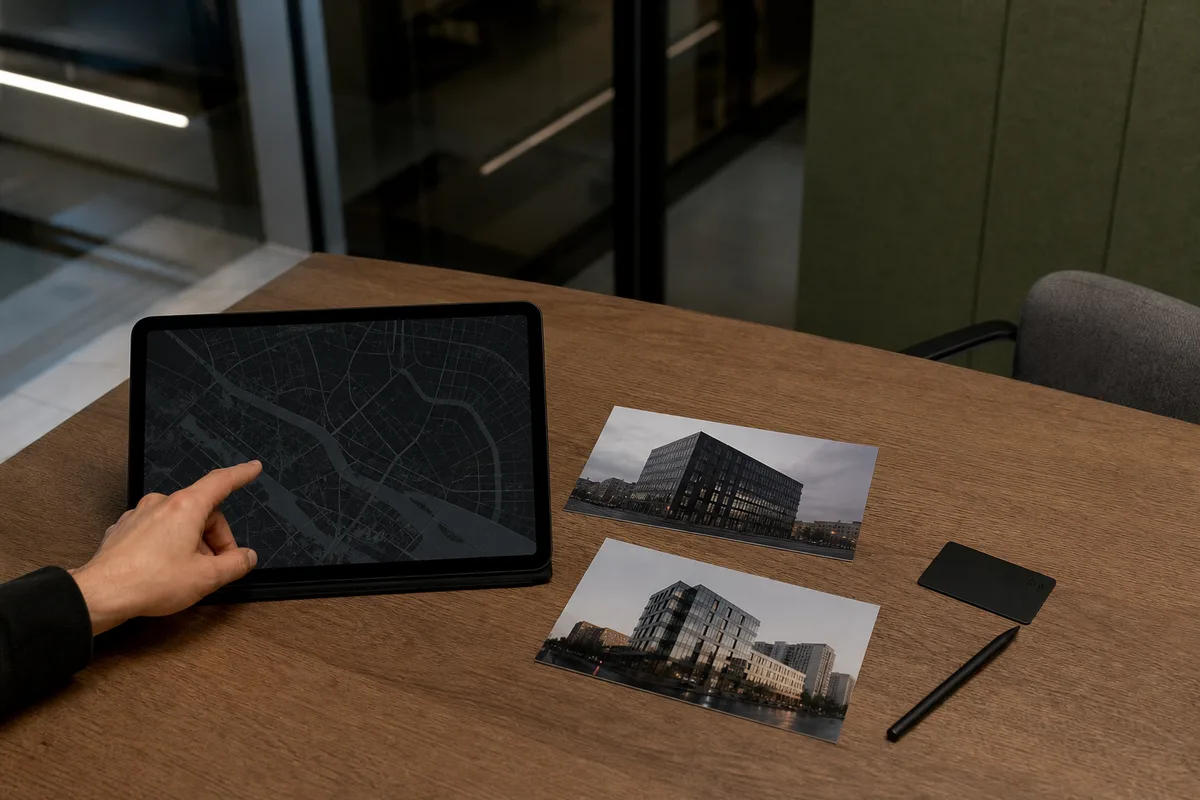
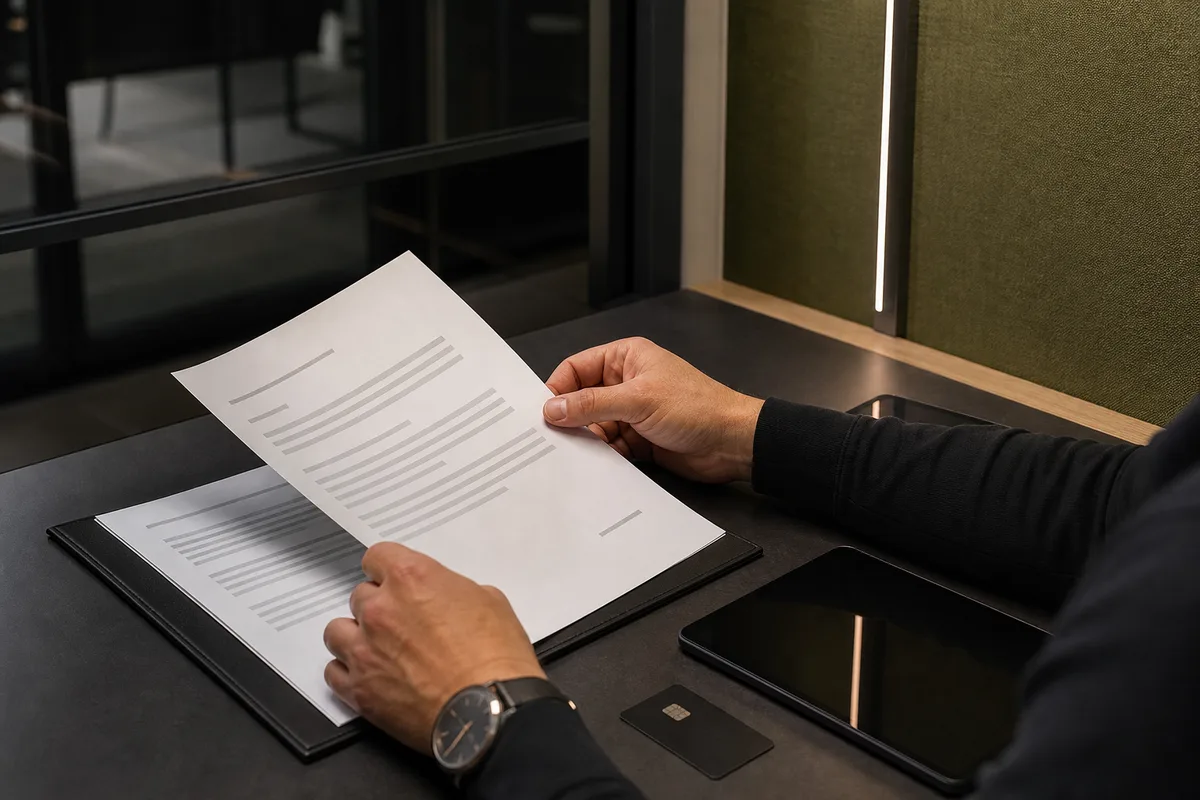
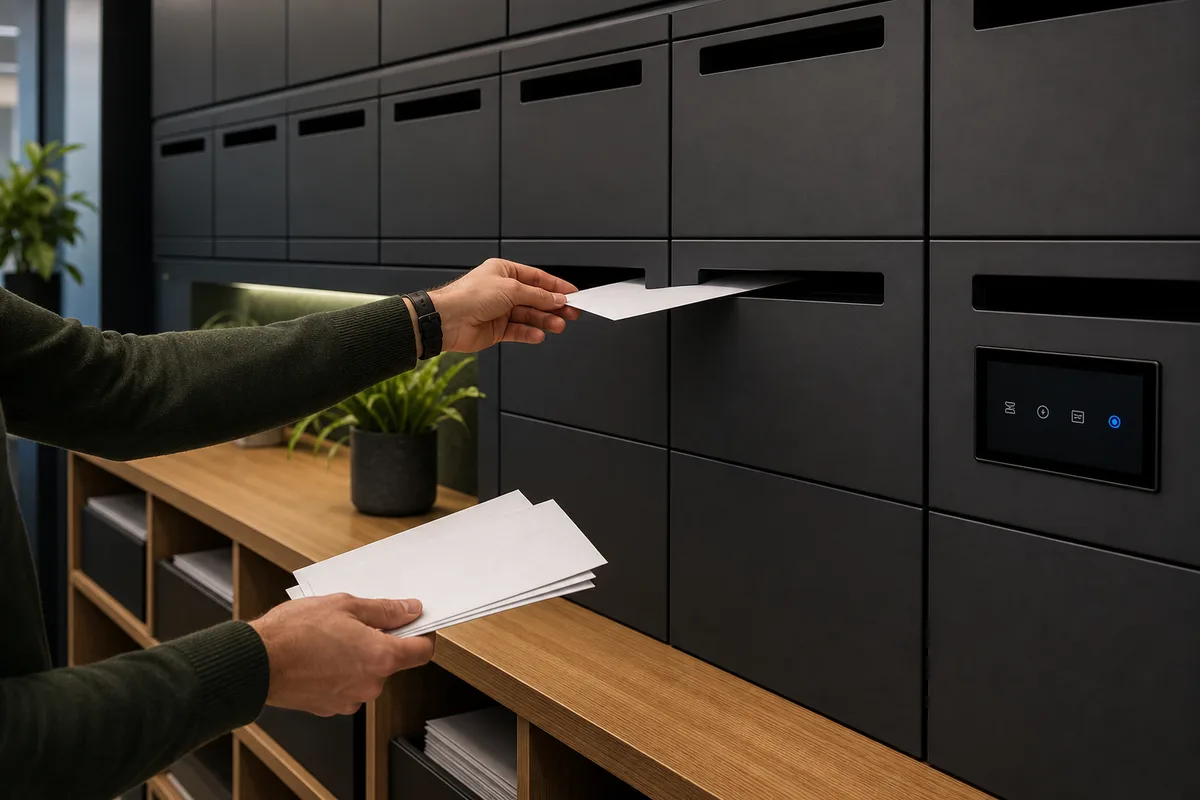
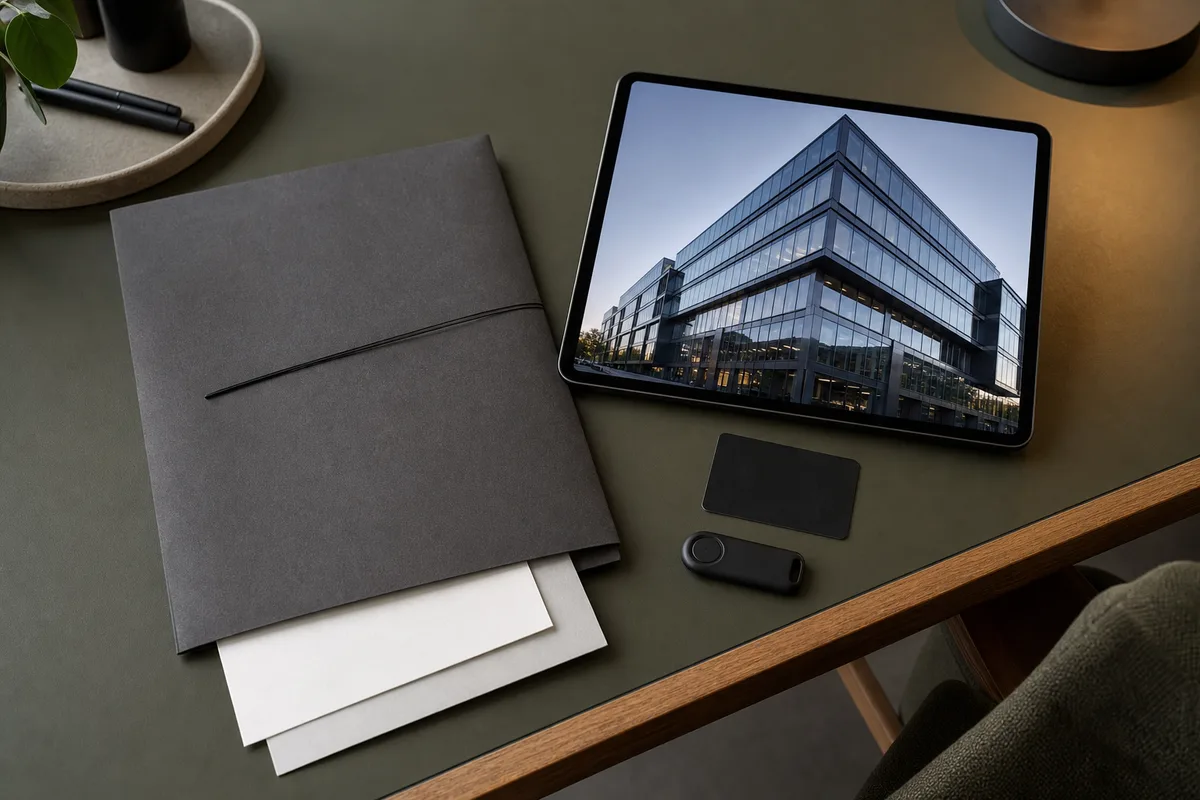
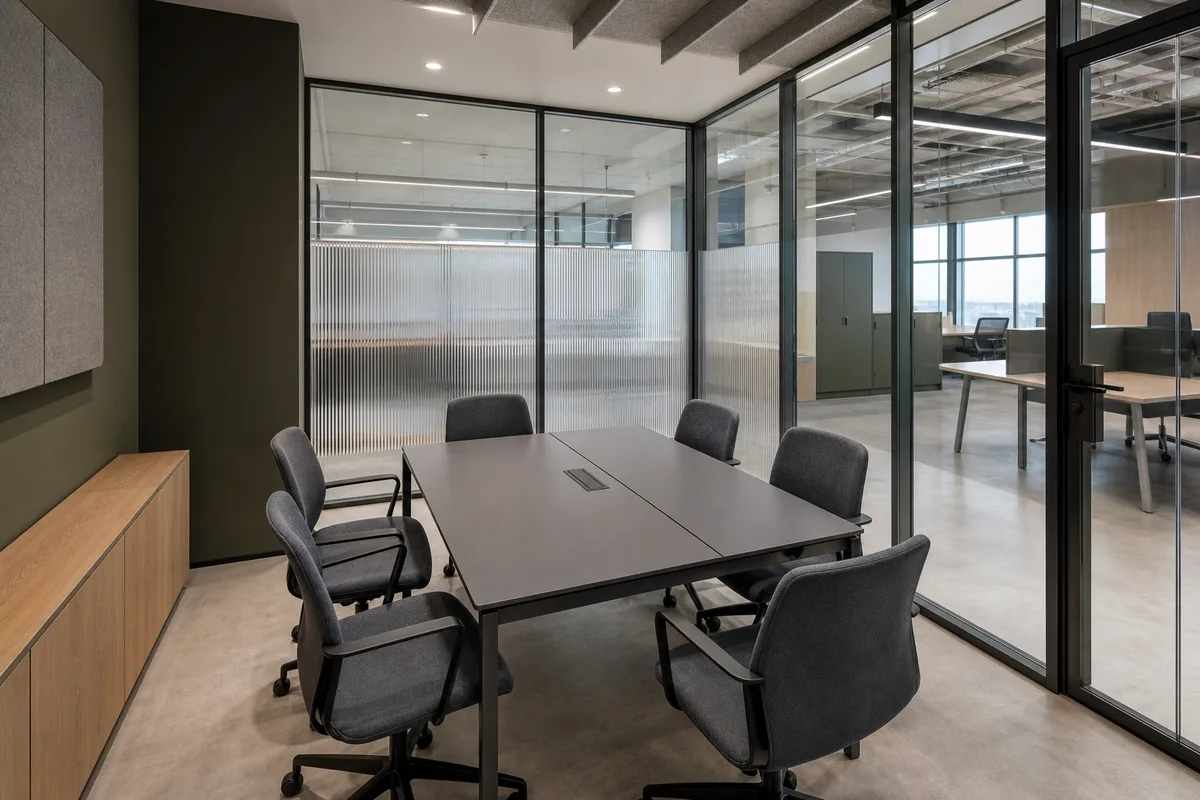
A concept series made for the site. Not photographs of LAB Russia's objects.
In the frame
- Modern business spaces without period details
- Fluted glass, graphite, dark olive panels, warm oak
- Tablets, access cards and mailboxes
- Dark scenes with readable half-tones
We avoid
- Stucco, marble and antique furniture
- Scales of justice, gavels and handshakes
- Logos, signs and readable text
- Gold lines over the frame and glossy filters
First screen
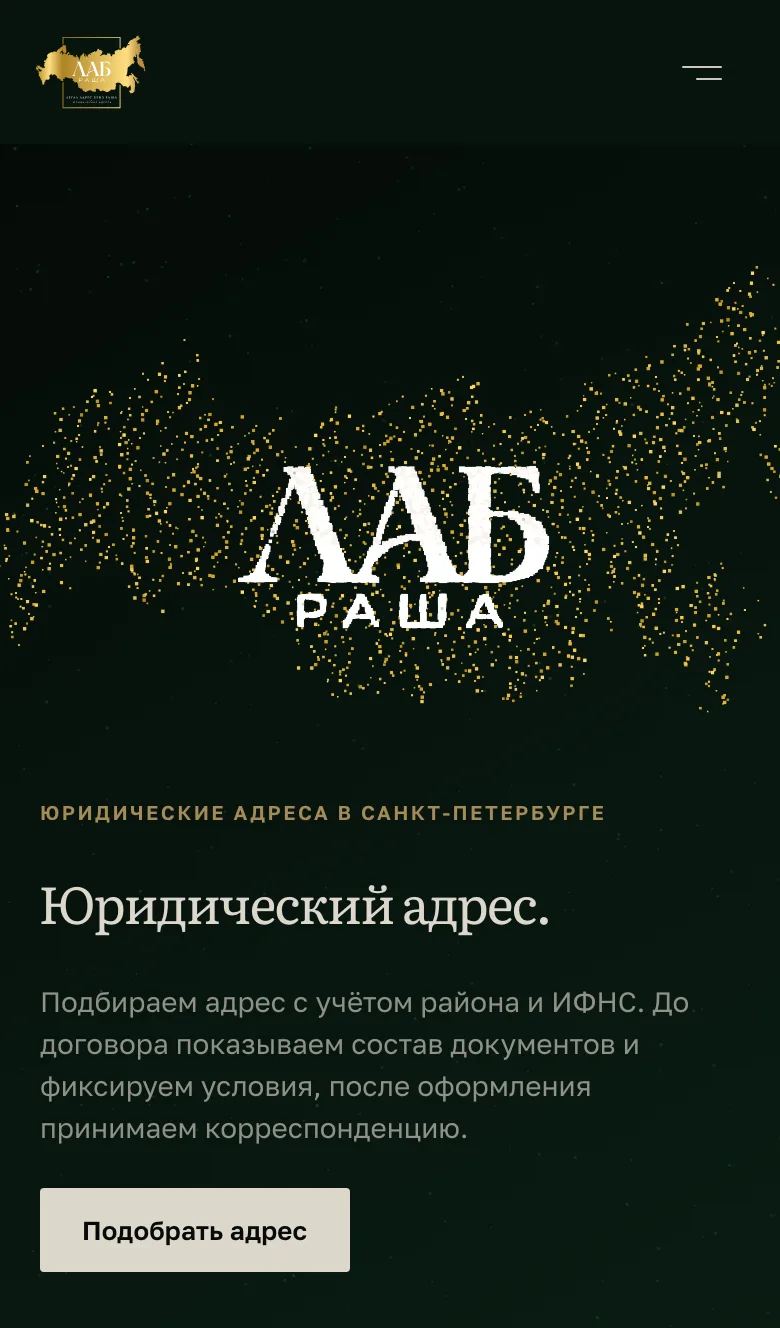
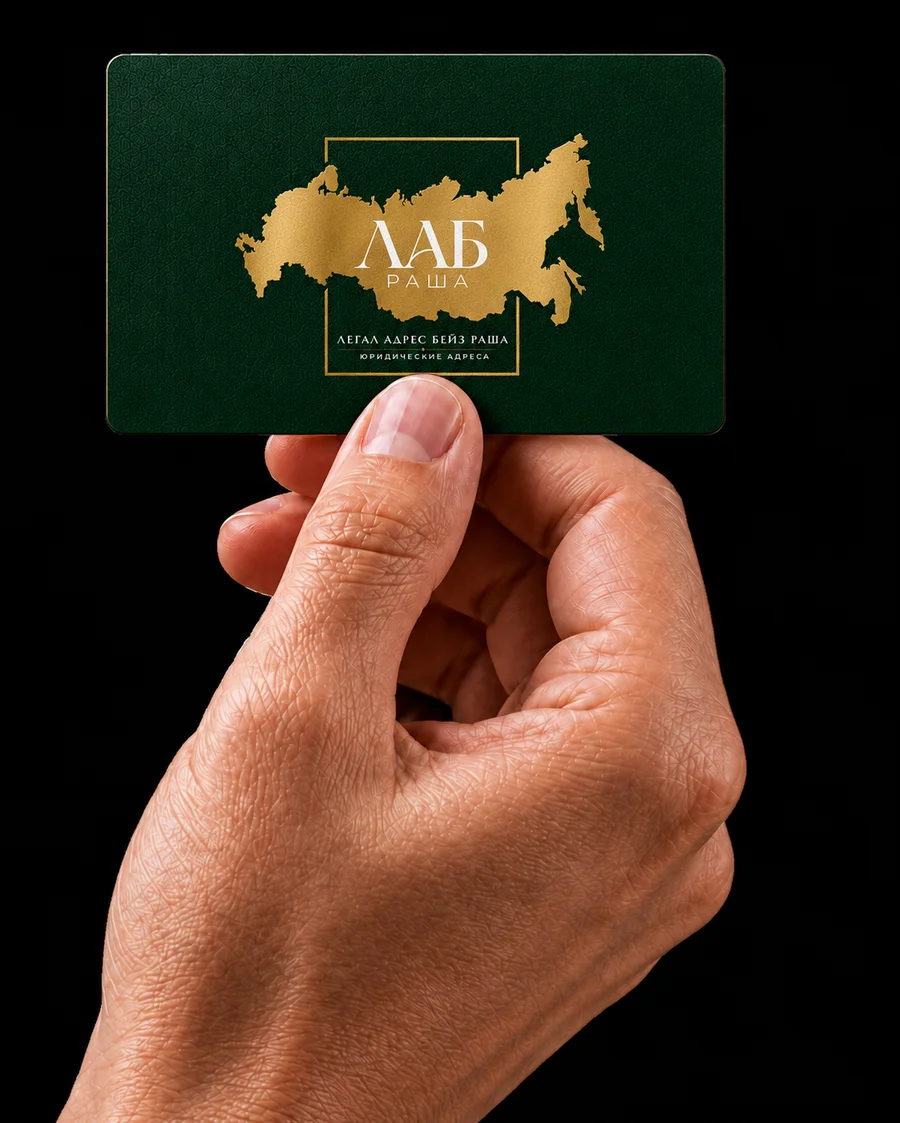
The mark gathers from grains, pixel by pixel of the official file
Under the brand book the client's logo is not redrawn, so the first screen takes it as it is: a script reads the pixels of the official file and lays grains over them — gold for the map, white for «ЛАБ» and «РАША». The cloud bursts, hangs and gathers into the mark in 3.7 seconds. A phone gets fewer grains and gives the lettering a larger share — otherwise the small «РАША» falls apart. The glow is baked into tiny sprites, and off screen the animation does not run.
Reduced motion is on — the assembled mark is shown.
- Burst0–0.9 s
- Hangto 1.3 s
- Gatherto 3.7 s
- up to 12,000
- grains on a computer, fewer on weak machines
- 4,200–7,600
- grains on a phone — a fifth of them draw «РАША»
- 3.7 s
- from the burst to the assembled mark
Against the mass address
Three proofs instead of the word «reliable»
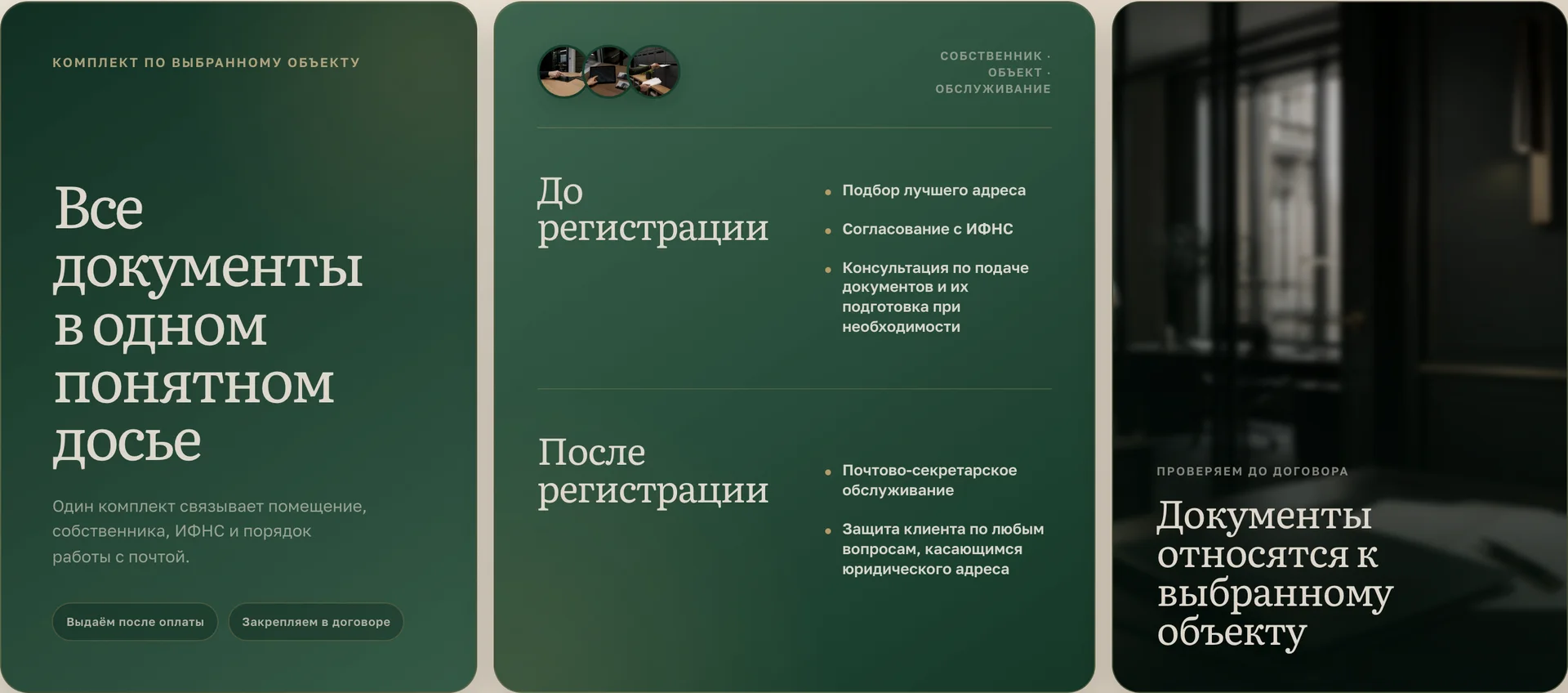
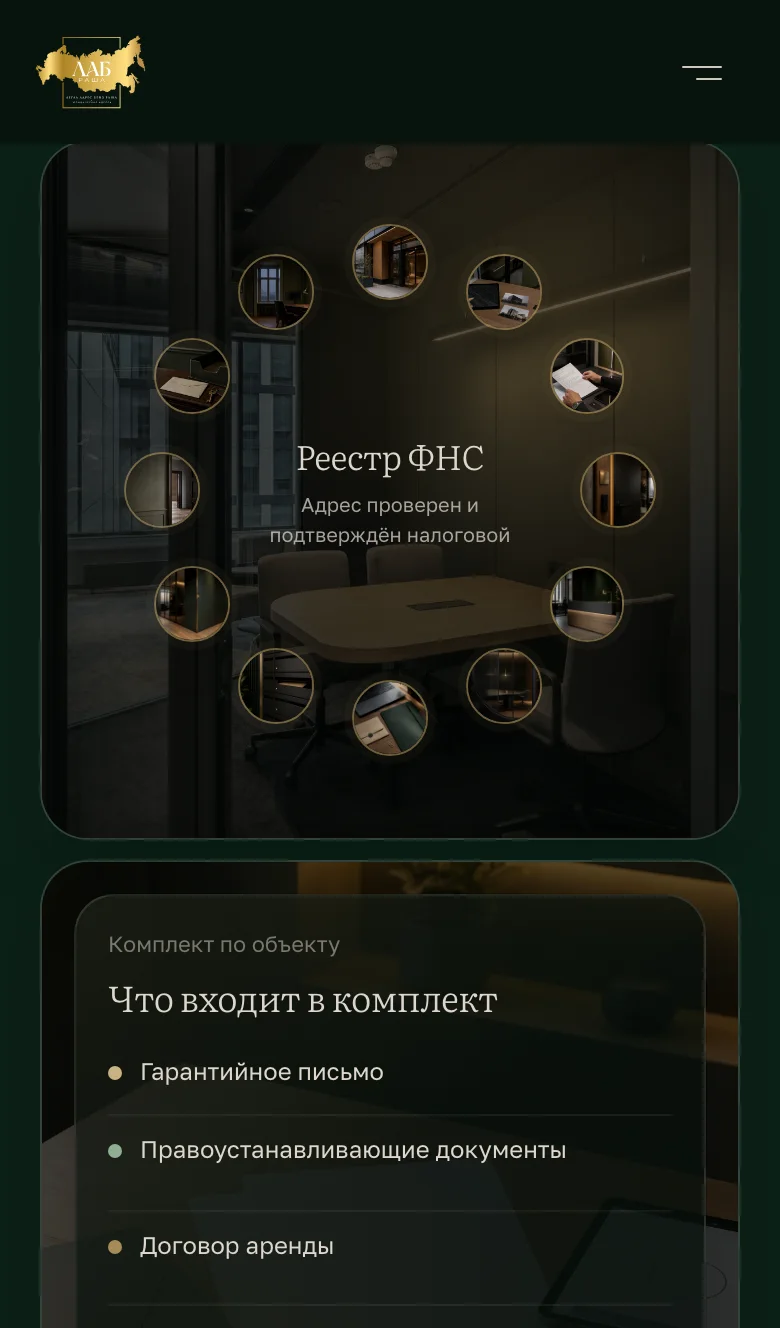
Right under the mark the site answers the main fear — the mass address. Three cards: premises, documents, mail. The photo of the object is blurred, and on top sits what the client gets: a ring of frames around «Tax registry», the set of documents and the kinds of letters with ticks. Rows arrive one by one as a card comes into view.



Tax registryDetails of the address — before the contract
Premises: twelve frames around «Tax registry» 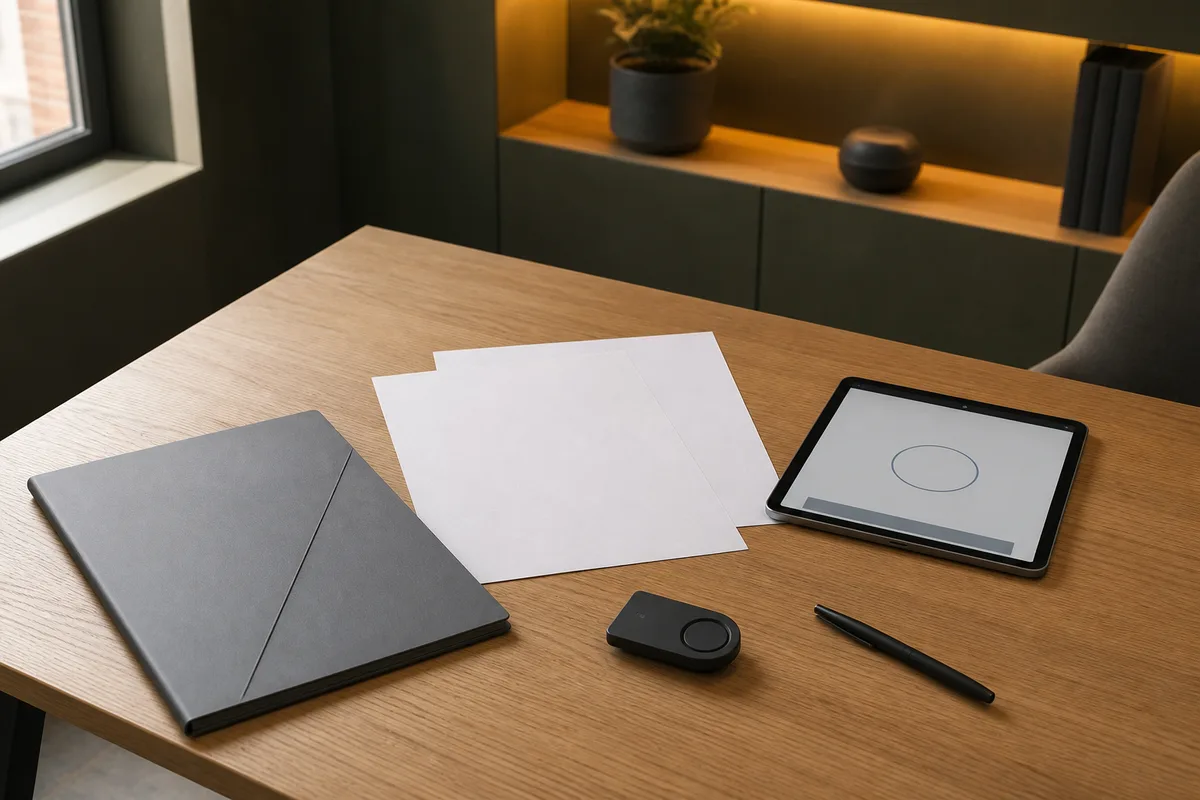
Set for the object
What the set includes
- Letter of guarantee
- Title documents
- Lease agreement
- Name plate
Premises owned or on a long-term lease — no «suitcase» offices.
Documents: the set for the object 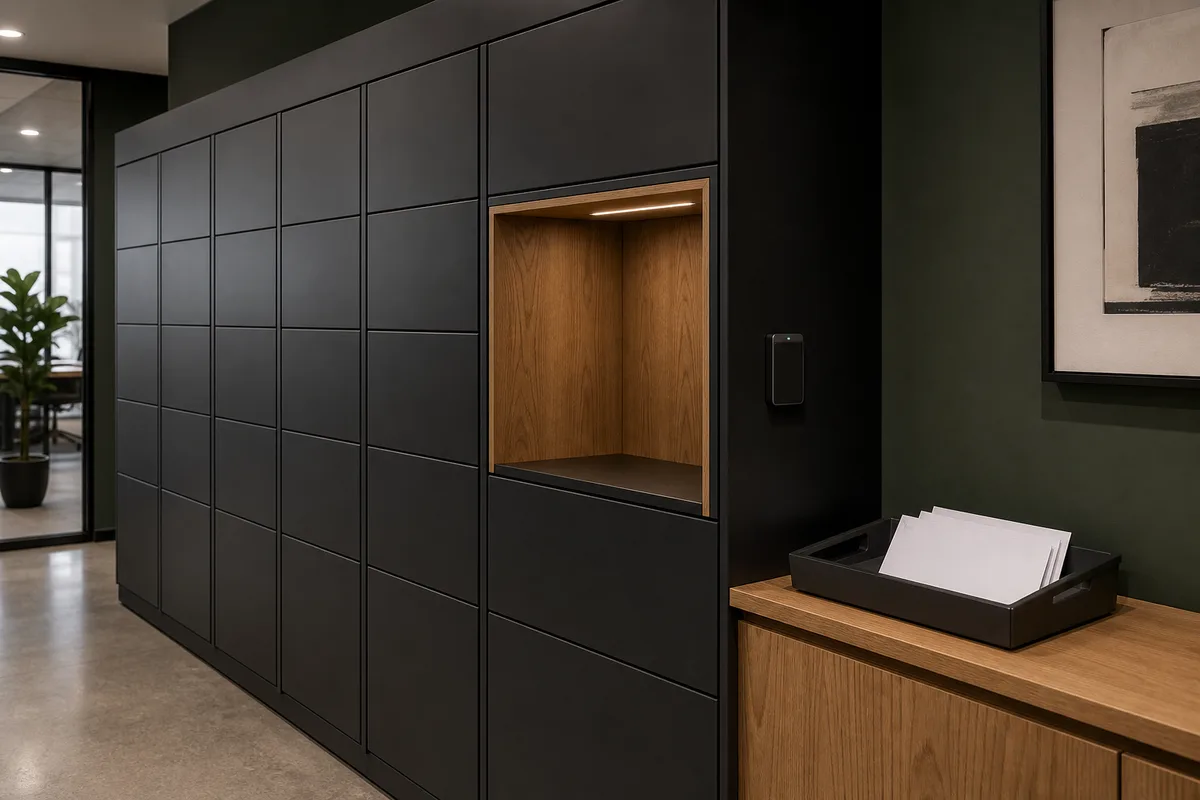
Mail and service
 Letters from the tax officeNotice on arrival
 Court correspondenceScan and original
 Registered lettersCollected by power of attorney
 Calls to the addressDuring working hours
 Subscription serviceFrom registration to mail
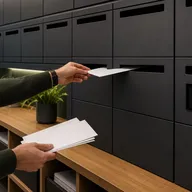
Mail: kinds of letters with ticks
Saving versus an address that works
The site compares a mass address not with someone's price list but with the consequences. The price sentence appears in the block only once the client confirms the price range: until the numbers exist, the code does not render it — nobody's «saving» gets invented. The switch shows how it works.
Saving · mass address
Cheaper now. Dearer at an inspection.
The address exists only on paper — and every next step has to be proven again.
- Risk of a blocked bank account under Federal Law 115
- Letters come back, while the tax office's questions stay
Sensible approach · our address
The address works with the company.
Premises, documents and service are tied to one chosen object.
- The address shows correctly in the state register
- Letters arrive and are passed to the client
Prices confirmed by the client
The price sentence is hidden: the range is not confirmed yet, so the comparison goes without numbers.
How we work
Five stages: a row on a computer, a deck on a phone
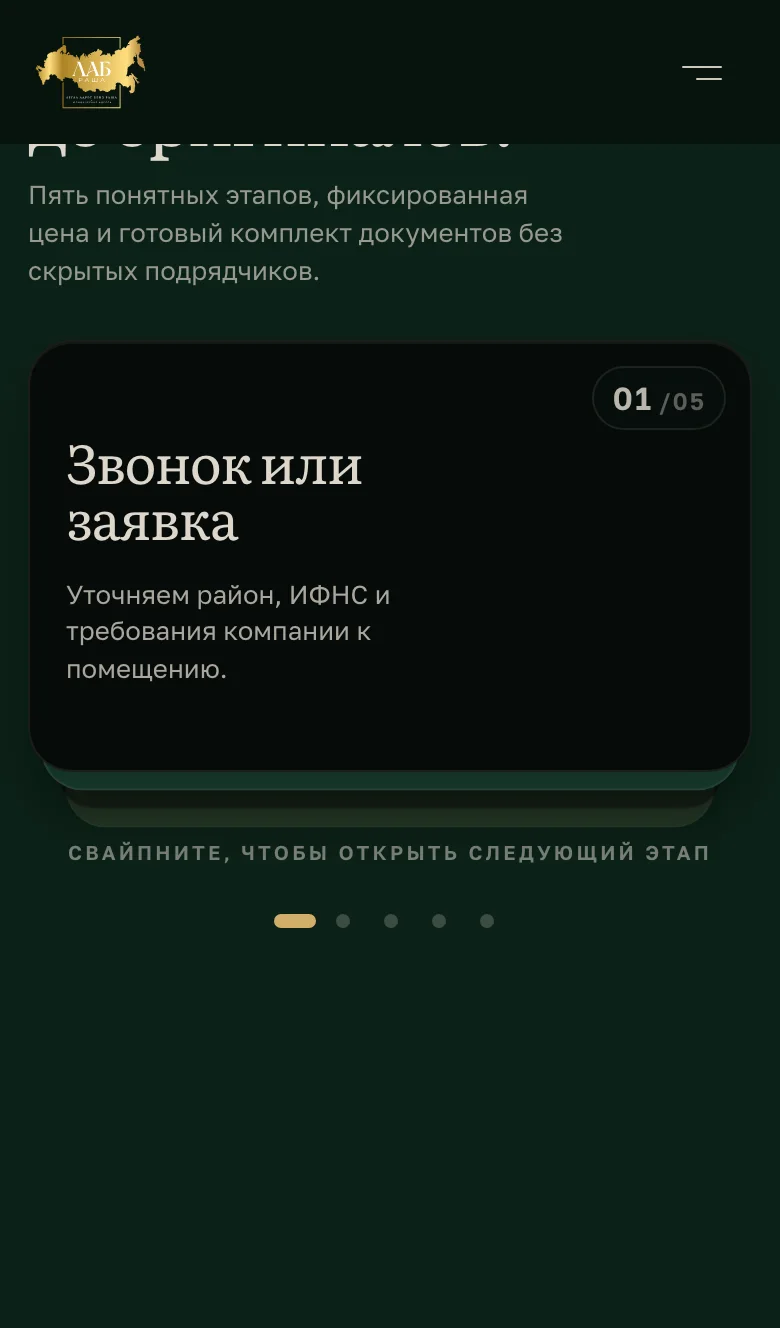
On a computer the way from request to originals runs as a row of five cards. On a phone the row turns into a deck: the top card is swiped away — it lifts and tilts after the finger while the next one rises to meet it. With reduced motion the stages are simply listed.
The site's deck — swipe a card
Call or request
We clarify the district, the tax office and the company's requirements for the premises.
We choose a suitable address
We show verified options with photos and their tax office.
Contract and payment
The chosen object, the price and the support terms are fixed in the contract.
We prepare documents
We issue the letter of guarantee and the full set for the chosen address.
We hand over originals
Documents are collected at the office or sent by an agreed courier.
Swipe to open the next stage
Terms
One way of working and three cards of scope
There is no price grid: the scope of support is agreed with the client in person. Three cards — the basis, after registration, individual — change every 4.8 seconds and hold still under the pointer. The pointer over the left or right edge turns the deck; on a phone it is swiped.
Request
Four fields — and no request gets lost
The form asks for the district, a name, a phone and, optionally, a tax number to check the address. The server validates the fields, stops bots with a hidden field and sends the request to Telegram and e-mail at once. If one channel fails, the request still arrives; if both fail, the site does not pretend all is well and asks the visitor to call. Switch channels off and send a test request: from here it goes nowhere.
Delivery channels
What happens on the server
- Fields are checked by the same rules as in the form
- A filled hidden field means a bot: it is told «received», but the request goes nowhere
- Telegram and e-mail get the request at the same time
- If the chat was turned into a supergroup, the bot takes the new address from Telegram's reply and sends again
- If no channel responds, the request is not reported as received
Demo: nothing is sent. The site will show the office phone in the error message once the client confirms it.
Outcome
What the client received
The site is built and ready to publish at labrussia.ru — as of September 2026 the domain shows a placeholder. The photos are a concept series. Contacts, deadlines, prices and guarantee terms are confirmed by the client before launch, so they are not on this page.
- A brand direction: five decisions with options
- A brand book for approval: F2 · C1 · L1 · P1 · U3
- A concept photo series in one grade
- A first screen where the mark gathers from grains
- A one-page Next.js site — from the mark to the request
- A request form delivering to Telegram and e-mail
- A launch package: source, ready build and instructions