
Driving instructor marketplace · iOS
Impress the examiner —
pass first time
2026 / Product · Design · iOS
PRO MARSHRUT
A Moscow driving instructor marketplace: search by exam ground, booking and chat, traffic rules in 3D, Live Activity and an instructor mode — concept, design and an iPhone prototype.
3D
traffic-rules questions you can turn around
The brief
Look not for an instructor nearby, but for one who knows your exam ground
The PRO MARSHRUT instructor team prepares learners for the exam routes of Moscow and the Moscow region and takes requests through Avito and messengers. We studied the market — Profi.ru, YouDo, Yandex Services, Avito Services, “Moy Instruktor” — and proposed an app of their own: video profiles, real free slots, chat, booking and honest reviews.
One app, two roles
Learners and instructors use the same app; an instructor switches into their own mode — like a host on Airbnb.
The exam ground at the centre
Not “an instructor nearby” but “who will prepare me for the exam in Strogino”.
Two scenarios
“Preparing for the exam” and “I have a licence, I want to brush up” — with different booking rules.
Honest mechanics
No paid responses: instructors join for free, and reviews only come after a lesson.
- Platforms
- iPhone prototype; the spec covers App Store, Google Play and RuStore
- Roles
- Learner and instructor
- Screens
- 40+ in the prototype, a board of 15 key ones
- Stage
- Concept, prototype and spec — under client review
Learner
From exam ground to lesson in a couple of taps
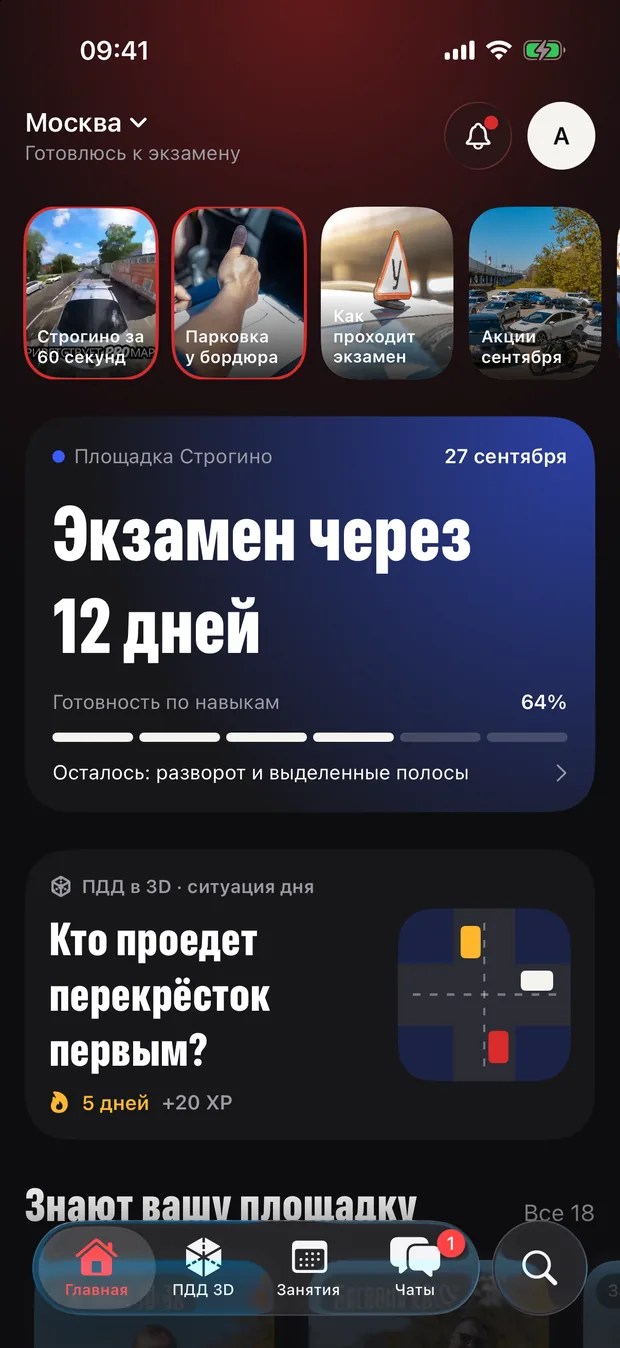
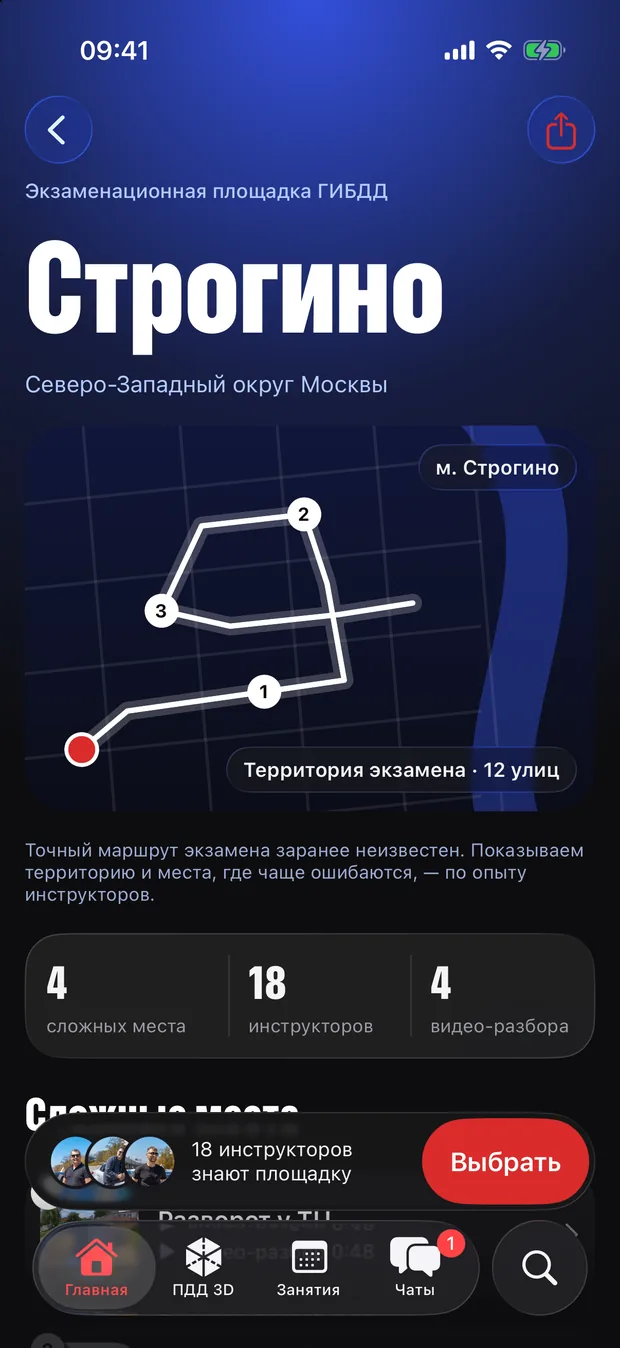
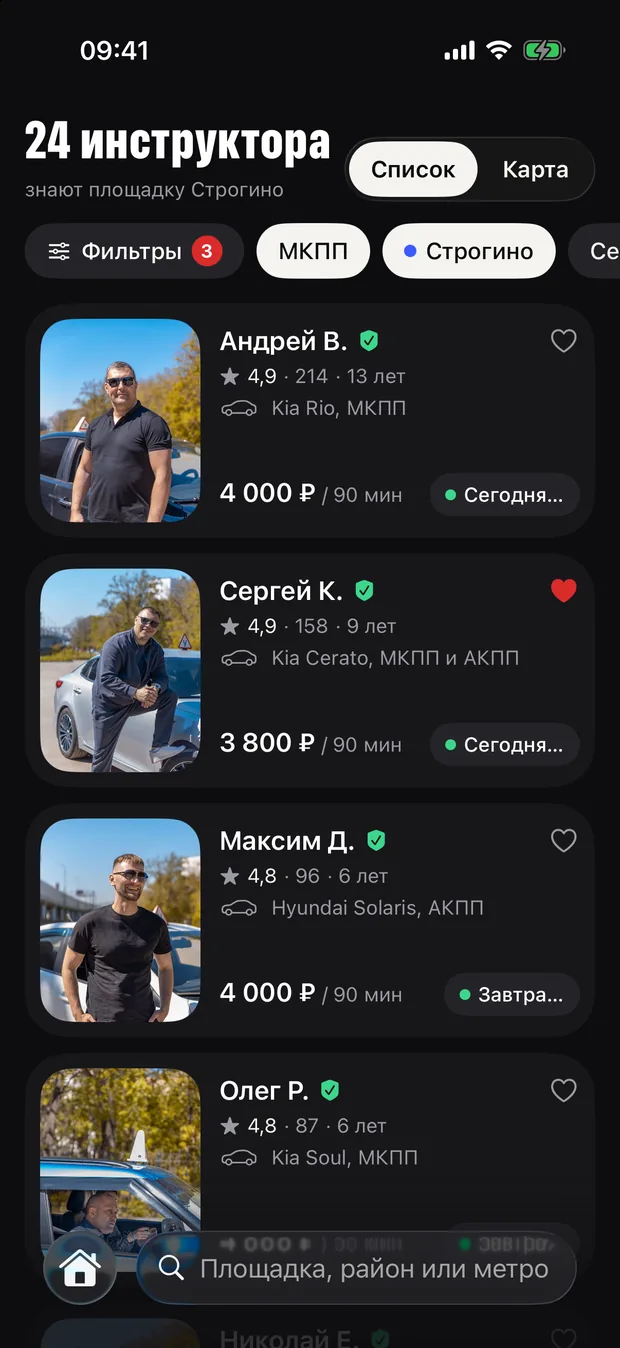
Home shows how many days are left until the exam and how ready the learner is. Search runs by exam ground, gearbox and time, with results as a list or on a map. An instructor’s page opens with a video introduction, and each exam ground has its own screen with the route.
Home
Exam in 12 days, readiness and exam grounds
Results
Instructors by exam ground, gearbox and time
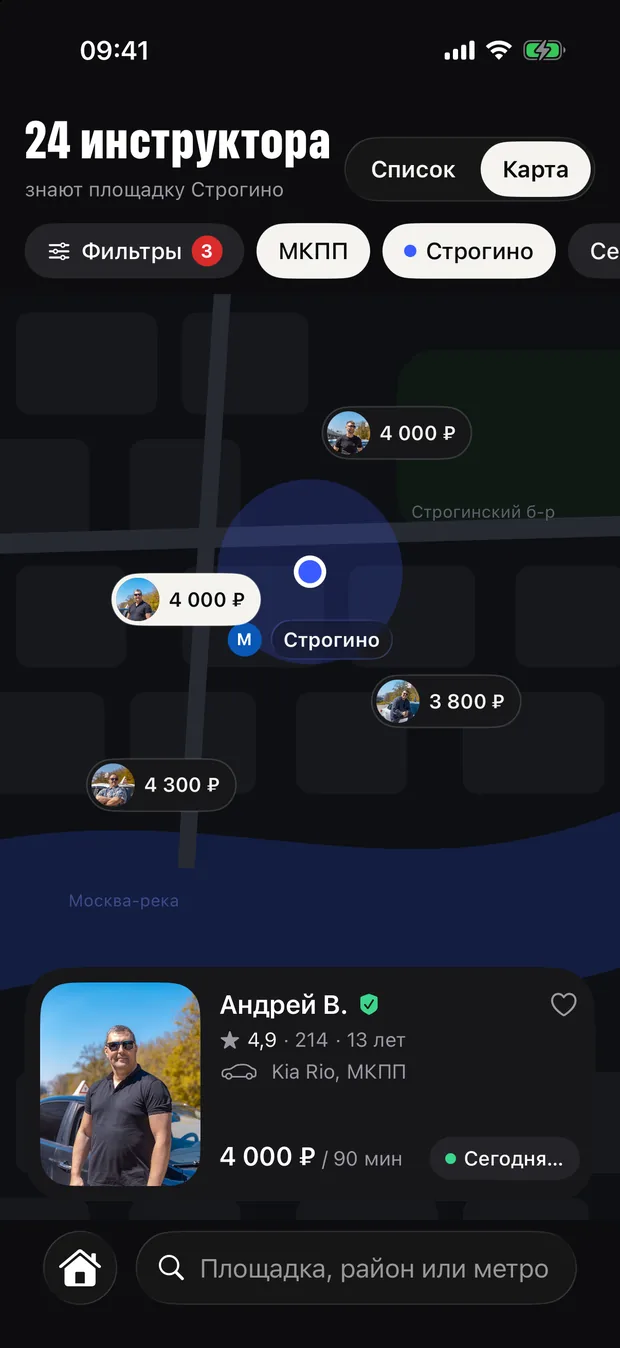
Map
The same instructors on a map with lesson prices
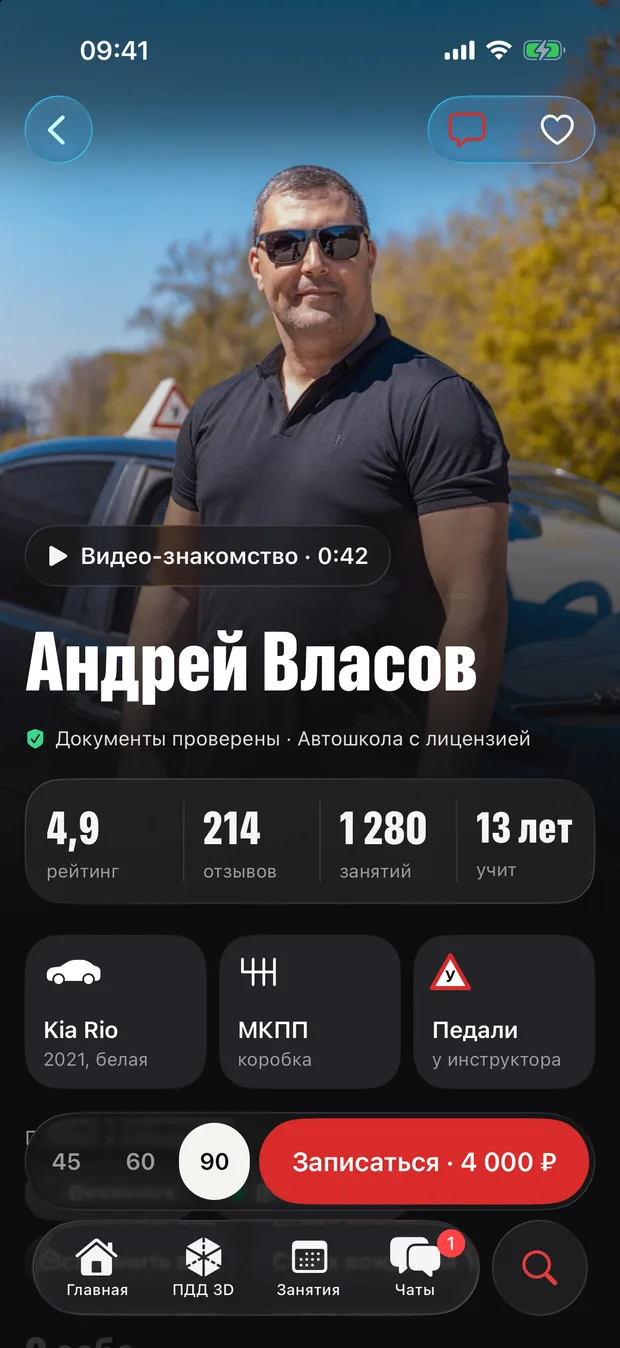
Instructor
Video intro, car, gearbox and reviews
Exam ground
The exam route and its tricky spots
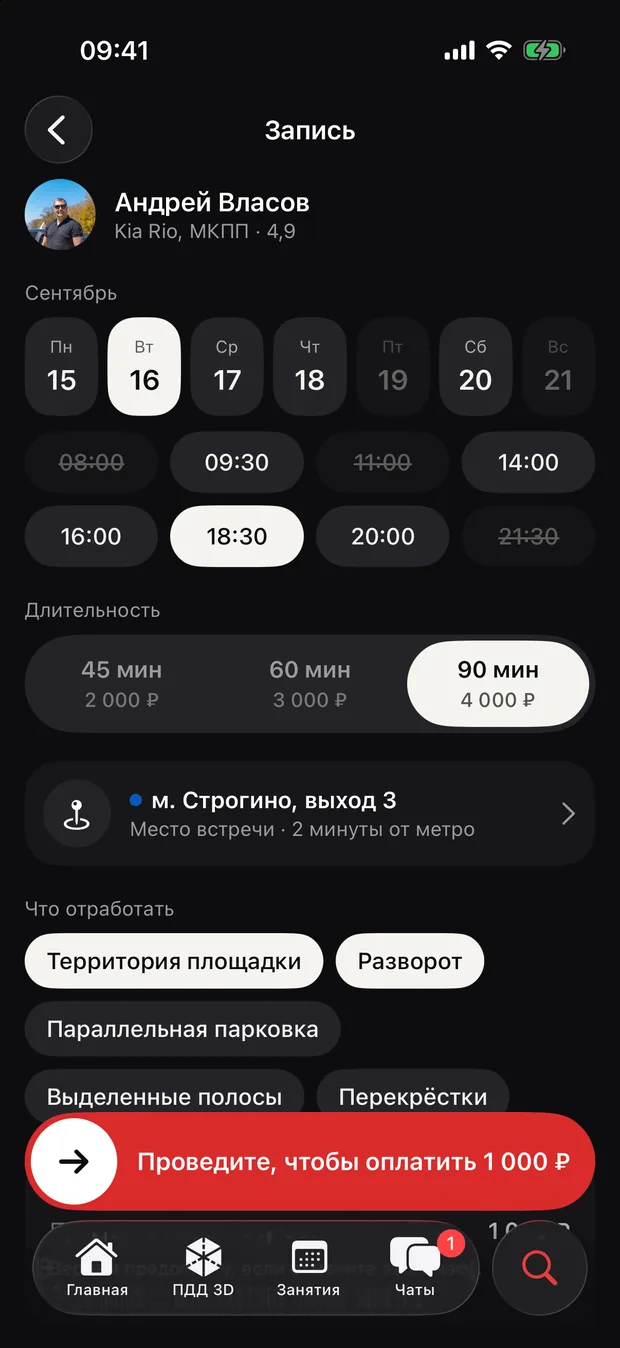
Booking
Slots by day, duration and meeting point
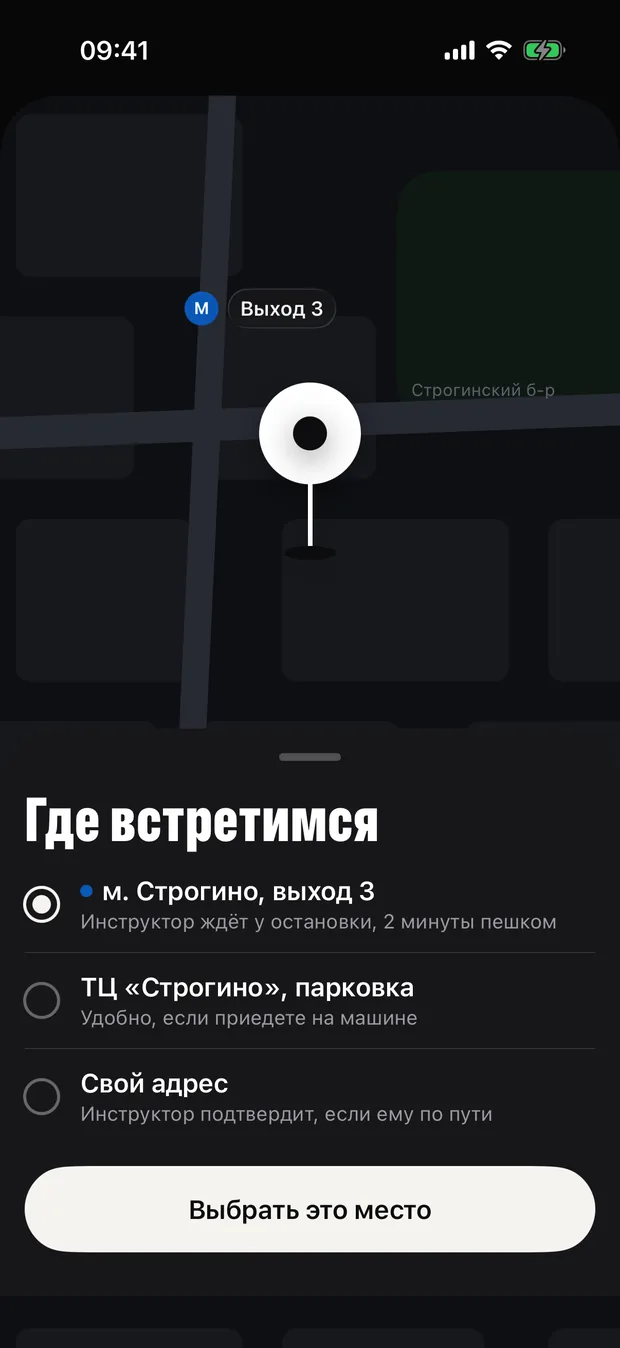
Meeting point
At the metro, in a car park or your own address
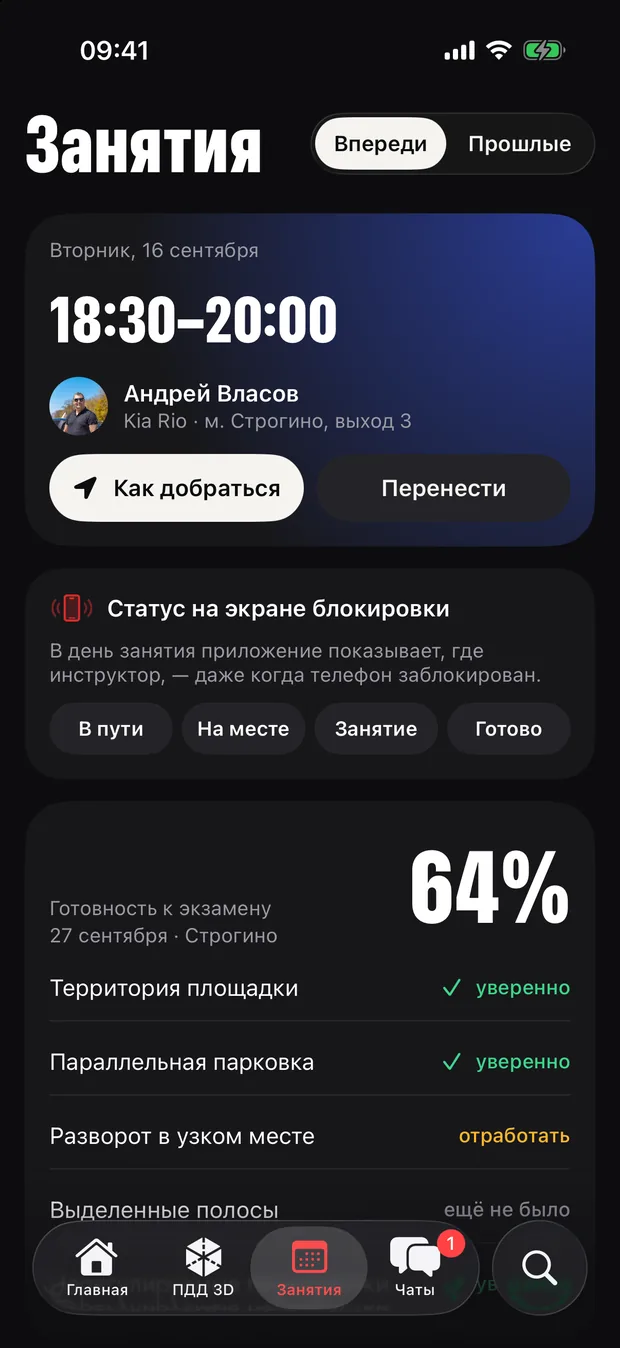
Lessons
Readiness by element of the exam ground
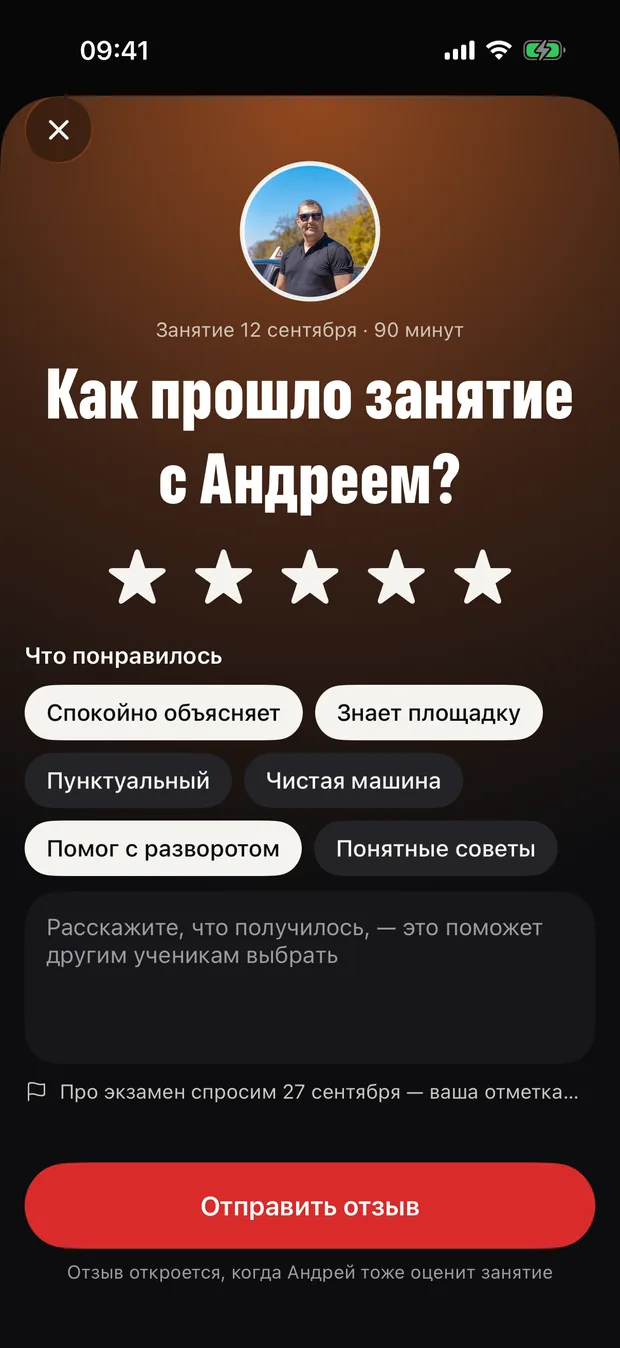
Review
Only after a lesson — and to the point
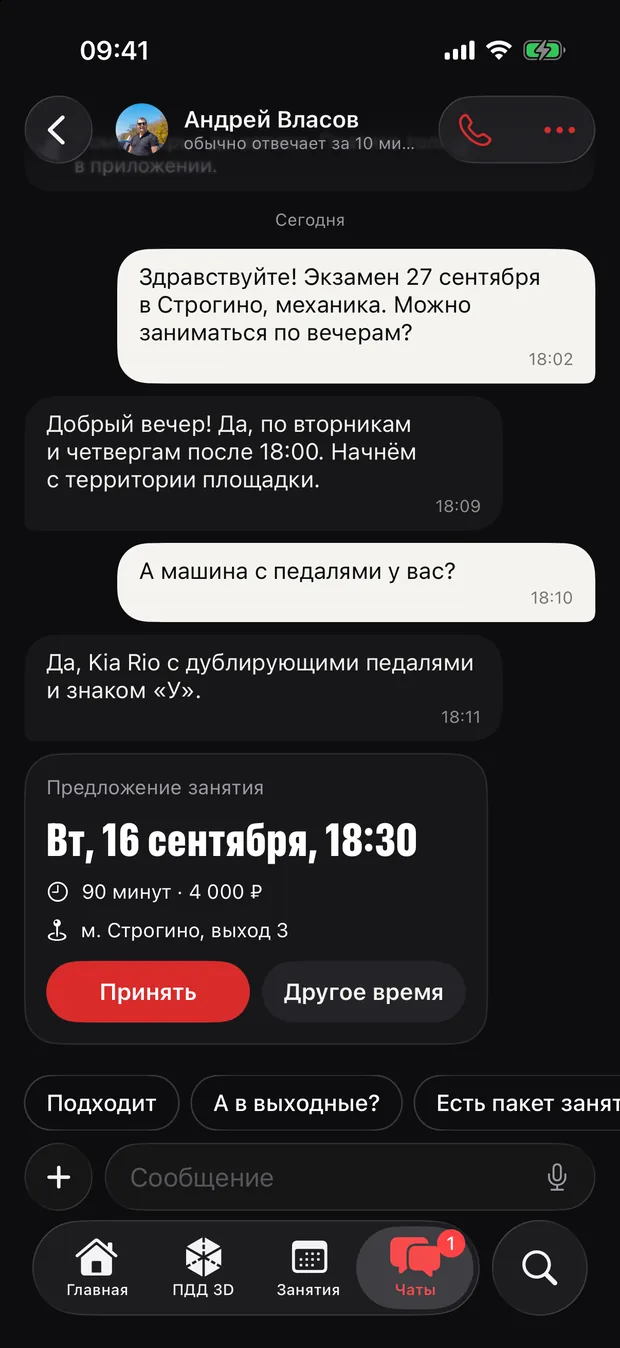
Chat
Messages with the instructor inside the app
Names, prices and ratings in the prototype are placeholders.
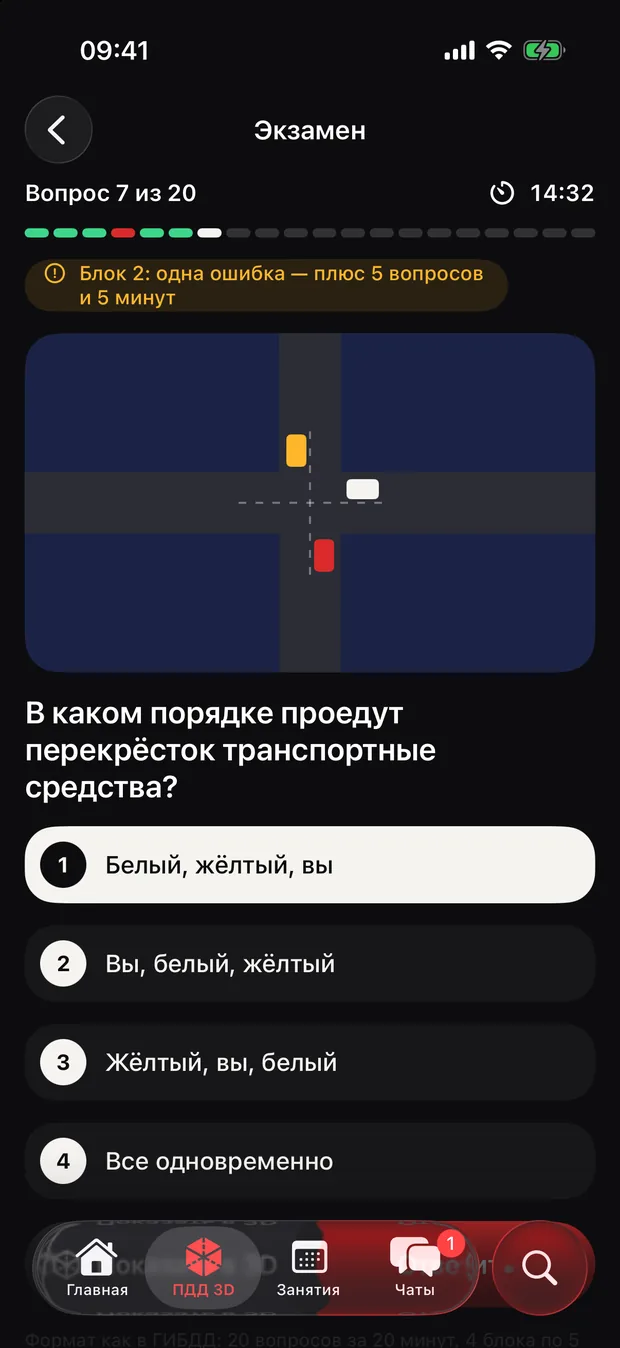
Traffic rules in 3D
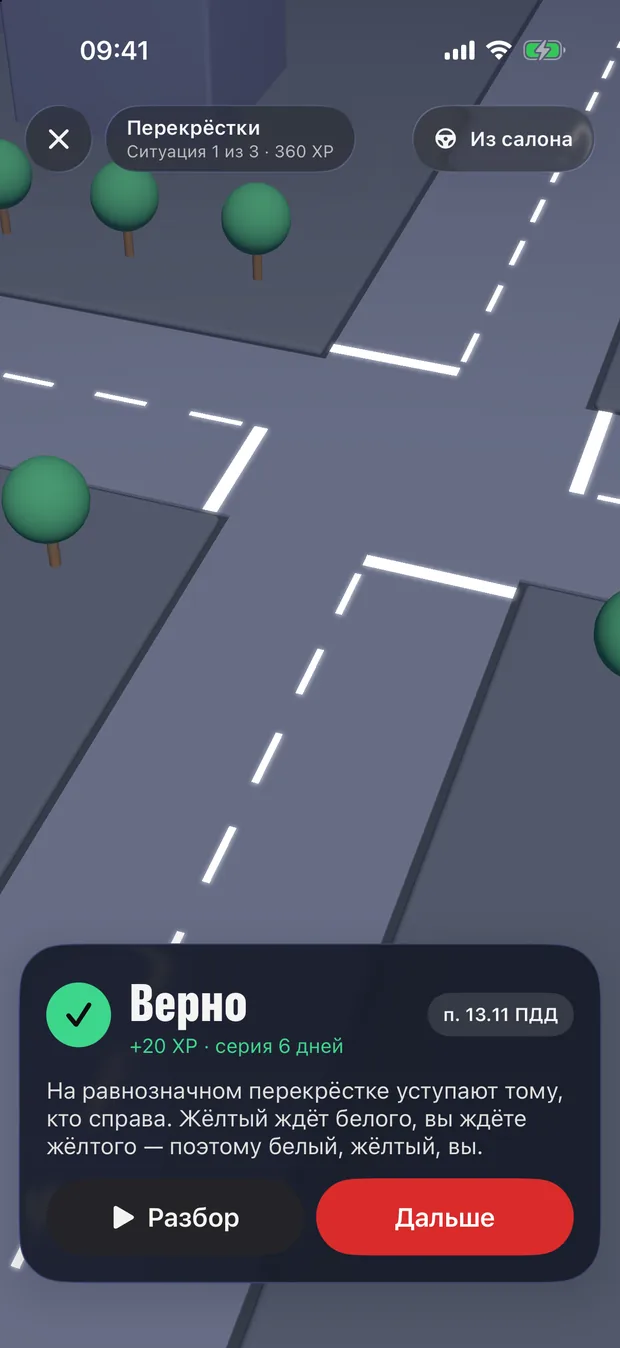
Test questions you can turn around
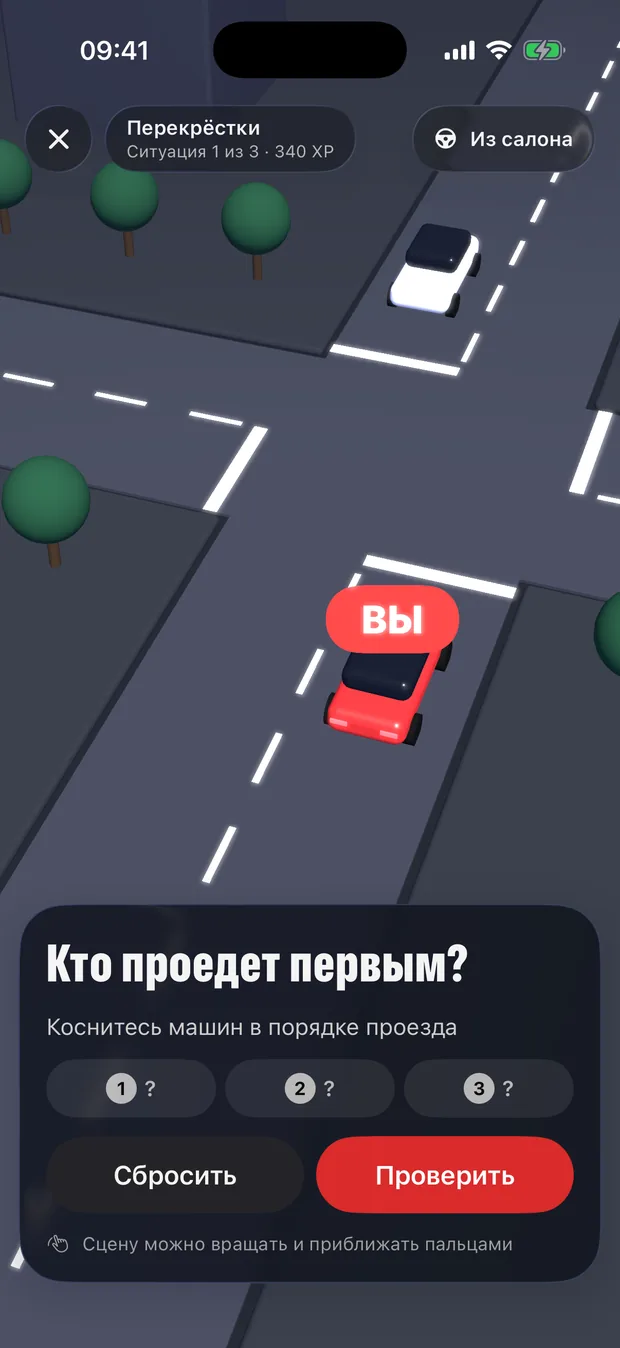
Instead of the pictures from the test papers — live junctions in 3D built with SceneKit: the scene rotates, cars drive in the chosen order, and the explanation cites the rule. Below are the same three situations from the prototype, redrawn for the web. Give it a try.
Who goes first?
Tap the cars in the order they pass
The lesson in real time
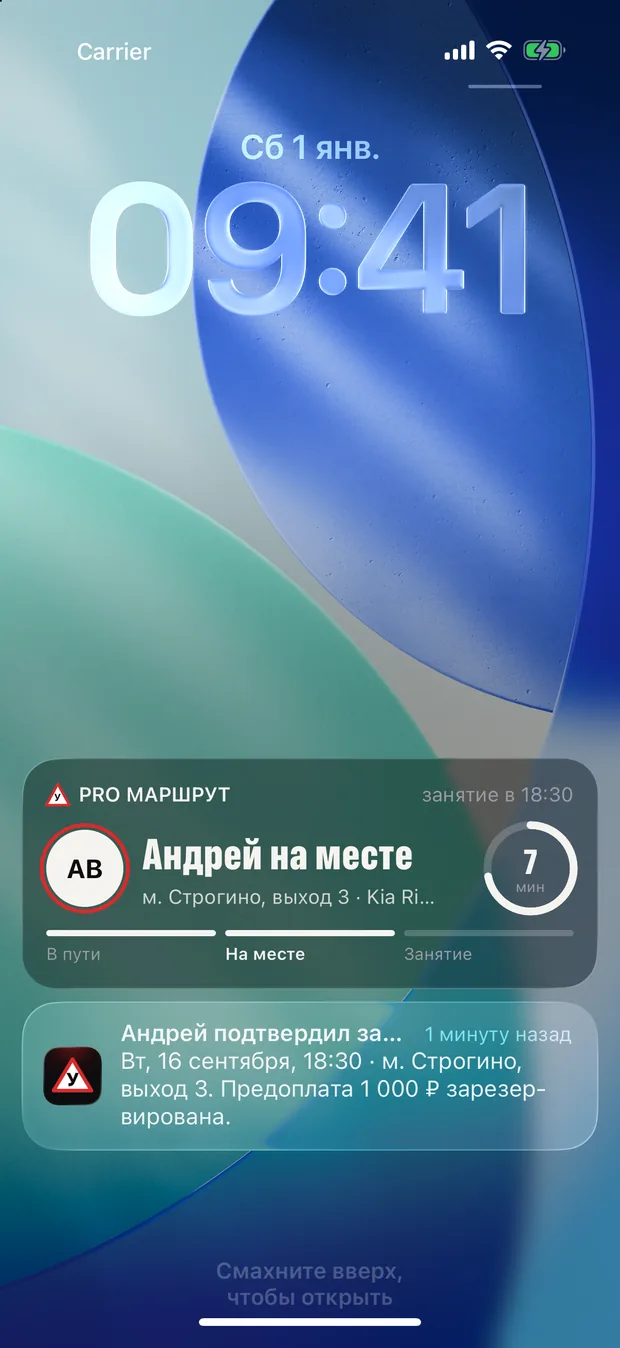
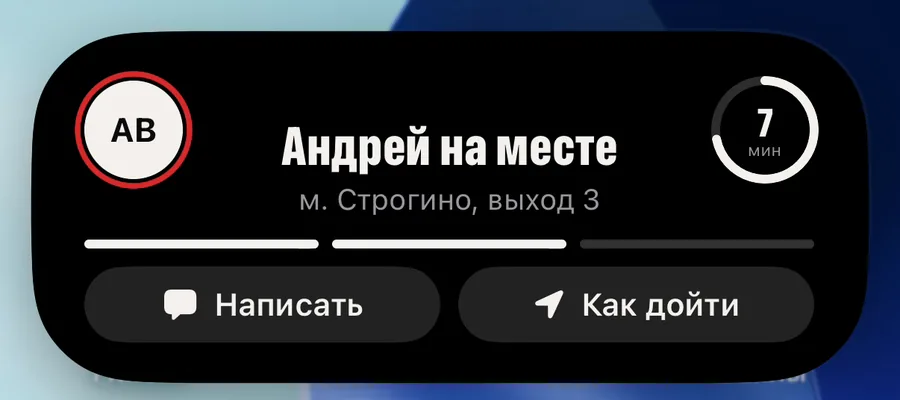
Your instructor is on the way — right on the Lock Screen
Live Activity and the Dynamic Island follow a lesson from the instructor setting off to the review: on the way, arrived, in progress, finished. Confirmations and reminders arrive as notifications, and widgets show the next lesson and the days left until the exam.
- On the way
- Arrived
- In progress
- Finished

Instructor
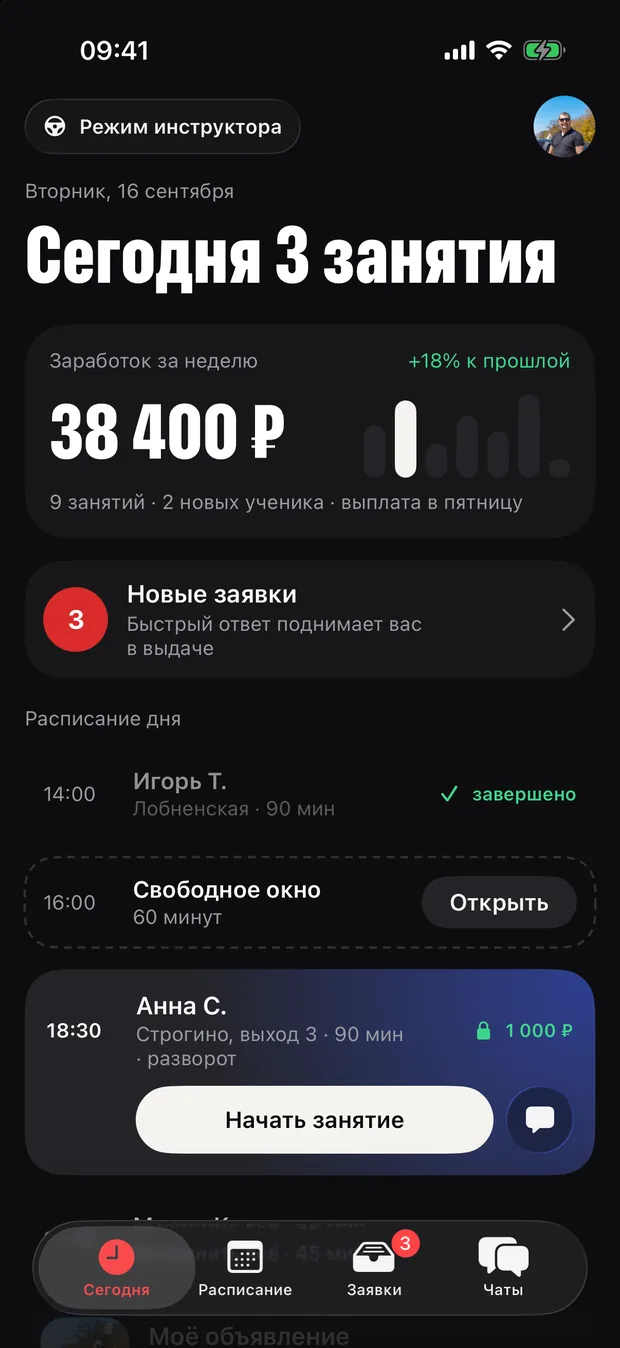
Instructor mode — an office in your pocket
The day’s lessons and earnings, new requests to answer within two hours, a schedule with free slots and a listing with video — instructors run their students without spreadsheets or phone calls.
Today
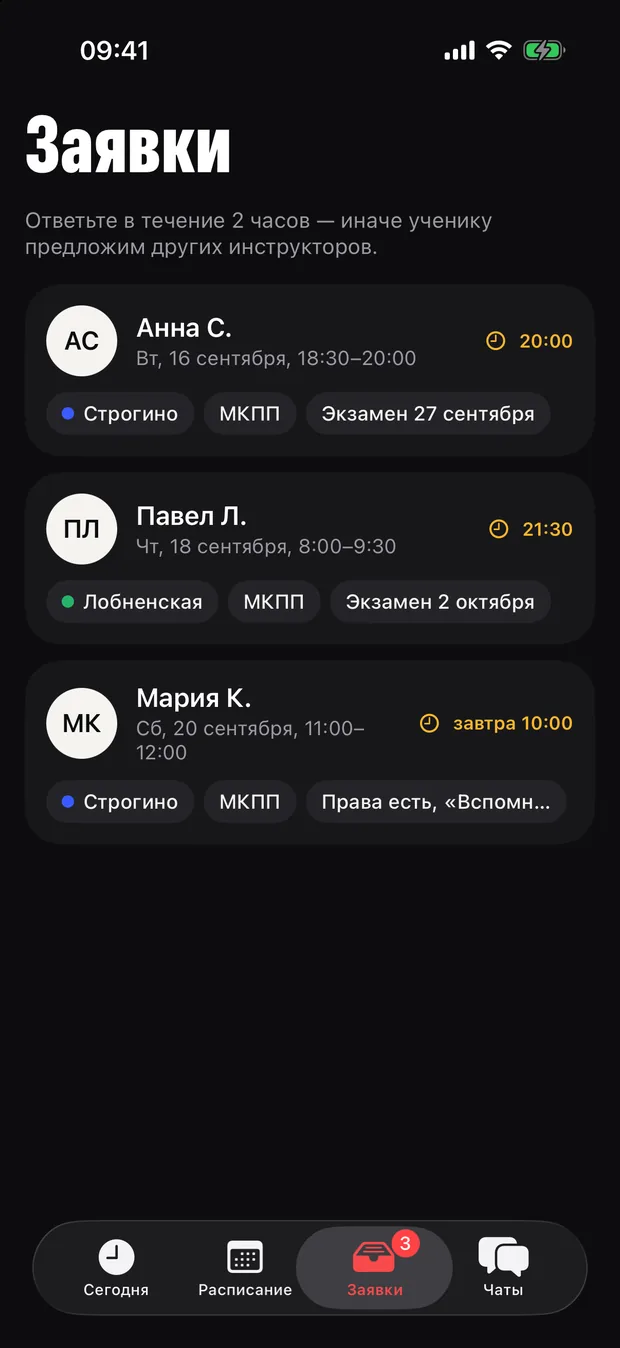
Requests
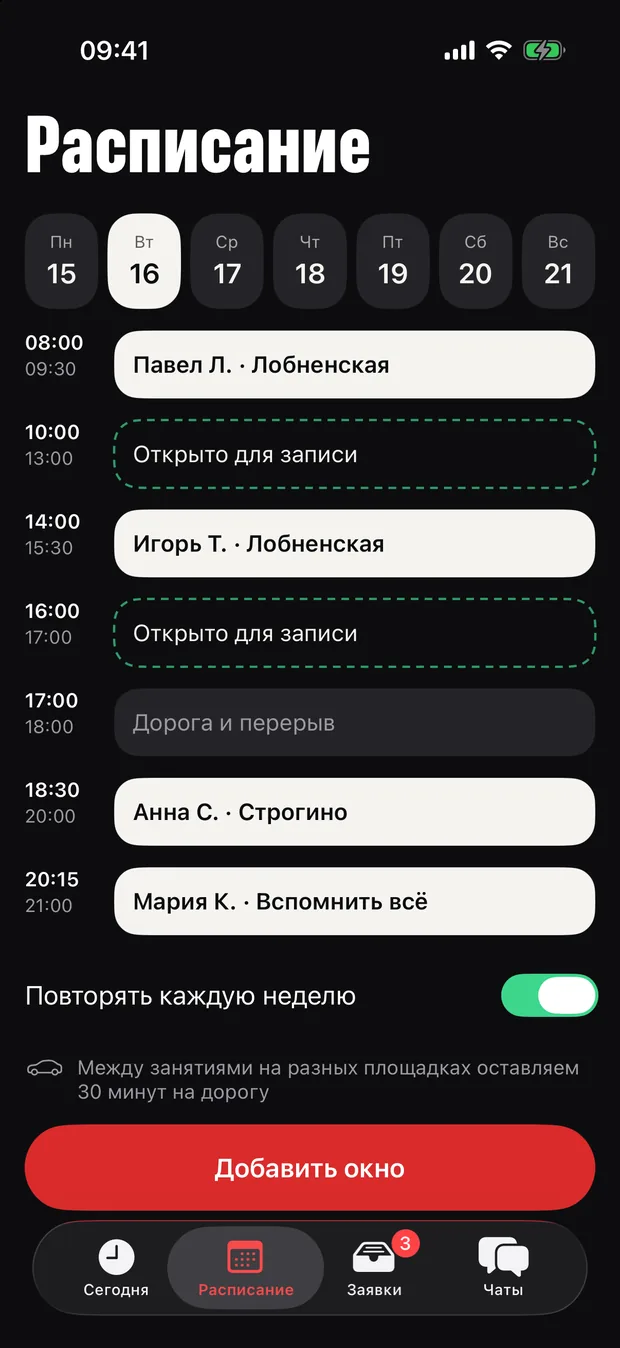
Schedule
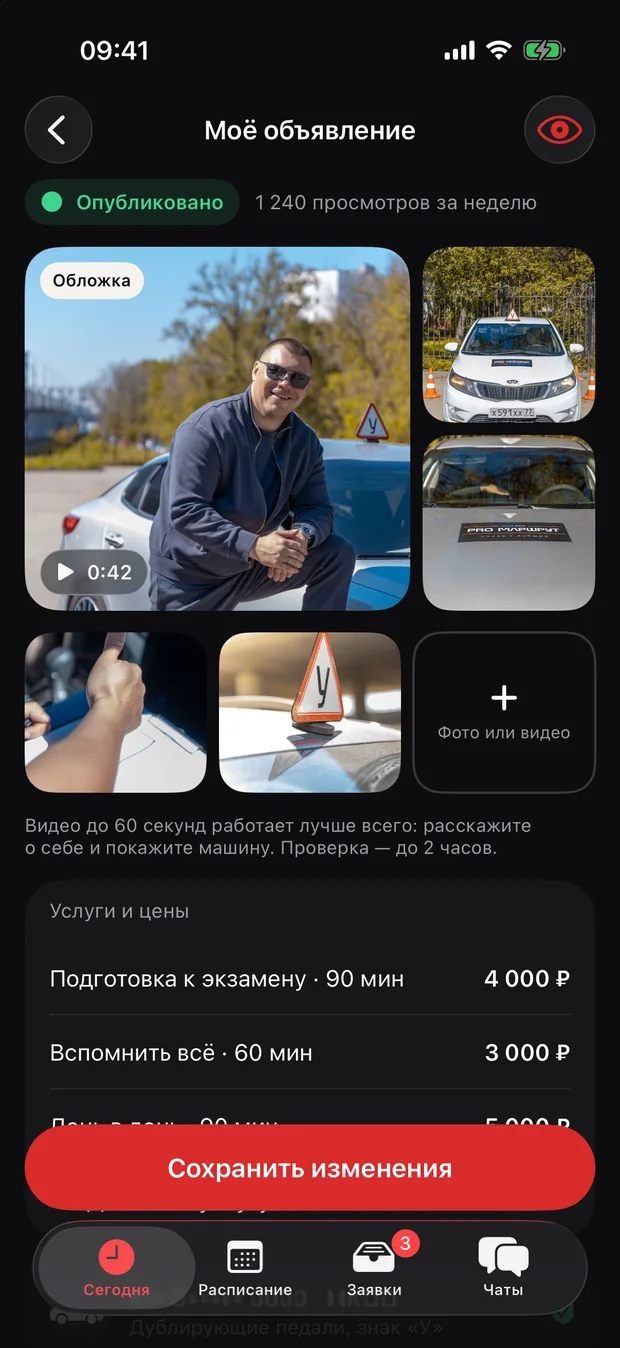
Listing
Design system
An evening scene lit by the exam grounds
The client’s references were the Drinkit and Secret Kitchen apps. Hence the dark scene where the instructor and the car become the heroes of the screen, iOS glass elements and coloured glows: each exam ground has its own light.
Palette
- Asphalt#0D0D0F
- Graphite#17171A
- Wet asphalt#242428
- Road marking#F5F4EF
- Fog#9A9AA2
- Signal#D92B2B
Exam ground light
Typefaces
Pass first time
Sofia Sans Extra Condensed 800 — headlines
Your instructor will meet you at Strogino metro 15 minutes before the lesson.
Onest — interface and text

What the product will never have
- Paid responses
- Emoji instead of icons
- Purple gradients
- Promises of a “guaranteed pass”
Spec and architecture
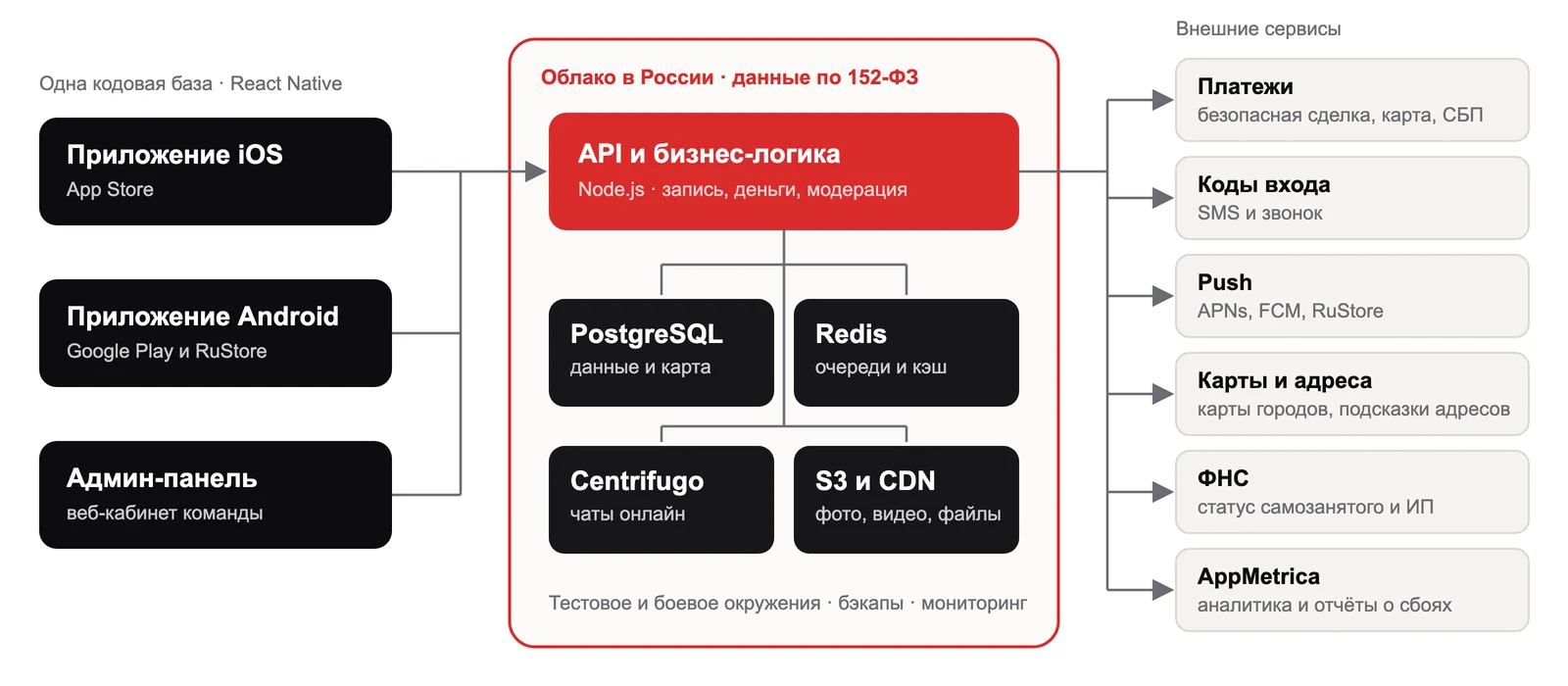
One codebase — three stores
For the production version we fixed the stack: React Native and Expo — one codebase for the App Store, Google Play and RuStore, a Node.js server, data in a Russian cloud under the 152-FZ data law. Sign-in by phone with a call-back code, payments through the bank’s form, maps on self-hosted tiles.
Outcome
What the client received
The concept and the spec for the first version are under review by the client.
- A marketplace concept and a market study
- A design system and a board of key screens
- An iPhone prototype — over 40 screens
- Traffic rules in 3D with SceneKit
- Live Activity, Dynamic Island and widgets
- A technical specification for version one